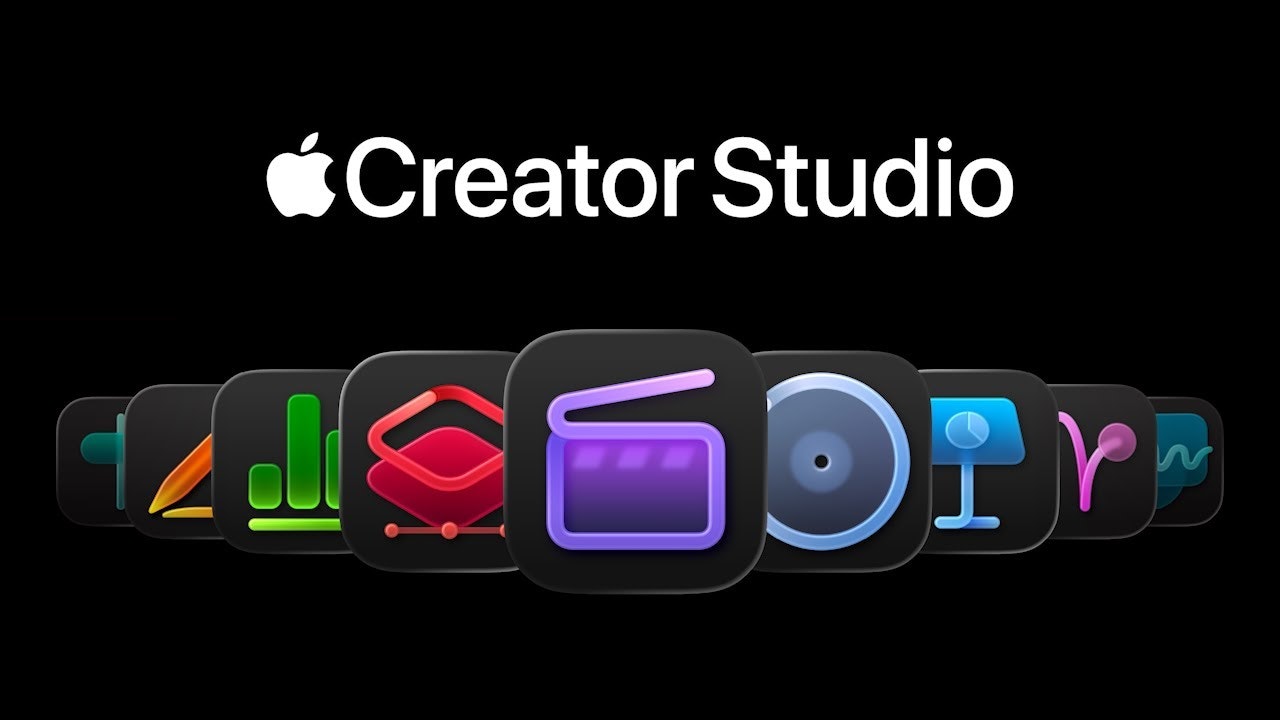
Apple Creator Studio: The Unified Powerhouse for Apple Ecosystem Creators
Powerful creativity apps and premium productivity features
Published: 2/9/2026
Product Overview: A Curated Suite for Digital Content Mastery
Apple Creator Studio positions itself not just as a bundle, but as the definitive, integrated toolkit for creatives operating within the Apple ecosystem. This offering combines some of Apple’s most respected and powerful creative applications—including industry standards like Final Cut Pro (video editing), Logic Pro (music production), and the versatile Pixelmator Pro (image editing)—alongside premium versions of their core productivity suite (Keynote, Pages, Numbers). The central promise of Apple Creator Studio is simplicity meeting uncompromising power, providing everything a modern creator, whether a professional or an ambitious hobbyist, needs under a single subscription umbrella.
The target audience is clear: dedicated Apple users who are serious about producing high-quality digital content, ranging from feature-length videos and studio-quality audio tracks to sophisticated graphic design and polished business presentations. Unlike fragmented subscription models where users juggle multiple payments for different tools, Apple Creator Studio aims to streamline this entire creative workflow, emphasizing seamless integration between apps, particularly leveraging upcoming AI enhancements built on Apple Intelligence.
Its core value proposition rests on delivering professional-grade performance backed by the optimization only native Apple software can provide, bundled with the added convenience of Family Sharing, allowing up to six users access to this extensive creative arsenal.
Problem & Solution: Bridging the Gap Between Pro Tools and Accessibility
The primary problem this product addresses is the complexity and cost associated with acquiring and maintaining access to top-tier creative software. Traditionally, professionals must license Final Cut Pro, Logic Pro, and premium image editors separately, leading to significant overhead and disparate update schedules. Furthermore, while individual apps are excellent, the workflow friction between them can slow down cross-discipline projects.
Apple Creator Studio solves this by consolidating these flagship applications into one subscription. It transforms a collection of high-cost, discrete software purchases into an accessible, unified service. By including productivity apps enhanced with AI features (presumably leveraging Apple Intelligence), it ensures that the transition from creation (video/audio) to communication (presentations/documents) is smoother than ever. It fills a market gap by offering a premium, integrated creative suite that is deeply optimized for macOS and iPadOS, something third-party alternatives often struggle to match in terms of performance synergy.
Key Features & Highlights: Integration and Future-Proofing
The strength of Apple Creator Studio lies in the caliber of the apps included. Users gain immediate access to:
- Final Cut Pro: Industry-leading, non-linear video editing, crucial for professional filmmaking and high-end content creation.
- Logic Pro: A robust digital audio workstation (DAW) capable of handling complex musical arrangements and mixing.
- Pixelmator Pro: A powerful, modern image editor that rivals established raster graphics software.
- Premium Productivity: Enhanced versions of Keynote, Pages, and Numbers, ensuring documents are as polished as the media they accompany.
A significant highlight is the integration of "AI features that build on Apple Intelligence." This suggests the Apple Creator Studio subscription is future-proofed, promising intelligent workflow boosts—perhaps in transcription, automated editing suggestions in Final Cut Pro, or smart layout assistance in Keynote—making complex tasks faster and more intuitive for the user. The Family Sharing option is also a major bonus, significantly boosting the perceived value for households or small teams who are all invested in the Apple ecosystem.
Potential Drawbacks & Areas for Improvement
While the collection is undeniably powerful, potential drawbacks center on the existing limitations of the included software ecosystems. For instance, while Final Cut Pro is excellent, it still lacks certain niche features preferred by specific segments of the film industry who rely exclusively on Adobe Premiere Pro or DaVinci Resolve. Similarly, Logic Pro, while fantastic for production, is less dominant in the live sound engineering space compared to Pro Tools.
For improvement, Apple should clearly articulate how the AI features enhance each specific application within the Apple Creator Studio subscription; vague promises of "building on Apple Intelligence" aren't enough for discerning professionals. Furthermore, while image editing is covered by Pixelmator Pro, many high-end digital artists still require the full Adobe Creative Cloud suite for specific plugin compatibility or advanced compositing features. Offering a path to integrate or bundle specialized third-party tools (even temporarily) could make this offering unbeatable. Clarity on the update cadence for these bundled apps versus individual purchases would also be beneficial for existing users.
Bottom Line & Recommendation
Apple Creator Studio is an exceptionally compelling offering for anyone deeply embedded in the Apple ecosystem who values performance, integration, and professional-grade tools. If your creative output spans video, music, or sophisticated document creation, and you are tired of managing multiple software subscriptions, this bundle offers unparalleled consolidation and value, especially when factoring in the Family Sharing benefit.
I highly recommend Apple Creator Studio to students, independent filmmakers, serious YouTubers, music producers, and small business owners who want the absolute best native performance Apple can offer without the prohibitive individual licensing costs. It’s the essential creative subscription for the modern Apple professional.
Featured AI Applications
Discover powerful tools to enhance your productivity
MindMax
New Way to Interact with AI
Beyond AI chat, transforming conversations into an infinite canvas. Combining brainstorming, mind mapping, critical and creative thinking tools to help you visualize ideas, solve problems efficiently, and accelerate learning.
AI Slides
AI Slides with Markdown
Revolutionary slide creation fusing AI intelligence with Markdown flexibility - edit anywhere, optimize anytime, iterate easily. Turn every idea into a professional presentation instantly.
AI Markdown Editor
Write Immediately
Extremely efficient writing experience: AI assistant, slash commands, minimalist interface. Open and write, easy writing. ✍️ Markdown simplicity + 🤖 AI power + ⚡ Slash commands = Perfect writing experience.
Chrome AI Extension
AI Assistant Anywhere
Transform your browsing experience with FunBlocks AI Assistant. Your intelligent companion supporting AI-driven reading, writing, brainstorming, and critical thinking across the web.