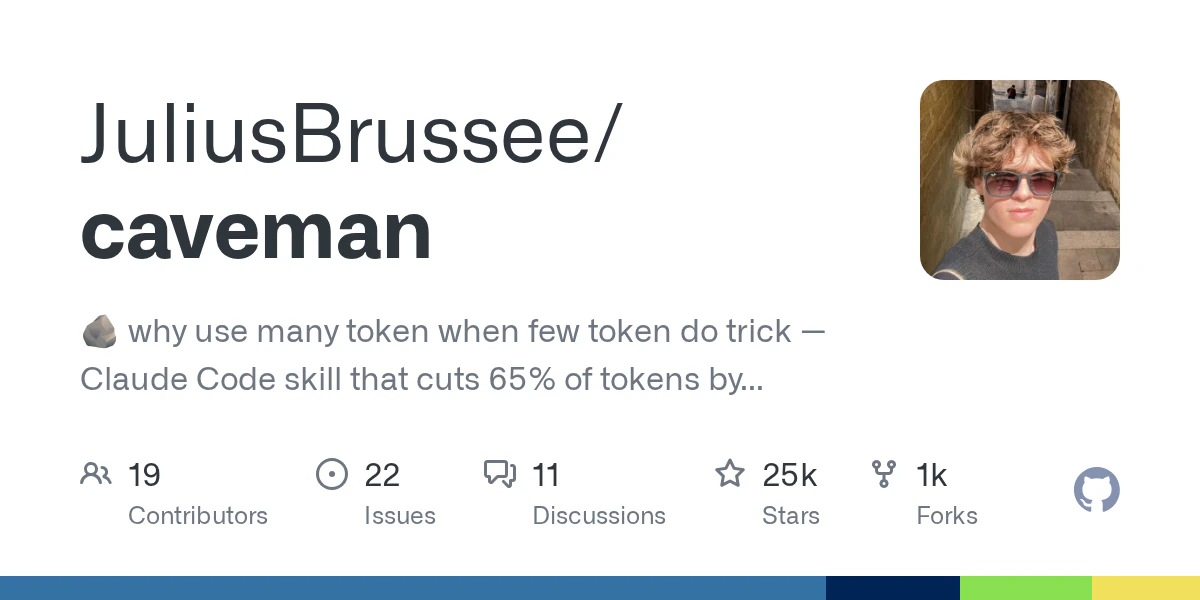
Caveman: The Essential Tool to Slash LLM Costs and Token Bloat
Why use so many token when few do trick?
Published: 4/14/2026
In the rapidly evolving world of AI-assisted development, token efficiency has become a critical bottleneck. As developers integrate advanced models like Claude into their daily workflows via tools like Cursor, Windsurf, and GitHub Copilot, the cost of "verbosity"—AI's tendency to explain, over-format, and provide unnecessary pleasantries—can add up quickly. Enter Caveman, a specialized utility designed to strip away the fluff and deliver only the raw, actionable data you need.
Caveman positions itself as an optimization layer for your favorite AI coding assistants. By focusing on token reduction, it allows developers to maintain high-quality coding performance while significantly lowering usage costs. Whether you are an individual developer managing personal projects or part of an engineering team scaling AI operations, Caveman offers a pragmatic way to optimize your LLM interactions.
The Problem: AI Verbosity vs. Developer Efficiency
Modern LLMs are inherently conversational and polite, which, while helpful for casual queries, is detrimental when you are knee-deep in a codebase. The "talkative" nature of AI results in inflated token usage, which translates into slower response times and higher API bills.
Caveman solves this by acting as a high-performance filter between your input and the model's output. It addresses the market gap for "terse" AI interactions, where precision is prioritized over prose. By enforcing a minimalist communication style, Caveman bridges the gap between sophisticated reasoning and the need for rapid, concise technical execution.
Key Features and Highlights
Caveman is built for speed and integration, boasting a simple one-line installation process that works seamlessly with popular developer environments. Its core features include:
- Significant Token Reduction: Caveman claims to slash Claude’s output tokens by approximately 75% without sacrificing technical accuracy or code quality.
- Multi-Platform Compatibility: Whether you are using Claude Code, Cursor, Windsurf, or GitHub Copilot, Caveman integrates directly into your existing setup.
- Granular Grunt Levels: Users can choose from four different levels of "grunt" (terse-ness), allowing you to customize just how much (or how little) the AI explains itself.
- Specialized Workflow Tools: It features optimized presets for terse commit messages and one-line PR reviews, streamlining the most tedious parts of software maintenance.
- Input Compression: By optimizing what is sent to the model, Caveman ensures that you aren't just saving on output—you are maximizing your context window efficiency from the start.
Potential Drawbacks and Areas for Improvement
While Caveman is an ingenious solution for cost-conscious developers, it is not without its limitations. The "terse" approach can sometimes lead to a lack of context for complex refactoring tasks, where a bit of explanation from the AI is actually beneficial for maintaining architectural understanding.
Additionally, while the setup is straightforward, users may find the "grunt levels" require a bit of trial and error to find the sweet spot between "functional code" and "lack of guidance." A future enhancement could include a dynamic mode that automatically adjusts the level of terseness based on the complexity of the request or the specific file type being edited.
Bottom Line and Recommendation
Caveman is an absolute "must-try" for any developer who relies on Claude or similar LLMs for daily coding tasks. If you have been feeling the financial pinch of high API usage or are frustrated by the AI’s habit of providing verbose explanations for simple tasks, this tool offers an immediate, high-impact ROI.
By forcing the AI to "keep it simple," Caveman not only saves you money but also improves your developer experience by providing faster, more direct outputs. For teams scaling their AI-assisted development, adopting Caveman is a smart, low-friction way to optimize operations without changing your actual coding workflow. Highly recommended for those who value speed and efficiency above all else.
Featured AI Applications
Discover powerful tools to enhance your productivity
MindMax
New Way to Interact with AI
Beyond AI chat, transforming conversations into an infinite canvas. Combining brainstorming, mind mapping, critical and creative thinking tools to help you visualize ideas, solve problems efficiently, and accelerate learning.
AI Slides
AI Slides with Markdown
Revolutionary slide creation fusing AI intelligence with Markdown flexibility - edit anywhere, optimize anytime, iterate easily. Turn every idea into a professional presentation instantly.
AI Markdown Editor
Write Immediately
Extremely efficient writing experience: AI assistant, slash commands, minimalist interface. Open and write, easy writing. ✍️ Markdown simplicity + 🤖 AI power + ⚡ Slash commands = Perfect writing experience.
Chrome AI Extension
AI Assistant Anywhere
Transform your browsing experience with FunBlocks AI Assistant. Your intelligent companion supporting AI-driven reading, writing, brainstorming, and critical thinking across the web.