Clicky Review: The AI Co-pilot That Lives Where You Work
AI buddy next to your cursor on Mac—sees, guides, helps you!
Published: 4/11/2026
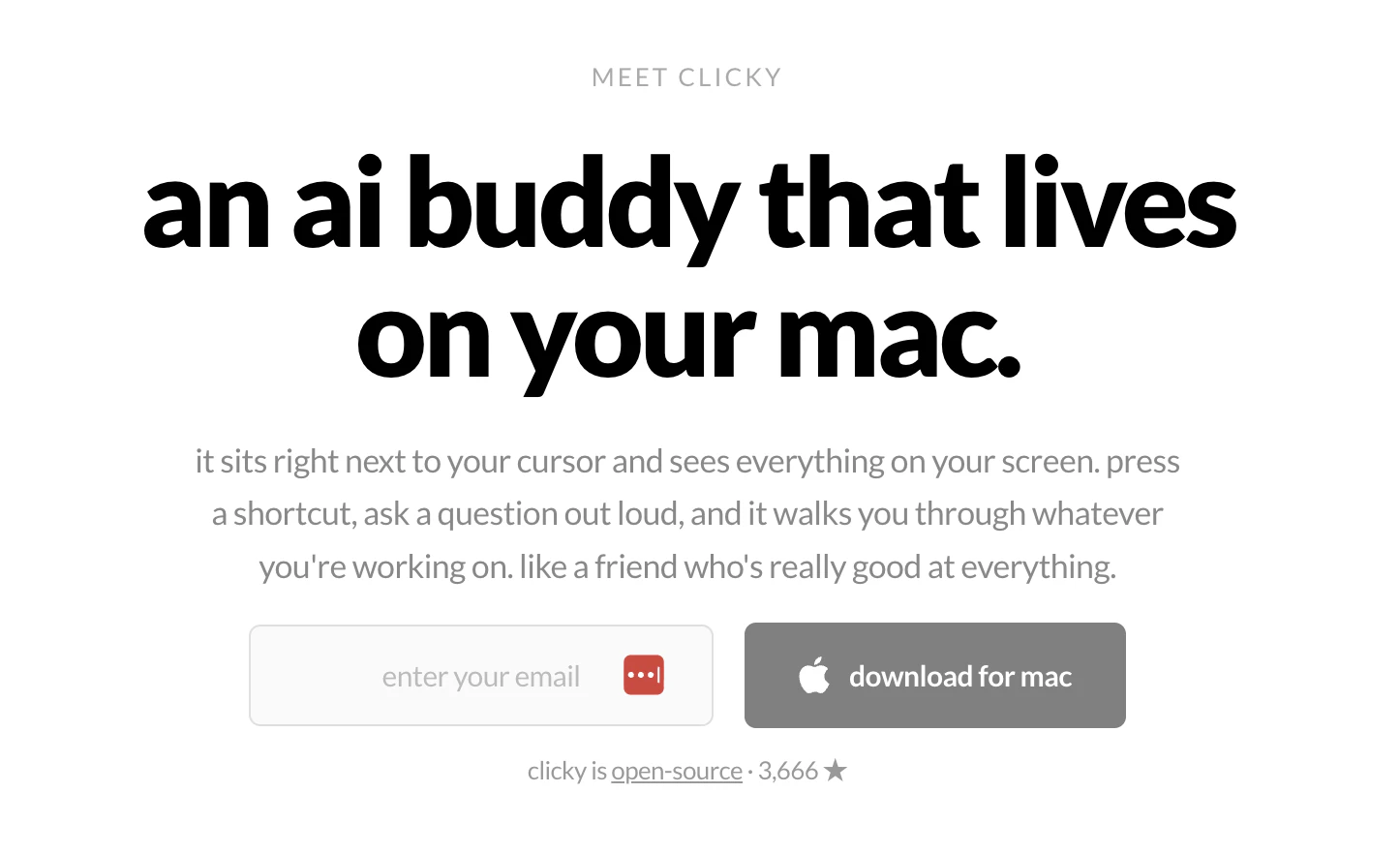
In the crowded landscape of AI productivity tools, most solutions force you to context-switch—moving from your workspace to a browser tab or a dedicated chat app. Clicky takes a radically different approach by meeting you exactly where you are. As a macOS AI buddy that anchors itself right next to your cursor, Clicky is designed to be the ultimate digital companion for creators, developers, and power users who need real-time assistance without breaking their flow.
At its core, Clicky is a context-aware AI assistant that "sees" your screen and "listens" to your voice. By leveraging high-end models like Claude for intelligence, AssemblyAI for transcription, and ElevenLabs for natural-sounding voice feedback, it acts as a mentor that walks you through complex software tasks. Whether you are navigating the intricacies of Figma, color-grading in DaVinci Resolve, or debugging a tricky block of code, Clicky provides step-by-step guidance as if a skilled professional were sitting right next to you.
Solving the Context-Switching Problem
The biggest friction point in modern computing is the "Alt-Tab tax." When you get stuck on a tool-specific task, you have to leave your window, search for a tutorial, read through documentation, and then mentally reconstruct what you were doing. Clicky eliminates this by operating in the overlay layer of your desktop.
By observing your screen, Clicky fills a significant gap in the market: it isn't just an LLM in a box; it’s an interactive layer that understands your visual environment. This turns the typical "prompt-response" interaction into a collaborative "show-and-tell" session, making it an invaluable asset for anyone working in highly specialized or complex software environments.
Key Features & Highlights
Clicky is packed with capabilities that prioritize efficiency and user experience. Its architecture is built for performance, ensuring it runs smoothly on both Apple Silicon and Intel-based Macs. Some of the most notable highlights include:
- Context-Aware Visual Processing: Clicky doesn't just read text; it interprets your UI elements, allowing for much more accurate guidance in design and creative apps.
- Hands-Free Interaction: With robust voice recognition, you can ask for help while keeping your hands on your mouse and keyboard, maintaining your creative momentum.
- Open-Source Philosophy: Transparency is a core value here, which is a massive win for users concerned about data privacy and the integrity of their AI tools.
- Non-Intrusive Design: By living next to the cursor, it stays out of your peripheral vision until you actually need it, keeping your workspace clutter-free.
Potential Drawbacks & Areas for Improvement
While the innovation is impressive, Clicky is still a maturing product. Because it relies on screen-capture technology to "see" your work, users with privacy concerns or highly sensitive corporate environments might hesitate to deploy it. A future feature allowing for "Local-Only" visual processing or specific window-masking would be a massive upgrade for enterprise adoption.
Additionally, while it excels at walkthroughs, Clicky could benefit from a deeper library of "skill packs." If the community could contribute specific guidance sequences for niche software beyond the standard Figma/Code/DaVinci set, Clicky could evolve from a general AI helper into a specialized expert for every vertical imaginable.
Bottom Line & Recommendation
Clicky is a must-try for Mac users who are tired of toggling between their work and their browser for help. If you frequently find yourself struggling with complex professional software or just want an AI partner that understands the nuance of your workflow, Clicky is an incredible, free, and open-source addition to your toolkit. It successfully bridges the gap between static tutorials and human mentors, and its presence as a persistent cursor-side companion is a glimpse into the future of intuitive computing. Whether you’re a developer or a digital artist, Clicky provides the real-time support necessary to stay in the zone and ship faster.
Featured AI Applications
Discover powerful tools to enhance your productivity
MindMax
New Way to Interact with AI
Beyond AI chat, transforming conversations into an infinite canvas. Combining brainstorming, mind mapping, critical and creative thinking tools to help you visualize ideas, solve problems efficiently, and accelerate learning.
AI Slides
AI Slides with Markdown
Revolutionary slide creation fusing AI intelligence with Markdown flexibility - edit anywhere, optimize anytime, iterate easily. Turn every idea into a professional presentation instantly.
AI Markdown Editor
Write Immediately
Extremely efficient writing experience: AI assistant, slash commands, minimalist interface. Open and write, easy writing. ✍️ Markdown simplicity + 🤖 AI power + ⚡ Slash commands = Perfect writing experience.
Chrome AI Extension
AI Assistant Anywhere
Transform your browsing experience with FunBlocks AI Assistant. Your intelligent companion supporting AI-driven reading, writing, brainstorming, and critical thinking across the web.