EditWithAva Review: Is This the Future of AI-Powered Video Editing?
your AI assistant video editor
Published: 2/12/2026
Product Overview: Meeting the AI Video Editing Assistant
EditWithAva is positioning itself as a groundbreaking tool in the saturated video editing landscape, claiming the title of the world’s first true AI assistant video editor. Unlike template-based or simple clip-splicing applications, Ava aims to understand the semantic content of your raw footage to transform disparate clips into polished, publish-ready videos based purely on your creative direction.
This tool is squarely aimed at content creators, marketing teams, social media managers, and busy professionals who need to produce high-quality video content rapidly without deep technical proficiency in complex Non-Linear Editors (NLEs). The core value proposition of EditWithAva is speed combined with creative adherence. Instead of spending hours manually scrubbing through hours of footage to find the perfect cut, Ava handles the heavy lifting—scene selection, retake elimination, and assembly—allowing the user to focus solely on the narrative and aesthetic direction.
Problem & Solution: Solving the Content Velocity Crisis
The fundamental problem addressed by EditWithAva is the massive time sink associated with the post-production phase of video creation. For anyone generating regular video content (think daily TikToks, weekly YouTube videos, or constant corporate updates), the gap between capturing footage and delivering the final asset is often too wide. Traditional editing is laborious, requiring meticulous synchronization, decision-making about which takes to keep, and manual placement of supporting assets like B-roll and captions.
Ava solves this by acting as an intelligent first-pass editor. By semantically understanding what is happening in the video—recognizing speakers, identifying action, and grasping context—it automates the tedious selection process. It’s not just trimming; it’s curating. This fills a significant market gap between basic automated video generators and professional software like Adobe Premiere Pro, offering a middle ground focused on speed while respecting creative nuance.
Key Features & Highlights: Intelligence Under the Hood
The most compelling aspect of EditWithAva is its deep integration of artificial intelligence to handle complex editing tasks previously reserved for human editors. The system promises an editor that doesn't just follow commands but anticipates creative needs.
Key capabilities highlighted by the product include:
- Semantic Footage Understanding: Ava analyzes the content of the video (speech, objects, context) rather than just timecodes, leading to smarter automated scene selection.
- Automated Retake Cutting: This feature alone could save hours, instantly removing false starts, stutters, and unusable takes identified through AI analysis.
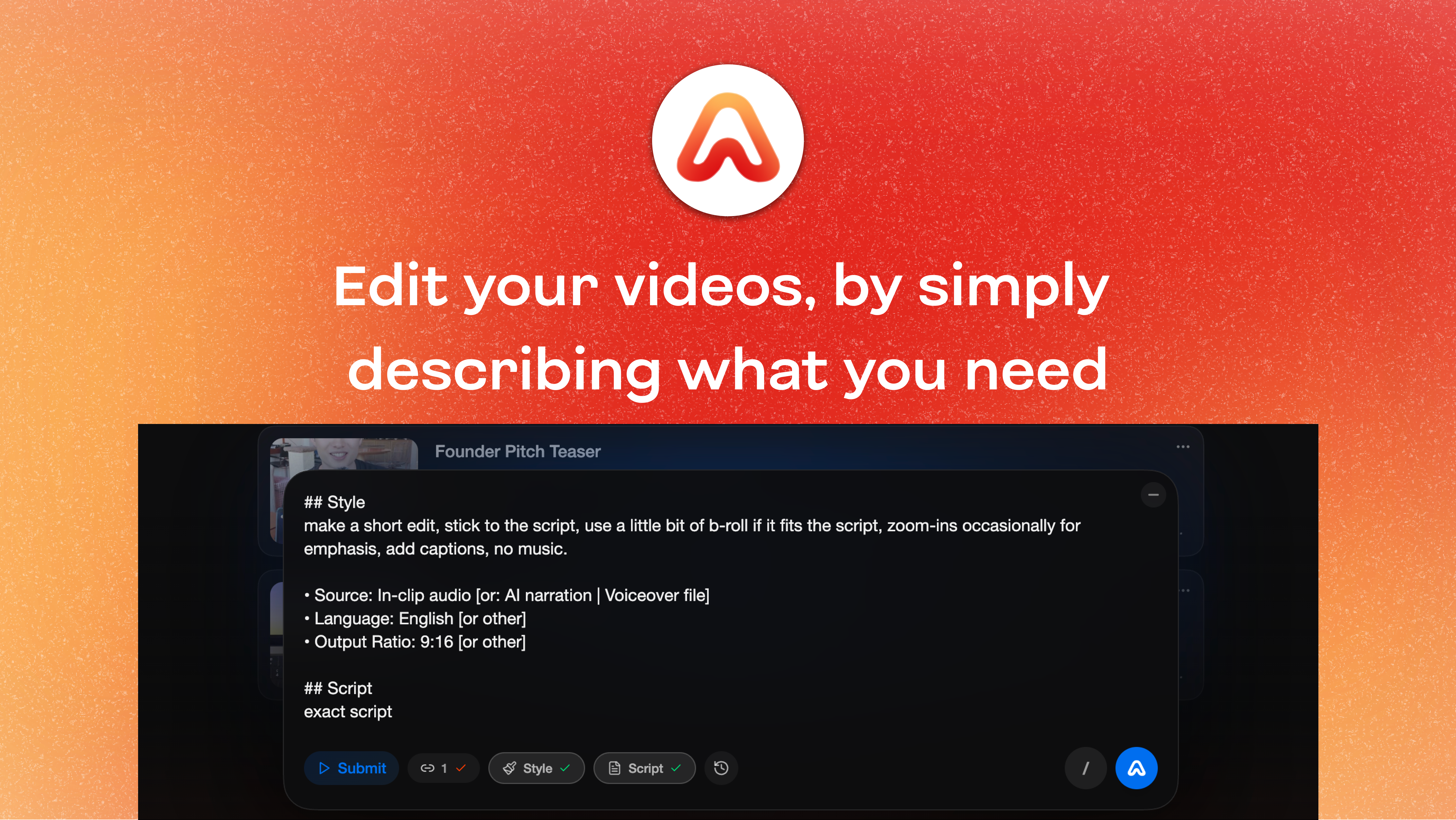
- Intent-Based Assembly: Users can direct the edit through natural language or creative prompts, instructing Ava to integrate specific elements like B-roll overlay, polished captions, and professional voiceovers exactly where they need to go.
The user experience appears focused on guiding the AI rather than manual manipulation. If the AI can accurately translate "Use this clip for the introduction, cut out every time the speaker hesitates, and place the transition graphics exactly 2 seconds after the key phrase," then EditWithAva delivers unparalleled efficiency.
Potential Drawbacks & Areas for Improvement
While the promise of an AI assistant editor is exciting, potential users must consider the inevitable limitations of current-generation AI in creative fields. The "creative intent" aspect will be the highest hurdle for EditWithAva to clear consistently.
Constructive criticism leans toward ensuring granular control remains accessible. If the initial AI assembly is 90% perfect, users still need a fast, intuitive way to fine-tune the final 10%. We would like to see clearer pathways for:
- Advanced Transition Control: Can users dictate specific transition types (wipes, fades, J-cuts) or is it limited to Ava’s default smart transitions?
- Audio Ducking & Mixing: Ensuring the AI handles complex voiceover/music mixing without sounding amateurish will be crucial for professional outputs.
- Style Presets: Offering the ability to save specific "looks" or editing paces for different platforms (e.g., one style for LinkedIn, another for YouTube Shorts) would significantly enhance workflow adaptability.
The success of EditWithAva hinges on how robustly it handles edge cases where semantic understanding might misinterpret creative emphasis.
Bottom Line & Recommendation
EditWithAva represents a significant leap forward in making high-quality video production accessible and fast. If your primary bottleneck in content creation is the sheer manual labor involved in cutting, splicing, and assembling raw footage, this AI assistant editor is a mandatory trial.
It is strongly recommended for high-volume content creators, digital marketers managing multiple campaigns, and internal corporate communications teams who value speed and consistency. While advanced professional editors might still prefer the granular control of legacy software for high-stakes projects, for turning raw ideas into publish-ready videos quickly, EditWithAva is poised to become an indispensable piece of the modern creator stack. Give this tool a shot, and prepare to reclaim hours in your production schedule.
Featured AI Applications
Discover powerful tools to enhance your productivity
MindMax
New Way to Interact with AI
Beyond AI chat, transforming conversations into an infinite canvas. Combining brainstorming, mind mapping, critical and creative thinking tools to help you visualize ideas, solve problems efficiently, and accelerate learning.
AI Slides
AI Slides with Markdown
Revolutionary slide creation fusing AI intelligence with Markdown flexibility - edit anywhere, optimize anytime, iterate easily. Turn every idea into a professional presentation instantly.
AI Markdown Editor
Write Immediately
Extremely efficient writing experience: AI assistant, slash commands, minimalist interface. Open and write, easy writing. ✍️ Markdown simplicity + 🤖 AI power + ⚡ Slash commands = Perfect writing experience.
Chrome AI Extension
AI Assistant Anywhere
Transform your browsing experience with FunBlocks AI Assistant. Your intelligent companion supporting AI-driven reading, writing, brainstorming, and critical thinking across the web.