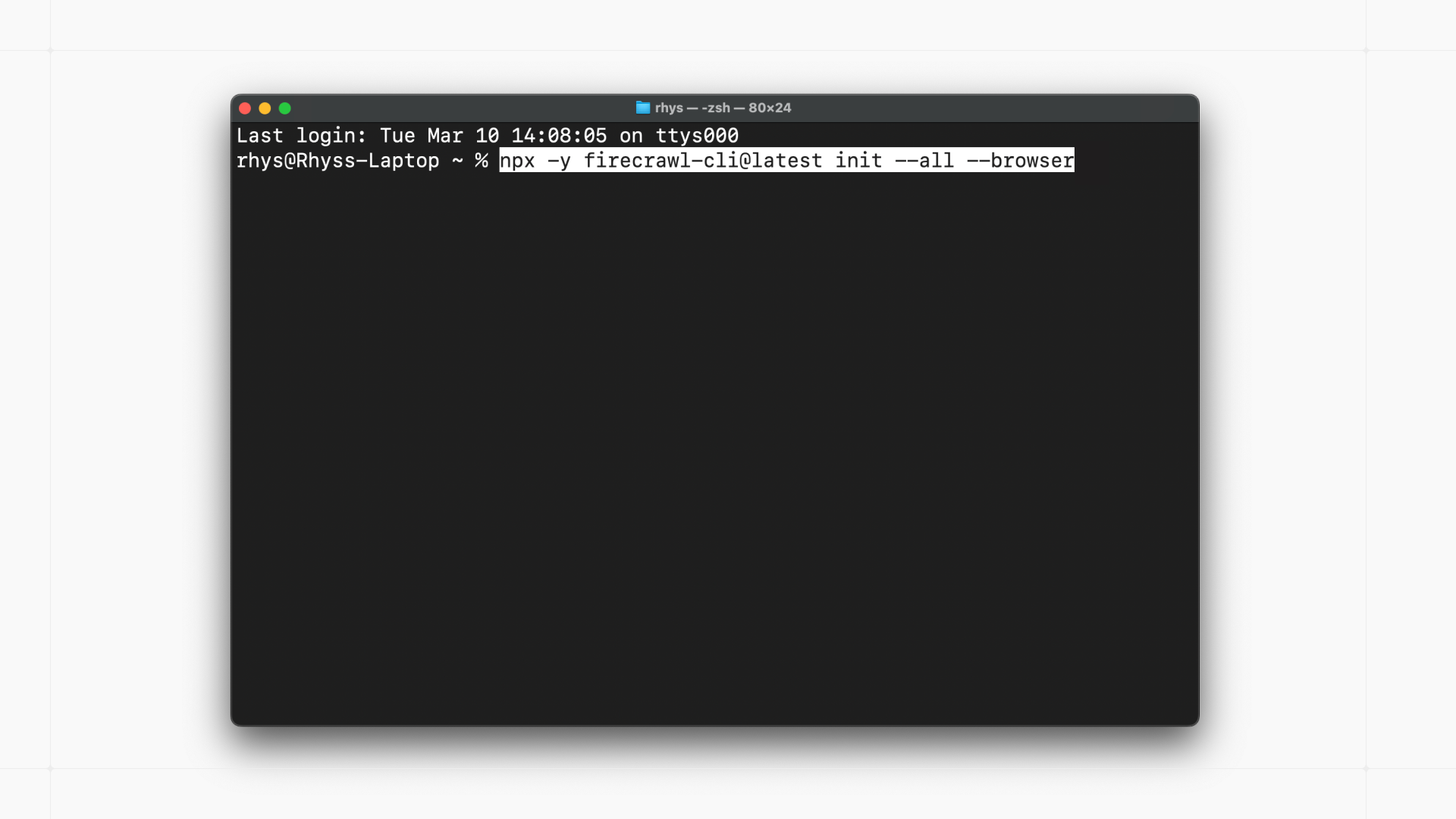
Firecrawl CLI Review: The Essential Web Data Toolkit for Next-Generation AI Agents
The complete web data toolkit for AI agents
Published: 3/11/2026
Product Overview
Firecrawl CLI is positioning itself as the definitive command-line interface solution for developers and AI engineers who require robust, clean, and efficient web data extraction. In an ecosystem increasingly reliant on Large Language Models (LLMs) needing real-time, accurate context, obtaining high-quality source material is paramount. Firecrawl CLI offers a unified toolkit designed specifically to bridge the gap between the raw, messy internet and the structured input required by sophisticated AI agents. It handles the entire workflow—scraping, searching, and browsing—under one streamlined interface.
This utility is squarely aimed at AI developers, prompt engineers, and data science teams building advanced applications like RAG (Retrieval-Augmented Generation) systems, autonomous AI agents, or intelligent crawlers. Its core value proposition revolves around delivering maximum token efficiency and superior data reliability, solving the common pain point where ingested web data is often polluted, incomplete, or overly verbose for token-sensitive LLM contexts.
Problem & Solution: Reimagining Web Context Gathering
The fundamental problem Firecrawl CLI tackles is the inherent unreliability and inefficiency of current web scraping methods when feeding data into modern AI models. Many existing tools either produce overly noisy HTML, struggle with modern JavaScript-heavy websites, or require complex integration steps. When feeding this data to an LLM like Claude or GPT, developers face ballooning token costs and decreased accuracy due to irrelevant context.
Firecrawl CLI solves this by offering a highly optimized extraction engine. The description proudly boasts greater than 80% coverage compared to native Claude Code fetch, suggesting a significant leap in reliability for obtaining the necessary data chunks. By focusing on delivering clean, structured output, Firecrawl CLI minimizes the "fluff" around the core content, ensuring that AI agents receive only the most pertinent information, thus drastically improving inference quality and managing operational costs associated with large context windows.
Key Features & Highlights
The strength of the Firecrawl CLI lies in its focus on performance and utility for machine consumption. While the specific commands are not listed, the functionality areas promise a comprehensive solution:
- Unified Web Toolkit: Seamlessly switching between targeted scraping (pulling specific page content), intelligent search (likely indexing or summarizing results from queries), and controlled browsing (handling navigation or dynamic sites).
- Token Efficiency Focus: This is a major selling point for cost-conscious AI projects. By cleaning data aggressively, Firecrawl ensures that every token used in the LLM context window works harder.
- High Reliability for AI Agents: The claim of outperforming native fetches indicates robust handling of complex web structures and potentially better anti-bot circumvention (though this is speculative), ensuring the agent always has the data it needs to proceed.
- CLI Native Design: Being a command-line tool makes it perfectly suited for integration into automated CI/CD pipelines, backend services, and agent execution loops where graphical interfaces are impractical.
The user experience for a developer will likely center around quick invocation and predictable JSON or Markdown output, making it easy to pipe results directly into subsequent processing steps for vector embedding or direct LLM prompting.
Potential Drawbacks & Areas for Improvement
As a specialized CLI tool focused heavily on efficiency for AI consumption, Firecrawl CLI might present limitations for users outside this specific niche.
One potential drawback is the learning curve associated with command-line utilities, especially for data scientists less familiar with terminal workflows compared to Python libraries. While powerful, developers might crave a lightweight SDK (Python or Node.js wrapper) alongside the CLI for more intricate, script-based integrations that require more granular control than a direct command invocation allows.
Furthermore, while coverage is high, the definition of "clean, reliable data" needs to be robust across highly dynamic, single-page applications (SPAs). Future enhancements could include more explicit configuration for headless browser control (e.g., managing specific wait times or handling modal pop-ups) that might occasionally trip up automated scraping processes, even highly optimized ones. Transparency around compliance and ethical scraping defaults would also build user trust.
Bottom Line & Recommendation
Firecrawl CLI appears to be a critically important utility for the burgeoning field of autonomous AI agents and advanced RAG systems. If your primary goal is to feed reliable, high-signal, low-noise web context directly into your Large Language Model pipeline, this tool is an essential addition to your developer toolkit.
For AI engineers struggling with token bloat or inconsistent data quality from standard scrapers, Firecrawl CLI is highly recommended. It seems poised to become the standard "data acquisition layer" for serious, production-grade LLM applications requiring current, accurate web information. Check it out to significantly enhance the intelligence and efficiency of your next AI project.
Featured AI Applications
Discover powerful tools to enhance your productivity
MindMax
New Way to Interact with AI
Beyond AI chat, transforming conversations into an infinite canvas. Combining brainstorming, mind mapping, critical and creative thinking tools to help you visualize ideas, solve problems efficiently, and accelerate learning.
AI Slides
AI Slides with Markdown
Revolutionary slide creation fusing AI intelligence with Markdown flexibility - edit anywhere, optimize anytime, iterate easily. Turn every idea into a professional presentation instantly.
AI Markdown Editor
Write Immediately
Extremely efficient writing experience: AI assistant, slash commands, minimalist interface. Open and write, easy writing. ✍️ Markdown simplicity + 🤖 AI power + ⚡ Slash commands = Perfect writing experience.
Chrome AI Extension
AI Assistant Anywhere
Transform your browsing experience with FunBlocks AI Assistant. Your intelligent companion supporting AI-driven reading, writing, brainstorming, and critical thinking across the web.