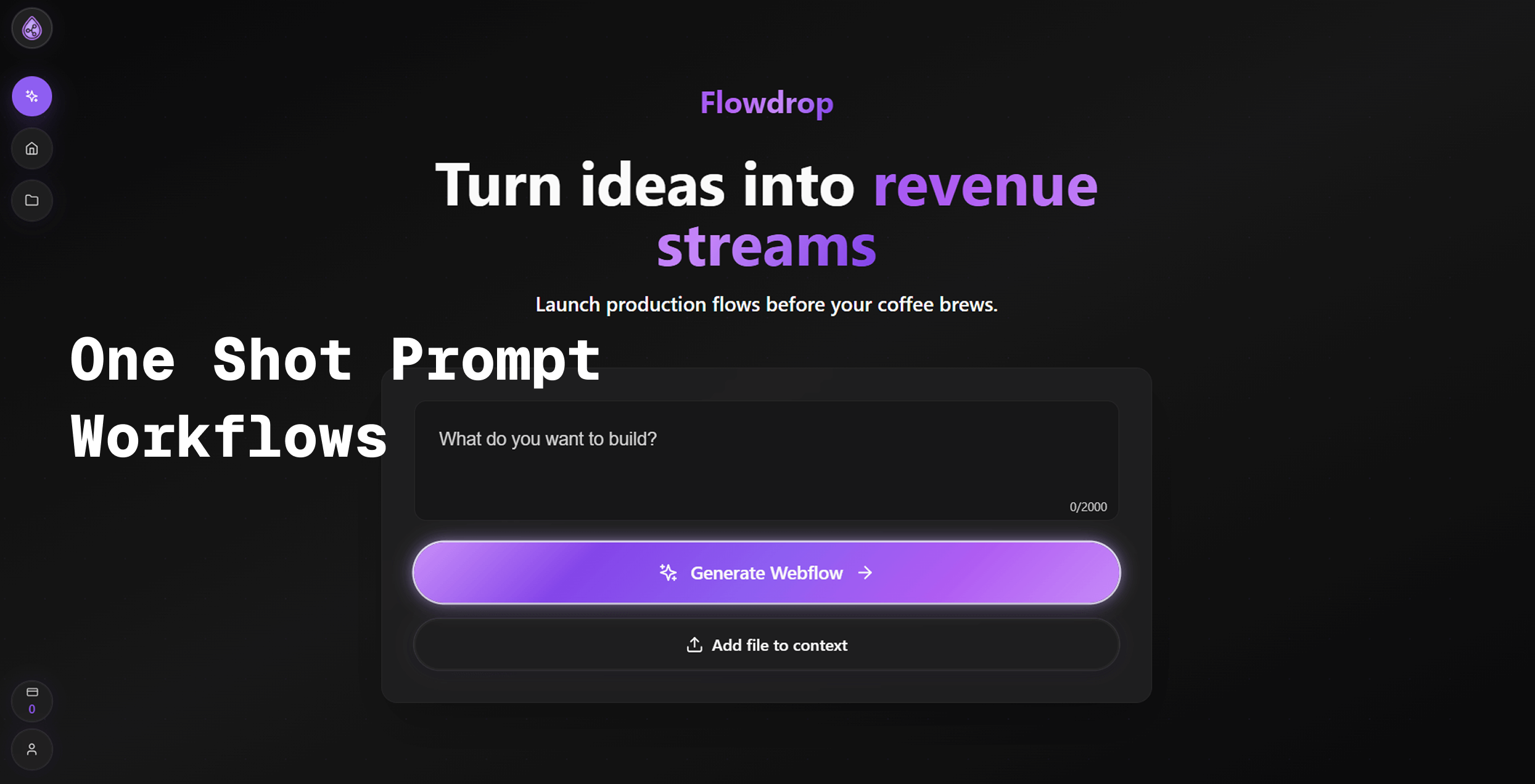
Flowdrop V1.1 Review: The AI Workflow Builder That Speaks Your Language
Turn plain English into working automations & workflows
Published: 12/22/2025
Product Overview: Chatting Your Way to Automation Power
Flowdrop V1.1 is making a bold statement in the crowded no-code automation space: Turn plain English into working automations & workflows. This platform aims to democratize complex process automation by leveraging powerful generative AI. Instead of grappling with visual drag-and-drop interfaces, complex node configurations, or writing a single line of code, users simply describe their desired outcome to Flowdrop, and the system generates the necessary workflow.
The target audience for Flowdrop is broad, spanning busy professionals, small business owners, and power users who feel bottlenecked by repetitive digital tasks but lack the technical bandwidth for traditional integration tools. Use cases are vast, ranging from simple notifications (e.g., "When I get an email from X, post a summary to Slack") to more complex data handling like summarizing YouTube videos and updating spreadsheets automatically. Flowdrop’s core value proposition is speed and accessibility: building sophisticated integrations in seconds, not hours.
The Problem Flowdrop Solves
The persistent problem in digital workflow management is the steep learning curve associated with existing tools. While low-code platforms have lowered the barrier, they still require users to understand concepts like triggers, actions, data mapping, and branching logic. This creates friction for non-technical users who know what they need automated but not how to instruct a machine to do it visually.
Flowdrop directly addresses this by bridging the language gap. By using natural language processing (NLP) to translate conversational requests into functional automations, it fills a significant market gap for true intent-based automation. It moves beyond mere template selection into genuine, bespoke, AI-driven creation, making it a fascinating tool for anyone looking to minimize context switching and eliminate mundane digital chores.
Key Features & Highlights
Flowdrop V1.1 introduces several compelling features that enhance user control and utility:
- Natural Language Workflow Creation: The flagship feature. Users describe the process ("When I receive an invoice PDF via email, extract the total amount and add it to my Google Sheet and notify me on Telegram"), and Flowdrop builds the backbone immediately.
- Robust Integration Ecosystem: Flowdrop boasts connections to essential tools like Gmail, Slack, Google Sheets, Telegram, X (formerly Twitter), and LinkedIn, ensuring that workflows can span across critical communication and data hubs.
- Human-in-the-Loop (HITL) Approvals: This is a crucial addition for production workflows. The ability to pause an automation and require manual review or approval before a step executes provides necessary governance and safety, especially when dealing with external communications or financial updates.
- Live Preview and Iteration: Users can see changes reflected instantly, allowing for rapid iteration and ensuring the generated automation meets expectations before full deployment.
- Advanced Utilities: Specific capabilities like YouTube video to text conversion and integration with Apify actors showcase a commitment to powering more complex, data-intensive workflows beyond simple notifications.
The user experience centers on conversational control, which significantly lowers the intimidation factor often associated with workflow builders.
Potential Drawbacks & Areas for Improvement
While Flowdrop’s vision is powerful, scaling an AI-driven builder presents inherent challenges that V1.1 likely faces.
First, while it excels at common, linear tasks, complex conditional logic (e.g., "If the email contains X AND the sender is NOT Y, but ONLY if it’s before 3 PM...") might still require significant refinement or clarification through prompting. If the AI misinterprets nuanced English, debugging or refining the resulting workflow could become tedious if the interface doesn't offer robust visual aids after the initial build.
Second, given the extensive list of integrations, scaling to ensure reliable, high-volume usage across all endpoints will be a continuous engineering challenge. For enterprise users, the speed and depth of error handling, especially when one integration fails, will be critical.
Suggestions for Enhancement:
- Develop a "Wizard Mode" for complex logic where users can tweak AI-generated decisions via simplified visual blocks.
- Provide detailed execution logs that clearly map the user's initial prompt to the resulting configuration steps.
Bottom Line & Recommendation
Flowdrop V1.1 is a genuinely exciting leap forward for AI-powered workflow automation. If you are tired of the endless clicking required by traditional automation tools and prefer to communicate your business needs verbally or textually, Flowdrop is a must-try. It effectively targets freelancers, marketers, and operational teams looking for zero-code solutions that offer high customization potential through simple conversational input. For those seeking to build functional integrations across Slack, Gmail, and spreadsheets rapidly, Flowdrop delivers on its promise to turn English into working processes. Give the free trial a spin; it might just revolutionize how you handle your daily digital overhead.
Featured AI Applications
Discover powerful tools to enhance your productivity
MindMax
New Way to Interact with AI
Beyond AI chat, transforming conversations into an infinite canvas. Combining brainstorming, mind mapping, critical and creative thinking tools to help you visualize ideas, solve problems efficiently, and accelerate learning.
AI Slides
AI Slides with Markdown
Revolutionary slide creation fusing AI intelligence with Markdown flexibility - edit anywhere, optimize anytime, iterate easily. Turn every idea into a professional presentation instantly.
AI Markdown Editor
Write Immediately
Extremely efficient writing experience: AI assistant, slash commands, minimalist interface. Open and write, easy writing. ✍️ Markdown simplicity + 🤖 AI power + ⚡ Slash commands = Perfect writing experience.
Chrome AI Extension
AI Assistant Anywhere
Transform your browsing experience with FunBlocks AI Assistant. Your intelligent companion supporting AI-driven reading, writing, brainstorming, and critical thinking across the web.