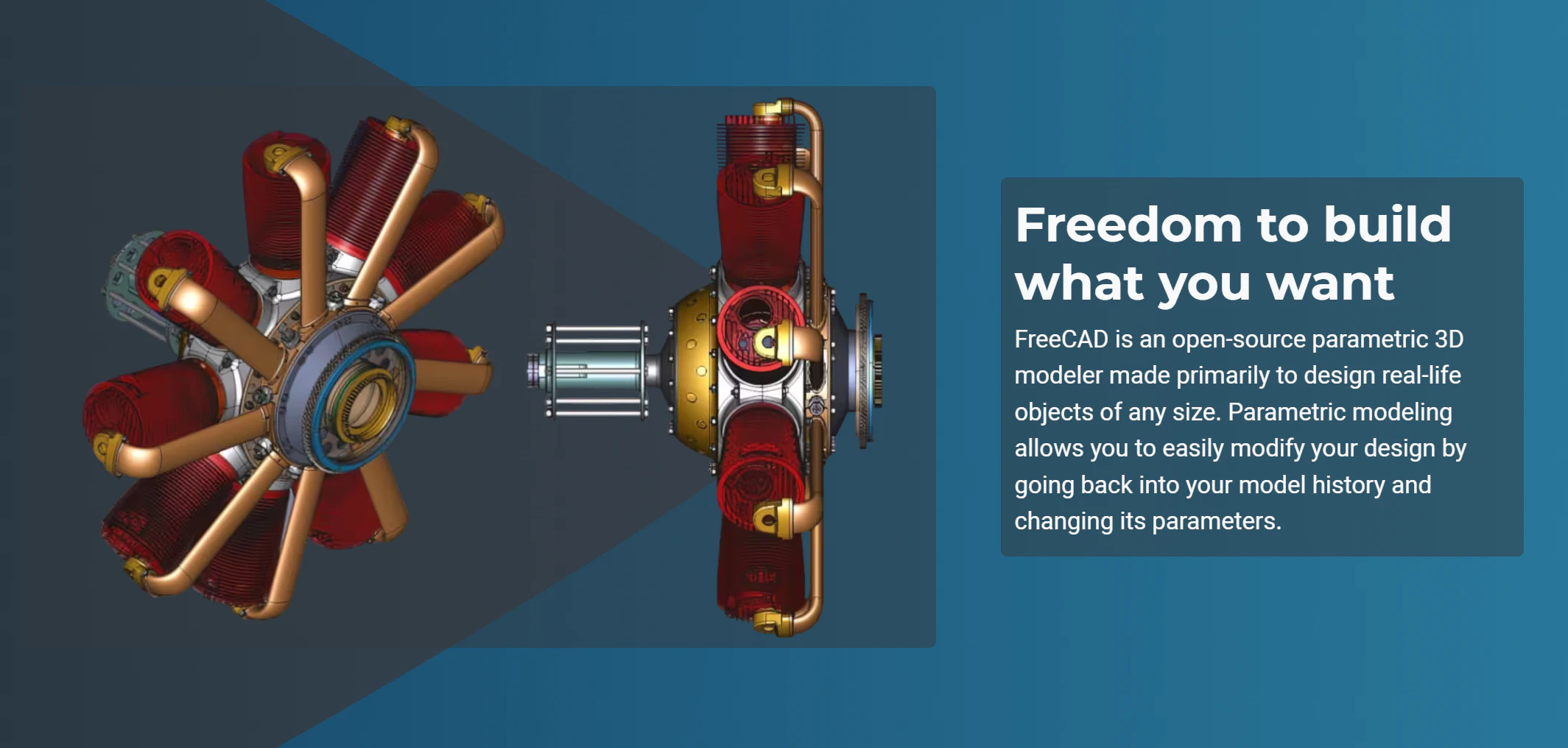
FreeCAD 1.1: A Paradigm Shift for Open-Source 3D Modeling
Extremely powerful, completely free 3D CAD modeling
Published: 3/30/2026
Product Overview
FreeCAD 1.1 marks a significant milestone in the evolution of open-source engineering software. As a comprehensive 3D parametric modeler, FreeCAD has long been the go-to solution for hobbyists, engineers, and DIY makers who require professional-grade CAD/CAM/FEA capabilities without the restrictive licensing fees of industry giants like SolidWorks or Autodesk. This latest update refines the platform, focusing on usability and workflow efficiency to make sophisticated 3D design more accessible than ever before.
Designed for mechanical engineers, product designers, and open-hardware enthusiasts, FreeCAD 1.1 is built to handle complex assemblies and intricate part designs. Whether you are creating models for 3D printing, CNC machining, or finite element analysis, the software provides a robust ecosystem that scales with the user’s needs. Its core value proposition lies in its "truly free" nature; by remaining entirely open-source, it ensures that your data remains yours and your workflow is never locked behind a subscription paywall.
Problem & Solution
For years, the biggest hurdle for FreeCAD adoption was its steep learning curve and occasionally clunky interface. While competitors offered sleek, intuitive (albeit expensive) user experiences, FreeCAD often required users to navigate complex toolsets that felt detached from modern design standards.
FreeCAD 1.1 directly addresses these pain points by prioritizing "quality-of-life" improvements. By introducing features that make the software feel more responsive and intuitive, the developers have bridged the gap between professional power and user-friendly interaction. It fills a critical market gap: the need for a high-performance, professional-grade 3D CAD tool that doesn't sacrifice ethics or accessibility for the sake of monetization.
Key Features & Highlights
The 1.1 update introduces several standout features that significantly reduce design time and friction. The most notable additions include:
- Transparent Previews: Users can now visualize complex operations before finalizing them, allowing for a "what-you-see-is-what-you-get" experience that drastically reduces trial-and-error.
- Interactive Draggers: The new manipulation tools allow for fluid movement and adjustment of parts directly in the viewport, making assembly much more intuitive.
- Enhanced Assembly Features: Managing multi-part projects is now more stable and organized, helping users keep track of complex dependencies within their designs.
- Advanced CAM Tools: The Computer-Aided Manufacturing workbench has received substantial upgrades, providing better control over toolpaths and machining operations for those bridging the gap from digital design to physical manufacturing.
These features, combined with the underlying stability of the parametric engine, ensure that FreeCAD 1.1 remains a powerhouse for those working on complex, multi-component projects.
Potential Drawbacks & Areas for Improvement
Despite the impressive strides in version 1.1, FreeCAD is not without its limitations. While the interface is significantly improved, it still feels slightly "academic" compared to premium cloud-based competitors. Users migrating from proprietary software may still find certain workflows, particularly in assembly constraints, to be less automated than they are accustomed to.
Additionally, documentation—while vast—can be fragmented. New users might find themselves scouring community forums to understand the nuances of the newer workbenches. Moving forward, the project would benefit from a more cohesive, integrated onboarding experience or a curated "getting started" wizard that guides beginners through the new interactive tools.
Bottom Line & Recommendation
FreeCAD 1.1 is an essential upgrade for anyone serious about 3D modeling who wants to maintain full ownership of their tools and data. It is highly recommended for independent engineers, makers, and students who have outgrown entry-level hobbyist software but aren't ready to commit to expensive enterprise licenses. While it still requires a time investment to master, the improvements in version 1.1 prove that the open-source community is more than capable of competing with—and in some ways, outpacing—industry heavyweights. If you value freedom, flexibility, and a deep, feature-rich toolset, FreeCAD 1.1 is, without a doubt, a must-try.
Featured AI Applications
Discover powerful tools to enhance your productivity
MindMax
New Way to Interact with AI
Beyond AI chat, transforming conversations into an infinite canvas. Combining brainstorming, mind mapping, critical and creative thinking tools to help you visualize ideas, solve problems efficiently, and accelerate learning.
AI Slides
AI Slides with Markdown
Revolutionary slide creation fusing AI intelligence with Markdown flexibility - edit anywhere, optimize anytime, iterate easily. Turn every idea into a professional presentation instantly.
AI Markdown Editor
Write Immediately
Extremely efficient writing experience: AI assistant, slash commands, minimalist interface. Open and write, easy writing. ✍️ Markdown simplicity + 🤖 AI power + ⚡ Slash commands = Perfect writing experience.
Chrome AI Extension
AI Assistant Anywhere
Transform your browsing experience with FunBlocks AI Assistant. Your intelligent companion supporting AI-driven reading, writing, brainstorming, and critical thinking across the web.