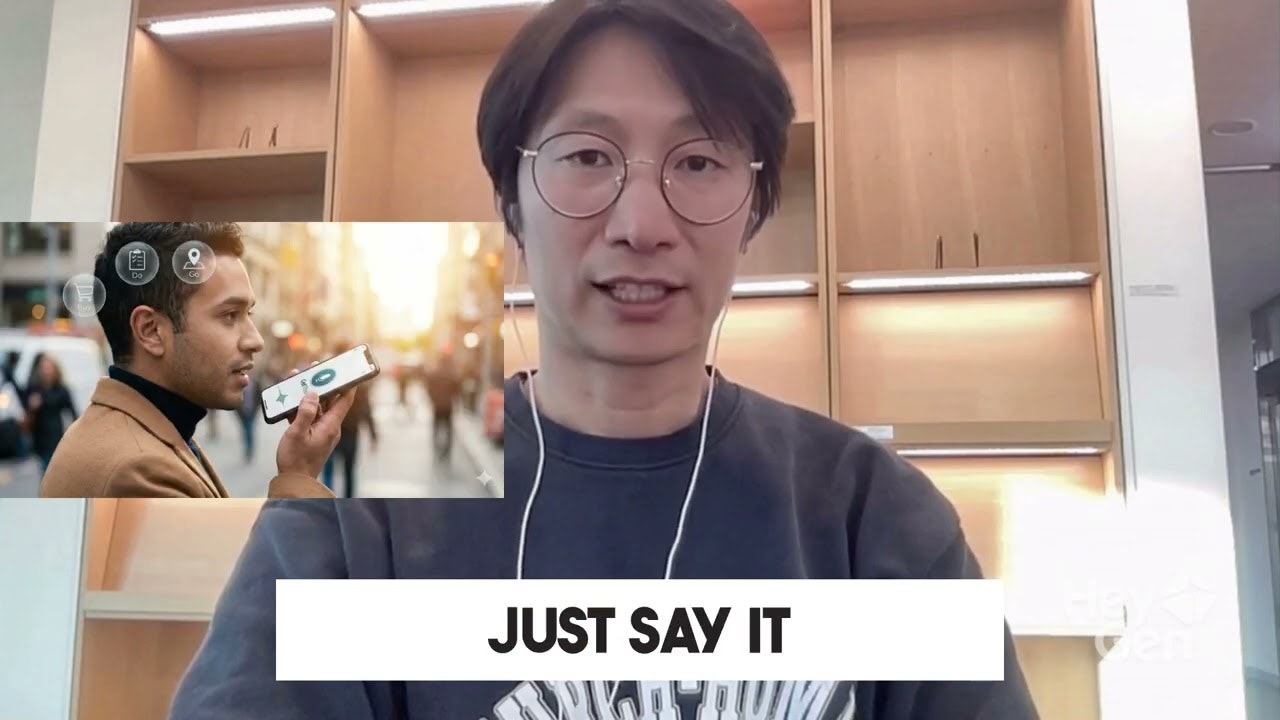
GetThis Review: The AI Task Generator That Turns Your Brain Dump Into Actionable To-Dos
Generate tasks from voice, text, or screenshots.
Published: 1/24/2026
Product Hunt Spotlight: GetThis promises to revolutionize personal productivity by bridging the gap between quick input and organized task management. In a world saturated with to-do apps that require meticulous manual entry, GetThis steps in with a bold proposition: stop typing, start capturing. This review dives deep into how this AI-powered utility aims to declutter your mind and streamline your daily workflow.
Product Overview: Instant Organization Through Smart Capture
GetThis is an innovative productivity tool designed to capture disparate pieces of information—whether spoken, typed, or visualized—and instantly transform them into structured, actionable tasks. Its core mechanism relies on advanced Artificial Intelligence to interpret context, identify necessary actions, and categorize the resulting list items. Whether you’re dictating a complex project requirement during a walk or snapping a picture of an email thread that demands follow-up, GetThis is positioned to be the immediate intake layer for all your mental notes.
The target audience is anyone overwhelmed by fragmented information capture: busy professionals, freelancers juggling multiple clients, students managing coursework, or even households coordinating errands. Its primary use cases revolve around quick capture, eliminating the friction associated with opening a dedicated task manager, navigating to the correct project folder, and typing out a detailed entry. GetThis’s core value proposition is speed and zero-friction data entry, making disorganized "brain dumps" a thing of the past.
Problem & Solution: Eliminating Input Friction in Task Management
The fundamental problem GetThis tackles is the high cognitive load and time cost associated with manual task entry. Traditional task management often fails because the barrier to entry is too high; if it takes more than a few seconds to log a task, users default to unreliable memory or sticky notes. This leads to forgotten commitments, disorganized projects, and productivity anxiety.
GetThis solves this by making input ambient and intuitive. Instead of typing, users can simply use voice commands, paste text from chat applications, or—most impressively—capture a screenshot of relevant information. The AI acts as a sophisticated personal assistant, analyzing the source material (voice recording, chat dialogue, visual layout) to accurately infer deadlines, assignees, and task specificity. This intelligent parsing capability is what sets GetThis apart from simple dictation apps or generic screen-capture tools, filling a clear market gap for smart, multimodal task generation.
Key Features & Highlights: Multimodal Input Mastery
The standout feature of GetThis is its multimodal input capability. The ability to process information from three distinct sources—voice, text, and screenshots—is powerful.
- Voice-to-Task Conversion: Ideal for hands-free capture, this feature intelligently transcribes and organizes spoken ideas, recognizing cues like "remind me tomorrow" or "buy milk."
- Screenshot Intelligence: This capability is particularly useful for modern workflows. Snapping a screenshot of a Jira ticket, a Slack thread, or an image containing an address allows the AI to pull out the necessary action items directly from the visual context.
- AI Sorting and Categorization: Beyond just creating a list item, GetThis’s AI performs necessary categorization—sorting grocery runs, organizing client deliverables, or segmenting personal reminders—saving the user the subsequent organizational chore.
User experience seems to prioritize speed. By reducing the process to a single capture action followed by automated processing, GetThis fosters consistent usage, which is the cornerstone of any successful productivity system.
Potential Drawbacks & Areas for Improvement
While the concept behind GetThis is strong, there are inherent challenges that come with reliance on AI interpretation, particularly across different input modalities.
One potential drawback is the accuracy of the AI categorization, especially with vague voice inputs or highly nuanced screenshots. If the AI misinterprets context, users may end up with correctly captured but incorrectly sorted tasks, requiring manual correction that negates some of the input speed gains. Furthermore, while the description mentions organizing grocery runs and chat screenshots, greater clarity is needed on integration capabilities—where do these generated tasks ultimately live?
For enhancement, the developers should focus on robust integration with established task management platforms (e.g., Todoist, Asana, native calendar apps). While GetThis excels at capture, users will need a seamless export workflow. Adding customizable input prompts or templates could also help users guide the AI for more predictable outcomes.
Bottom Line & Recommendation
GetThis presents a compelling solution for power users and the organizationally overwhelmed who struggle with the friction of manual task entry. If your daily workflow involves frequently capturing half-formed ideas, snippets from conversations, or important details embedded in images, this tool is highly recommended. It succeeds by focusing laser-like on the initial capture phase, intelligently doing the heavy lifting of sorting that typically follows. Try GetThis if you are looking to inject speed and context-awareness into your daily productivity habit.
Featured AI Applications
Discover powerful tools to enhance your productivity
MindMax
New Way to Interact with AI
Beyond AI chat, transforming conversations into an infinite canvas. Combining brainstorming, mind mapping, critical and creative thinking tools to help you visualize ideas, solve problems efficiently, and accelerate learning.
AI Slides
AI Slides with Markdown
Revolutionary slide creation fusing AI intelligence with Markdown flexibility - edit anywhere, optimize anytime, iterate easily. Turn every idea into a professional presentation instantly.
AI Markdown Editor
Write Immediately
Extremely efficient writing experience: AI assistant, slash commands, minimalist interface. Open and write, easy writing. ✍️ Markdown simplicity + 🤖 AI power + ⚡ Slash commands = Perfect writing experience.
Chrome AI Extension
AI Assistant Anywhere
Transform your browsing experience with FunBlocks AI Assistant. Your intelligent companion supporting AI-driven reading, writing, brainstorming, and critical thinking across the web.