Google Mixboard 2.0: Your AI-Powered Idea-to-Presentation Powerhouse
Now w/ Nano Banana Pro, new file types & multi-board project
Published: 12/12/2025
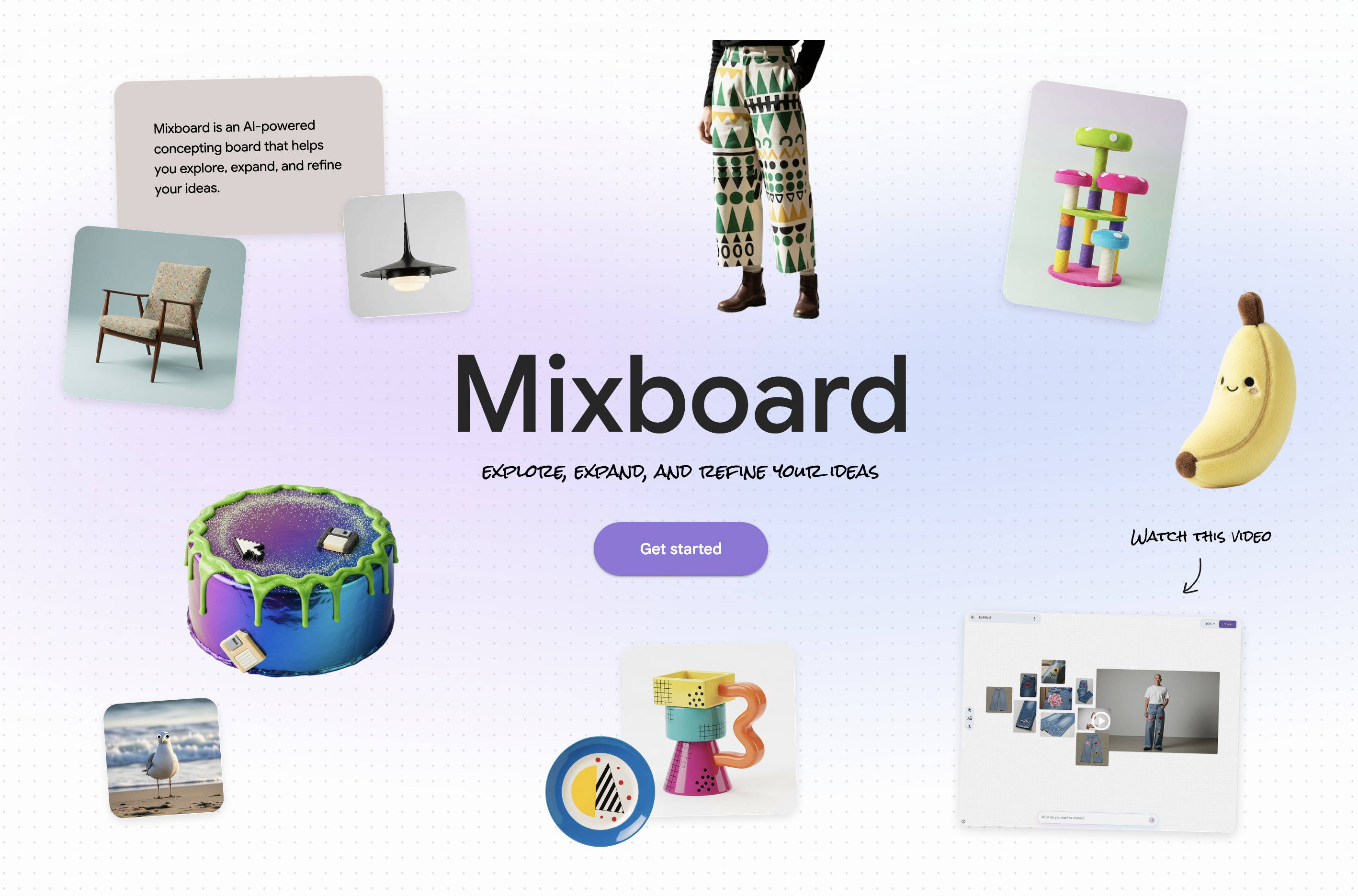
Google Mixboard 2.0 arrives as a significant upgrade to Google Labs' experimental AI-powered concepting board, aiming to streamline the ideation and presentation creation process. This latest iteration, featuring "Nano Banana Pro, new file types & multi-board project," transforms a flexible canvas for brainstorming into a robust tool for generating polished outputs. It's designed for anyone looking to visualize, explore, and refine ideas, from DIY enthusiasts and event planners to product designers, marketers, and students.
Mixboard 2.0's core value proposition lies in its ability to bridge the gap between scattered ideas and structured presentations, leveraging advanced AI to accelerate creative workflows. It's an AI-assisted sketchpad and a collage tool akin to Pinterest or Canva, but with a deeper integration of AI for co-creation from the outset.
Problem & Solution
The challenge in many creative and professional fields is the often-laborious journey from initial concept to a shareable, coherent presentation. Traditional methods involve juggling various tools for mood boards, image editing, and slide creation, leading to fragmented workflows and significant time investment. Google Mixboard 2.0 addresses this by consolidating these functions into a single, intuitive platform.
It solves this problem by integrating Google's Nano Banana Pro, a Gemini image model, which enables users to directly transform their boards into presentations. This "one-click PPT generation" capability, along with intelligent image editing and natural language controls, significantly reduces the manual effort involved in visual ideation and presentation design. Mixboard 2.0 differentiates itself by making AI an integral part of the creative process from the very beginning, rather than just an end-of-process assistant.
Key Features & Highlights
Google Mixboard 2.0 boasts a suite of powerful features that enhance its usability and creative potential:
- Nano Banana Pro for Presentations: This is arguably the standout feature. Users can now convert an entire Mixboard into a polished presentation, complete with structure, design, and high-fidelity visuals. Nano Banana Pro analyzes the board's content—text, images, and layout—and upgrades it with sharper images and cleaner text, offering a faster path from concept to shareable output. It can even generate a cohesive 10-page thematic slide deck from a simple prompt like "reconstruct current board in retro style".
- Expanded File Type Support: Mixboard 2.0 now supports new file types, including PDF, HEIC, and TIFF. This is a significant improvement, allowing users to import a wider range of existing documents and images directly onto their boards. For example, users can upload writing projects or important documents as PDFs.
- Multi-Board Projects: For larger or more complex undertakings, users can now work across multiple boards within a single project. This provides dedicated spaces for different aspects of a project, such as brainstorming, exploration, and final vision, helping users organize their thoughts and maintain context.
- Doodle-Based Editing and Built-in Selfie Camera: Mixboard 2.0 introduces interactive editing where users can doodle directly on images to guide AI changes. Simply draw over an area and describe the desired change, and Mixboard will adjust or regenerate that part of the image. Additionally, a built-in selfie camera allows for quick photo capture and integration into boards, useful for things like wardrobe inspiration.
- Natural Language Controls: The tool leverages natural language processing, allowing users to issue commands and ask questions in plain language to generate visuals, edit elements, and refine ideas. This makes the tool accessible even for those without extensive design or technical skills.
Potential Drawbacks & Areas for Improvement
While Google Mixboard 2.0 offers impressive capabilities, it's important to remember that it's still an experimental tool from Google Labs.
- Learning Curve for Advanced AI Features: While natural language controls simplify interaction, mastering effective prompting for optimal AI-generated content and presentations might still require some learning and experimentation. Users will need to learn how to be specific with their instructions to get the most relevant results.
- Export Options: While it can export to Google Slides and PPTX formats, and allow for saving boards as images or PDFs, the export options could be further expanded to integrate seamlessly with other popular presentation and design software.
- Performance with Complex Boards: As an experimental tool, there might be occasional bugs or limitations when dealing with very large or complex boards, as noted by some early users encountering errors when trying to run multiple actions simultaneously.
- Availability: While it has expanded beyond the US, availability may still depend on the region.
- Pricing for Team-Oriented Version: The current version appears to be free, but its long-term pricing structure for team-oriented versions and API releases is still keenly anticipated by the tech community.
Bottom Line & Recommendation
Google Mixboard 2.0 is a game-changer for anyone who regularly engages in visual brainstorming and presentation creation. Its integration of AI-powered presentation generation via Nano Banana Pro, coupled with enhanced file support and multi-board projects, makes it a highly efficient and creative workspace.
This product is highly recommended for designers, marketers, educators, students, and anyone in a role that requires rapid ideation, visual concepting, and streamlined presentation development. If you're looking to turn your ideas into polished outputs faster and smoother, Google Mixboard 2.0 is a powerful, innovative tool worth exploring. It effectively compresses the capabilities of tools like Midjourney, Notion, and PowerPoint into a single browser tab, significantly lowering the barrier to creative production.
Featured AI Applications
Discover powerful tools to enhance your productivity
MindMax
New Way to Interact with AI
Beyond AI chat, transforming conversations into an infinite canvas. Combining brainstorming, mind mapping, critical and creative thinking tools to help you visualize ideas, solve problems efficiently, and accelerate learning.
AI Slides
AI Slides with Markdown
Revolutionary slide creation fusing AI intelligence with Markdown flexibility - edit anywhere, optimize anytime, iterate easily. Turn every idea into a professional presentation instantly.
AI Markdown Editor
Write Immediately
Extremely efficient writing experience: AI assistant, slash commands, minimalist interface. Open and write, easy writing. ✍️ Markdown simplicity + 🤖 AI power + ⚡ Slash commands = Perfect writing experience.
Chrome AI Extension
AI Assistant Anywhere
Transform your browsing experience with FunBlocks AI Assistant. Your intelligent companion supporting AI-driven reading, writing, brainstorming, and critical thinking across the web.