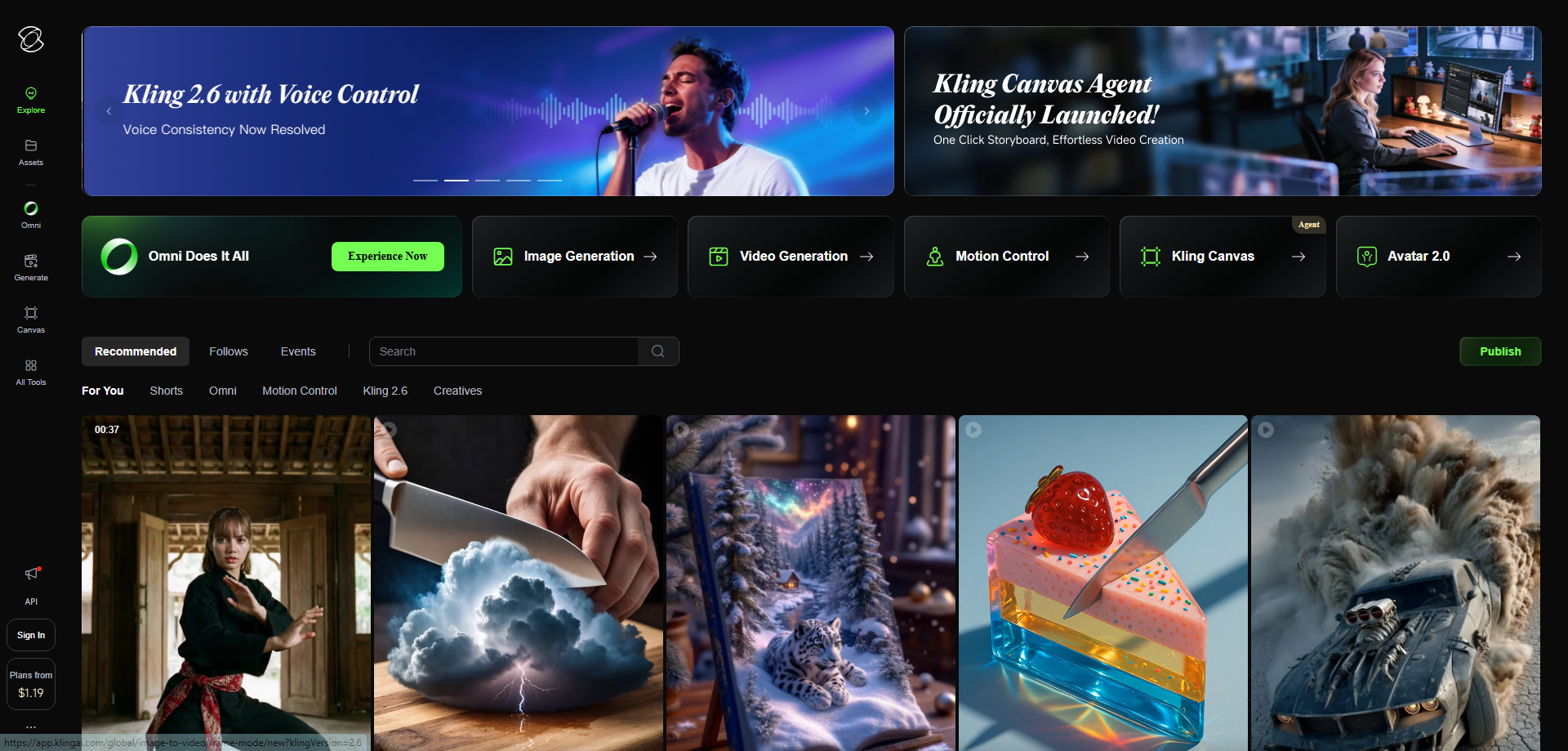
Kling 3.0 Review: Redefining Native Multimodal Creation with Prompt-Driven 4K Video
Native 4K output with extended video time with just a prompt
Published: 2/5/2026
Kling 3.0 arrives on the scene promising a significant leap forward in the often-fragmented world of generative AI content creation. Billed as an "all-in-one creative engine," this latest iteration seems laser-focused on bridging the gap between text prompts and high-fidelity, production-ready visual assets. The core headline feature—delivering native 4K output with extended video time purely from a prompt—immediately positions Kling 3.0 as a serious contender in the text-to-video space, moving beyond typical short, low-resolution previews.
This tool is squarely aimed at digital creators, marketing teams, indie filmmakers, and any professional who needs rapid, high-quality visual content without stitching together multiple specialized tools. If your workflow involves needing cinematic quality video generation that respects resolution standards (like 4K) and offers sufficient duration for real-world applications, Kling 3.0 aims to be your central hub for multimodal creation.
Solving the Multimodal Bottleneck
The current landscape of generative AI often forces users into a multi-step, complex workflow: generating images in one tool, short video clips in another, and then relying on external editors for upscaling and stitching. This results in wasted time, inconsistent quality, and significant integration headaches. Kling 3.0 directly addresses this by aiming to be the all-in-one creative engine.
The key problem Kling 3.0 tackles is the inherent trade-off between speed, quality, and length in generative video. Many existing solutions prioritize speed, limiting output to low resolutions or brief snippets. Kling 3.0’s solution is elegant: by baking high-resolution rendering and extended duration directly into the core prompt-to-output process, it eliminates the need for post-generation upscaling or laborious scene chaining, filling a crucial market gap for creators demanding professional-grade results straight from the source.
Key Features and User Experience Highlights
While the description is concise, the claimed features are powerful, suggesting a deeply integrated system focused on quality output parameters. The user experience, as implied by the tagline, is centered around simplicity: maximum creative control achieved through minimal input.
The most notable capabilities of Kling 3.0 include:
- Native 4K Output: Achieving true 4K resolution directly from the AI engine, a significant differentiator that immediately elevates the tool for commercial use.
- Extended Video Time: The ability to generate longer clips based on a single prompt instruction suggests advanced temporal coherence models are at play, reducing the need for manual segment merging.
- Truly Native Multimodal Creation: This implies seamless integration of various input types (text, possibly image references or audio cues) that result in a unified, coherent final product.
For the user, this means a streamlined creative flow. Instead of spending hours tweaking resolution settings across platforms, the focus remains purely on the idea being conveyed in the prompt. This efficiency, coupled with professional output quality, forms the bedrock of the Kling 3.0 value proposition.
Potential Drawbacks and Areas for Refinement
As a new iteration focusing on high-fidelity output, Kling 3.0’s primary challenge will likely be resource intensity and cost. Generating native 4K video efficiently is computationally demanding. Potential users should investigate:
- Generation Speed: How long do 4K clips take to render compared to competitors offering lower resolutions? Slow turnaround could negate the workflow benefits.
- Cost Structure: High-resolution generation often translates to higher per-credit costs. Clear pricing tiers based on resolution and duration will be essential for budget-conscious users.
- Control Parameters: While the prompt is central, advanced users often need granular control over aspect ratios, camera movement interpolation, and seed control for consistency across multiple generations. The review would benefit from understanding how well Kling 3.0 balances simplicity with advanced directorial tools.
To improve, Kling 3.0 should consider introducing a high-fidelity "preview mode" that renders shorter clips quickly at a lower resolution for rapid iteration before committing to the full 4K render pipeline.
Bottom Line and Recommendation
Kling 3.0 appears to be a game-changer for professionals prioritizing output quality and workflow consolidation in AI video generation. If you are currently wrestling with upscaling tools or frustrated by the inherent low resolution of current generative models, this platform is absolutely worth exploring. The commitment to native 4K and extended video duration based solely on a prompt makes Kling 3.0 a powerful new tool in the creative tech stack. We highly recommend creators focused on production-ready content take a close look at this offering.
Featured AI Applications
Discover powerful tools to enhance your productivity
MindMax
New Way to Interact with AI
Beyond AI chat, transforming conversations into an infinite canvas. Combining brainstorming, mind mapping, critical and creative thinking tools to help you visualize ideas, solve problems efficiently, and accelerate learning.
AI Slides
AI Slides with Markdown
Revolutionary slide creation fusing AI intelligence with Markdown flexibility - edit anywhere, optimize anytime, iterate easily. Turn every idea into a professional presentation instantly.
AI Markdown Editor
Write Immediately
Extremely efficient writing experience: AI assistant, slash commands, minimalist interface. Open and write, easy writing. ✍️ Markdown simplicity + 🤖 AI power + ⚡ Slash commands = Perfect writing experience.
Chrome AI Extension
AI Assistant Anywhere
Transform your browsing experience with FunBlocks AI Assistant. Your intelligent companion supporting AI-driven reading, writing, brainstorming, and critical thinking across the web.