Lemonade Password Manager Review: A Fresh Take on Security with a Developer-Friendly Twist
Simple, secure, with an Env Vault for your .env files
Published: 2/24/2026
Product Overview: Rethinking Password Security for the Modern User
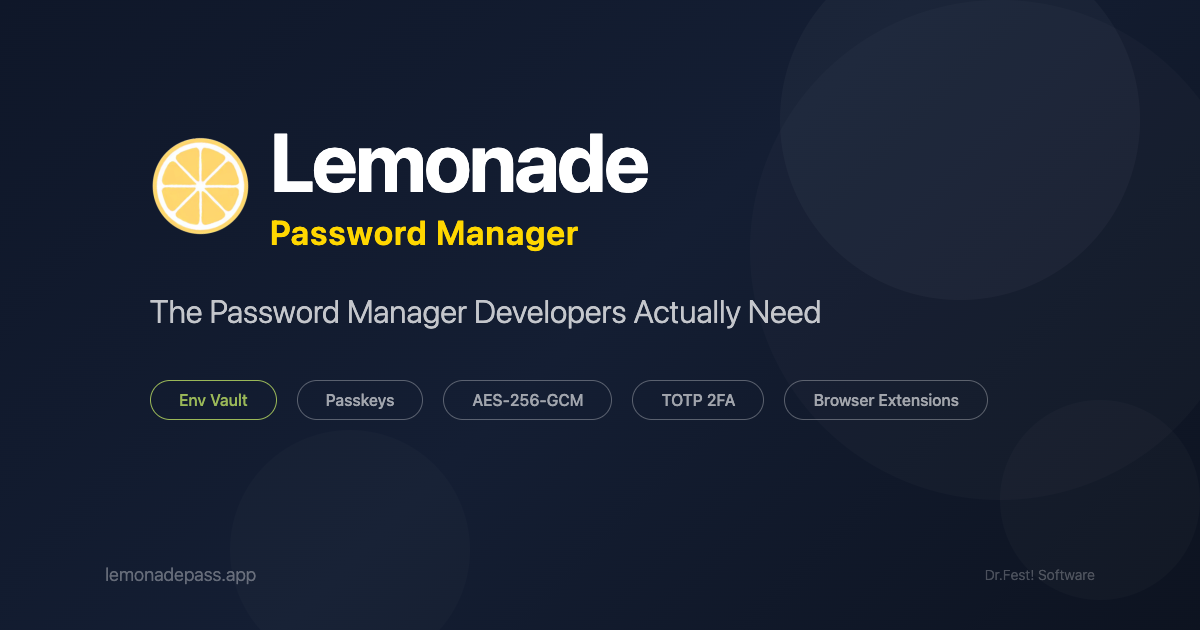
Lemonade Password Manager enters a crowded field of digital security tools with a clear mandate: ditch the enterprise feel and deliver straightforward, powerful protection. Billed as "Simple, secure, with an Env Vault for your .env files," Lemonade is designed to be the security solution you actually want to use. At its core, it’s an AES-256-GCM encrypted vault that elegantly centralizes your most sensitive data—standard passwords, API keys, and, critically, your project-specific environment variables. This focus on developer assets sets it apart immediately. The core philosophy seems to be making high-grade encryption accessible and intuitive, moving away from clunky desktop applications in favor of a modern Progressive Web App (PWA) experience accessible across all devices via Chrome and Firefox extensions.
The target audience for Lemonade Password Manager is broad, encompassing everyday users needing robust password management, but its strongest pull is undoubtedly toward software developers, designers, and technical freelancers. Anyone who regularly manages secrets for development environments, deployment pipelines, or cloud services will immediately recognize the value proposition. The accessible pricing—free for up to 15 passwords and an extremely competitive $2.99/month for unlimited access—makes it a compelling alternative to pricier, more complex subscription services.
Problem & Solution: Solving the "Commit to Git" Dilemma
The fundamental problem Lemonade Password Manager addresses is twofold: the inconvenience of traditional password managers feeling overly corporate, and the specific, high-stakes security risk associated with handling environment variables. Developers constantly face the danger of accidentally committing .env files containing production database credentials or API keys to public or private Git repositories. Existing general-purpose password managers often treat these secrets as just another login, failing to offer an integrated, secure workflow for project-specific configurations.
Lemonade’s solution is the standout Env Vault. This differentiating feature allows users to effectively "drop" their project folder, and Lemonade intelligently scans and securely stores the credentials found within .env files. This bridges the gap between a general-purpose password manager and a dedicated secret management tool. By offering this functionality within a sleek, non-enterprise PWA interface, Lemonade fills a specific market gap for technical users who prioritize simplicity without sacrificing enterprise-grade encryption (AES-256-GCM).
Key Features & Highlights: Beyond Standard Security
Lemonade Password Manager is packed with essential modern security features while maintaining a lightweight feel. The foundation is solid, featuring AES-256-GCM encryption, the current industry standard for symmetric encryption, ensuring data at rest is extremely secure. Beyond just storing static passwords, it supports modern authentication standards like Passkeys, signaling a commitment to future-proofing security practices.
The feature set is well-rounded for both technical and general users:
- Env Vault: The major highlight, securely managing project-specific configuration files (
.env). - TOTP Support: Integrates Time-based One-Time Passwords directly into the vault, consolidating your 2FA needs.
- Emergency Access: A critical feature for any security suite, ensuring trusted contacts can regain access if you are incapacitated.
- Secure Notes: For storing sensitive, unstructured data beyond simple login credentials.
- PWA Focus: The choice to forgo a native desktop app for a Progressive Web App ensures cross-platform consistency and instant access without lengthy installation processes.
The user experience, as intended by the maker, feels streamlined. By focusing on extensions for Chrome and Firefox, the process of auto-filling and saving credentials becomes nearly seamless, a key usability win for a password manager.
Potential Drawbacks & Areas for Improvement
While Lemonade Password Manager excels in its core mission, a few areas present opportunities for growth. The most immediate limitation for power users is the lack of a native desktop application. While the PWA approach is fast and works everywhere, some users prefer the perceived stability, deeper OS integration (like system-wide hotkeys for invoking the vault), or offline capabilities that a dedicated application often provides. This is a trade-off made for simplicity, but it might deter the most security-conscious desktop users.
Secondly, while the Env Vault is fantastic, the initial experience might rely heavily on manual file dropping or imports. Enhancements could include:
- IDE Integration: Direct plugins for VS Code or JetBrains IDEs to prompt saving credentials discovered during runtime.
- Shared Vaults/Team Functionality: The current offering seems geared toward individual users. Introducing tiered plans for small teams or families would greatly expand its appeal beyond the solo developer.
- Audit Logs: For business or security-critical use, basic auditing features showing when and where a credential was last accessed would add significant professional value.
Bottom Line & Recommendation
Lemonade Password Manager is an absolute must-try for developers, technical freelancers, and anyone tired of overly complicated security software. The combination of enterprise-grade encryption, seamless browser integration, and the killer Env Vault feature makes it one of the most thoughtfully designed password management tools specifically catering to the technical workflow. If you've been searching for a simple, modern, and exceptionally affordable solution that finally respects the unique security needs of your projects, look no further. The $2.99/month price point for unlimited access is virtually unbeatable for the features offered. Highly recommended for anyone seeking to secure their digital life without the enterprise bloat.
Featured AI Applications
Discover powerful tools to enhance your productivity
MindMax
New Way to Interact with AI
Beyond AI chat, transforming conversations into an infinite canvas. Combining brainstorming, mind mapping, critical and creative thinking tools to help you visualize ideas, solve problems efficiently, and accelerate learning.
AI Slides
AI Slides with Markdown
Revolutionary slide creation fusing AI intelligence with Markdown flexibility - edit anywhere, optimize anytime, iterate easily. Turn every idea into a professional presentation instantly.
AI Markdown Editor
Write Immediately
Extremely efficient writing experience: AI assistant, slash commands, minimalist interface. Open and write, easy writing. ✍️ Markdown simplicity + 🤖 AI power + ⚡ Slash commands = Perfect writing experience.
Chrome AI Extension
AI Assistant Anywhere
Transform your browsing experience with FunBlocks AI Assistant. Your intelligent companion supporting AI-driven reading, writing, brainstorming, and critical thinking across the web.