Littlebird: The AI Context Engine That Finally Understands Your Workflow
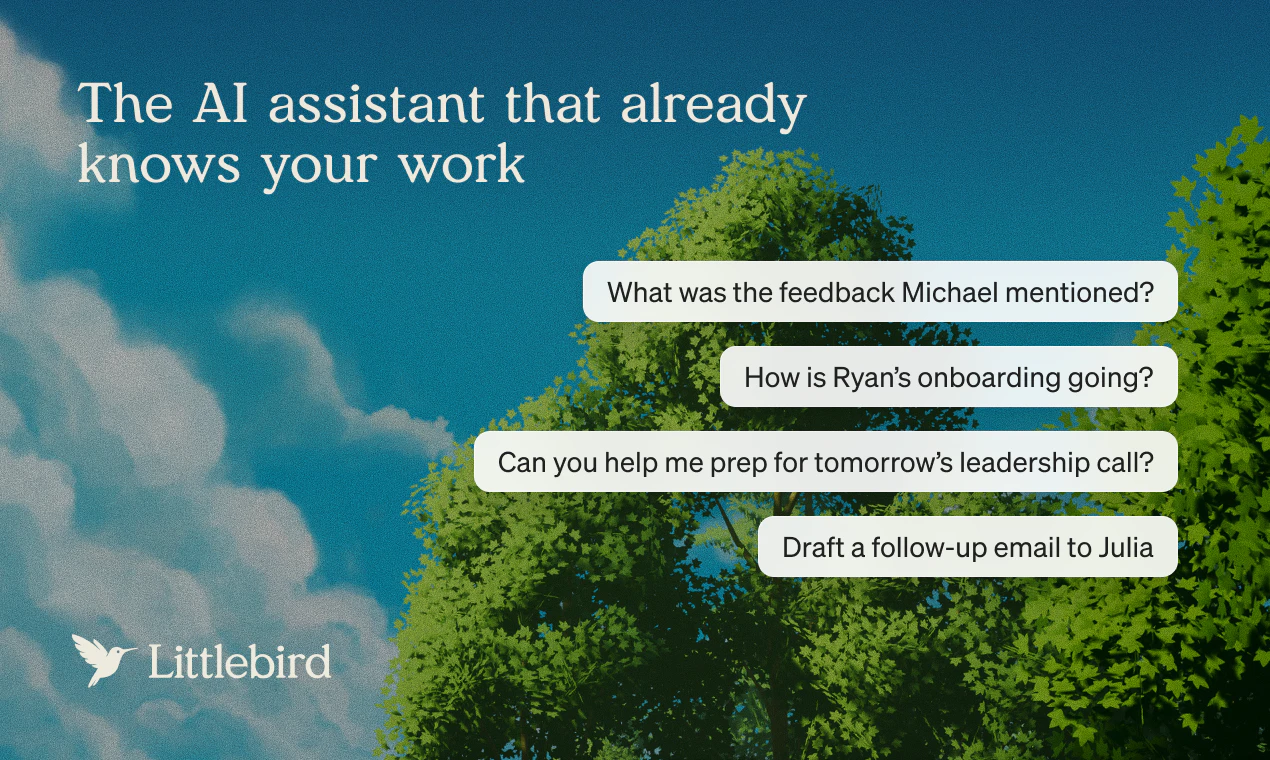
The AI assistant that already knows your work
Published: 3/26/2026
Product Overview
In an era where we juggle dozens of SaaS applications, browser tabs, and messaging platforms, the biggest challenge with AI assistants has always been context. Most AI tools live in silos, unable to see the "big picture" of your daily grind. Enter Littlebird, an AI assistant designed to act as a silent partner that already knows your work. By observing your desktop activity and transcribing your meetings, it builds a private, secure memory of your projects, priorities, and internal workflows.
Littlebird is positioned for knowledge workers, project managers, and creative professionals who spend their day jumping between apps. Its core value proposition is simple: you no longer need to spend time copy-pasting information into a prompt or manually feeding an AI context. Because Littlebird sees what you see, it creates an intelligent layer over your entire digital workspace, making every generated answer, draft, and project plan uniquely grounded in your actual work.
Problem & Solution: Closing the Context Gap
The primary problem with current LLM-based assistants is "context starvation." To get a useful result, users usually have to provide extensive background information, upload documents, or manage complex integrations that often break or fail to capture the nuance of a conversation.
Littlebird fills this market gap by operating at the OS level. It doesn't rely on traditional API integrations, which are often limited by third-party restrictions. Instead, by observing your screen and listening to meetings, it captures the process—not just the output. It effectively eliminates the friction of "onboarding" your AI to a new task, as it already possesses the history and context of your previous efforts.
Key Features & Highlights
What sets Littlebird apart is its passive, non-intrusive approach to data collection. Key features include:
- Omniscient Desktop Awareness: If it’s on your screen, Littlebird can reference it. This means it understands your specific design files, spreadsheet data, or research tabs without you having to export anything.
- Meeting Transcription & Memory: Littlebird keeps a running tally of discussions, ensuring that "action items" don't get lost in the noise of a long Zoom call.
- Cross-App Connectivity: Because it doesn't rely on individual app integrations (like Jira to Slack to Notion), it connects the dots across your entire stack automatically.
- Private Memory Vault: User privacy is paramount; the tool builds a localized memory of your workflow, ensuring that your context remains your own.
The user experience is seamless. Instead of toggling between browser windows to find a piece of information from an hour ago, you can simply ask Littlebird, and it retrieves the answer based on the real-time context it has been observing.
Potential Drawbacks & Areas for Improvement
While the "see everything" approach is revolutionary, it does raise natural questions regarding privacy and system resources. Users who are highly protective of their screen activity may find the always-on nature of the monitoring slightly daunting, even with a privacy-focused promise.
Additionally, while Littlebird’s lack of integrations is a strength in terms of setup, it could benefit from more "active" workflows. For instance, allowing users to define specific "ignore zones" or toggle off screen capturing for certain applications would provide more granular control. Currently, the tool feels like a powerful observer; future iterations could add more value by allowing it to perform "write-back" actions into specific tools based on its observations.
Bottom Line & Recommendation
Littlebird is a must-try for power users who are tired of the "prompt-response-refine" loop. If you find yourself constantly searching for information across different platforms or struggling to keep your AI assistant updated with the latest project developments, this is the solution you’ve been waiting for. It excels at reducing the cognitive load of managing information silos. While it is still a young product, its promise of an AI that truly understands your workflow makes it a compelling contender in the crowded AI assistant space. I highly recommend giving it a spin to see how it streamlines your daily operations.
Featured AI Applications
Discover powerful tools to enhance your productivity
MindMax
New Way to Interact with AI
Beyond AI chat, transforming conversations into an infinite canvas. Combining brainstorming, mind mapping, critical and creative thinking tools to help you visualize ideas, solve problems efficiently, and accelerate learning.
AI Slides
AI Slides with Markdown
Revolutionary slide creation fusing AI intelligence with Markdown flexibility - edit anywhere, optimize anytime, iterate easily. Turn every idea into a professional presentation instantly.
AI Markdown Editor
Write Immediately
Extremely efficient writing experience: AI assistant, slash commands, minimalist interface. Open and write, easy writing. ✍️ Markdown simplicity + 🤖 AI power + ⚡ Slash commands = Perfect writing experience.
Chrome AI Extension
AI Assistant Anywhere
Transform your browsing experience with FunBlocks AI Assistant. Your intelligent companion supporting AI-driven reading, writing, brainstorming, and critical thinking across the web.