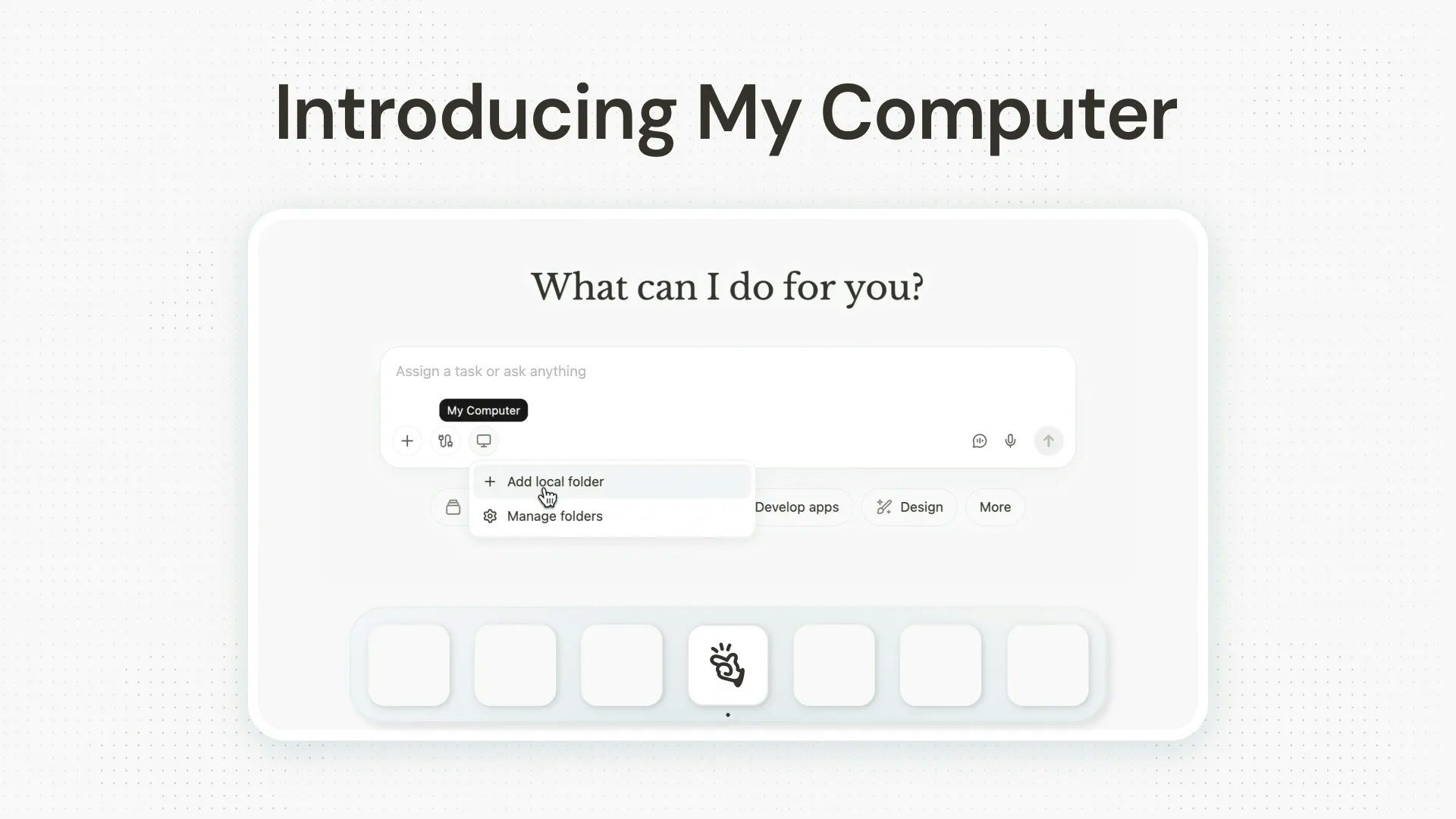
My Computer by Manus AI: Turning Your Desktop Into an Autonomous Workspace
Automate files, apps, and workflows with Manus Desktop
Published: 3/17/2026
Product Overview
My Computer by Manus AI represents a significant leap forward in the evolution of personal AI agents. While most AI assistants are tethered to browser windows or cloud-based interfaces, My Computer brings the power of Manus AI directly onto your macOS or Windows operating system. By shifting the AI agent from a remote environment to your local desktop, the product effectively treats your computer as its primary workspace, allowing it to interact with files, folders, and applications in real time.
The tool is designed for power users, creatives, and administrative professionals who are tired of repetitive manual tasks. Whether you are a project manager struggling to organize thousands of assets or a developer looking to expedite app builds, My Computer acts as a digital intern that never sleeps. By bridging the gap between high-level generative AI and local file systems, Manus AI provides a seamless bridge that makes intelligent automation accessible to anyone, regardless of their coding expertise.
Problem & Solution
The current AI landscape is largely fragmented; users are forced to manually copy-paste content between local files and web-based AI interfaces. This workflow is not only slow but also prone to human error and data privacy concerns. My Computer by Manus AI solves this by embedding an AI agent directly into your machine, effectively eliminating the "middleman" of manual file uploading.
It fills a critical market gap by democratizing local automation. While scripting languages like Python or PowerShell can accomplish similar tasks, they require technical knowledge. My Computer allows users to command their machine using natural language, turning complex file management and software workflows into simple, conversational requests. It is the difference between writing code to organize a folder and simply asking your computer to "clean up these invoices by date."
Key Features & Highlights
The strength of My Computer lies in its deep integration with your OS, which enables a variety of high-impact use cases:
- Native App Interaction: Unlike cloud-based agents, My Computer can manipulate apps directly, allowing it to execute tasks across your desktop environment rather than just inside a web browser.
- Intelligent File Management: From renaming hundreds of invoices to sorting disorganized photo libraries, the agent can parse, move, and organize large batches of data with minimal oversight.
- No-Code Development: One of the standout features is its ability to build Swift desktop applications. By handling the boilerplate and logic, it enables users to prototype and deploy desktop apps without being developers.
- Workflow Orchestration: By combining Connectors, Projects, and Scheduled Tasks, users can create complex automated pipelines that trigger automatically, ensuring your recurring tasks are handled in the background.
The user experience is surprisingly intuitive. By focusing on a "desktop-first" philosophy, the developers have ensured that the AI feels like a natural extension of the mouse and keyboard rather than an intrusive third-party tool.
Potential Drawbacks & Areas for Improvement
While the promise of My Computer is immense, the product is still in its early stages. Because the agent has read/write access to your local file system, some users may find the "permissions" aspect intimidating. More granular controls and a visual "activity log" that shows exactly what the AI has done would be a welcome addition to ensure users feel in total control.
Additionally, while it performs well with standard file structures, the AI’s ability to interpret niche or proprietary software interfaces can be hit or miss. Expanding the library of supported "connectors" for professional design and engineering software would significantly increase the value for specialized industries. Future updates should focus on offline-first functionality for sensitive documents, further enhancing the privacy-focused nature of local AI.
Bottom Line & Recommendation
My Computer by Manus AI is a must-try for anyone who spends their workday toggling between apps and managing massive file repositories. It is particularly valuable for administrative professionals, freelancers, and small business owners who need to automate repetitive chores without hiring a developer. If you want to stop acting as your own file clerk and start focusing on high-level creative work, this tool is one of the most practical applications of AI we have seen this year. It is a powerful, transformative addition to your digital toolkit that turns the modern desktop into a genuinely "smart" computer.
Featured AI Applications
Discover powerful tools to enhance your productivity
MindMax
New Way to Interact with AI
Beyond AI chat, transforming conversations into an infinite canvas. Combining brainstorming, mind mapping, critical and creative thinking tools to help you visualize ideas, solve problems efficiently, and accelerate learning.
AI Slides
AI Slides with Markdown
Revolutionary slide creation fusing AI intelligence with Markdown flexibility - edit anywhere, optimize anytime, iterate easily. Turn every idea into a professional presentation instantly.
AI Markdown Editor
Write Immediately
Extremely efficient writing experience: AI assistant, slash commands, minimalist interface. Open and write, easy writing. ✍️ Markdown simplicity + 🤖 AI power + ⚡ Slash commands = Perfect writing experience.
Chrome AI Extension
AI Assistant Anywhere
Transform your browsing experience with FunBlocks AI Assistant. Your intelligent companion supporting AI-driven reading, writing, brainstorming, and critical thinking across the web.