NotifyGate Review: Unifying and Mastering Your Application Alerts with Zero Code Changes
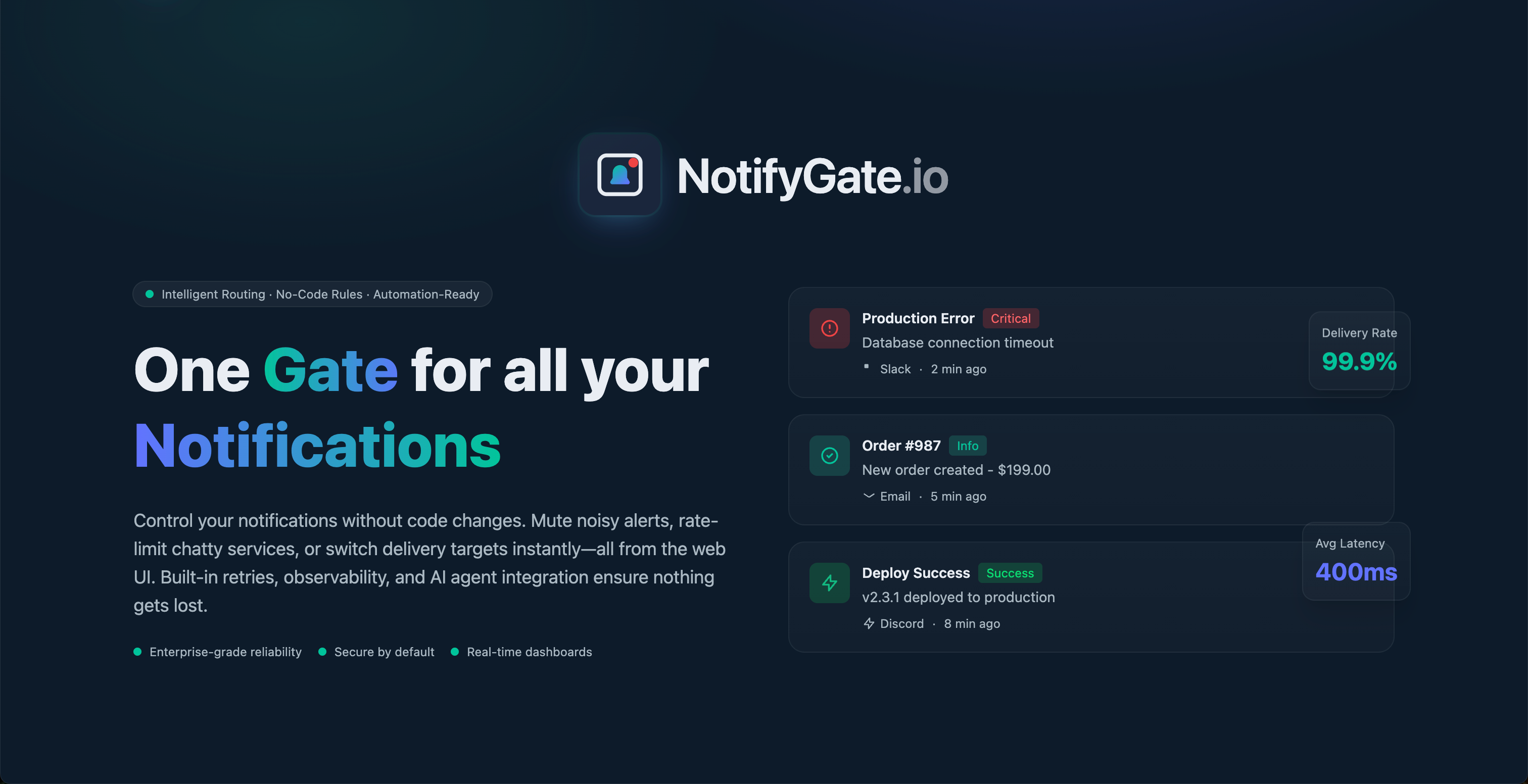
One Gate for all your Notifications
Published: 1/7/2026
Product Overview: The Central Hub for Application Notifications
NotifyGate introduces itself with a compelling promise: "One Gate for all your Notifications." In today's complex software stack, developers, DevOps teams, and operations staff are constantly bombarded by alerts streaming from monitoring tools, CI/CD pipelines, and backend services into multiple channels like Slack, Discord, and email. NotifyGate acts as a powerful, centralized intermediary layer that intercepts these raw notifications and intelligently routes, filters, and manages them before they reach end-users. This is not just another notification forwarder; it’s a sophisticated control plane designed for notification hygiene.
The core value proposition of NotifyGate lies in offering granular, dynamic control over alert flows without requiring developers to touch existing application code. This is a massive win for efficiency. Its target audience is clearly those managing high-volume alerting environments—SREs, Backend Engineers, and Technical Leads—who need to reduce alert fatigue while ensuring critical incidents are never missed. Use cases range from silencing repetitive low-priority warnings from a staging environment to ensuring a database failure alert is immediately escalated via SMS (if integrated) while simultaneously informing the relevant engineering Slack channel.
Problem & Solution: Taming the Wild West of Alert Fatigue
The modern application ecosystem suffers from severe alert fatigue. When a service misbehaves, it often generates dozens of near-identical alerts across various platforms, leading to cognitive overload and, paradoxically, the missing of truly urgent issues. Existing solutions often involve custom scripts or brittle integrations within each monitoring tool, forcing development teams to spend valuable engineering hours managing notification logic instead of focusing on core product development.
NotifyGate solves this by providing a single, declarative web UI where users can define routing rules, throttling policies, and escalation paths based on the content or source of the notification. It intelligently fills the market gap by offering a platform-agnostic notification management service. Instead of coding logic into your Prometheus exporter or your third-party monitoring tool, you point all alerts to NotifyGate, and it handles the intelligent distribution, silencing the noise and amplifying the signal automatically.
Key Features & Highlights: Intelligence at the Gate
The features highlighted in the NotifyGate description suggest a robust and modern approach to alert handling. The ability to route notifications to multiple endpoints—Slack, Discord, Email, and more—is table stakes, but NotifyGate elevates this with advanced control mechanisms.
The most powerful features appear to be the proactive management tools:
- Muting and Throttling: Users can define rules to mute noisy, non-critical alerts or throttle services that are chatty during peak activity, drastically reducing distraction.
- Web UI Control: The promise of controlling these rules "without code changes" via a web UI is a significant differentiator, offering operational flexibility.
- Reliability Engineering Tools: Built-in retries ensure that even if a destination service (like Slack) is temporarily down, the critical notification eventually gets through.
- AI Agent Integration: This suggests forward-thinking capabilities, likely involving AI parsing for enrichment, categorization, or automated triage of incoming alerts.
The user experience seems geared towards operational efficiency. Real-time dashboards provide immediate visibility into alert volume and routing success, helping teams quickly diagnose why an alert might have been silenced or why a critical path is not functioning as expected.
Potential Drawbacks & Areas for Improvement
While the concept behind NotifyGate is compelling, its success hinges heavily on ease of initial integration and the depth of its customization capabilities. A potential drawback for initial adopters could be the necessary "switchover" process—getting all existing alert sources to point to NotifyGate initially might require minor configuration changes at the source, even if the routing logic itself requires no code.
To further enhance its value, the team should focus on a few key areas:
- Template & Content Transformation: While routing is key, the ability to dynamically transform the notification payload (e.g., summarizing a long error log into a concise, actionable summary before sending to Slack) would be invaluable.
- Integration Depth: Expanding the list of supported sources (not just destinations) beyond standard monitoring tools to niche internal systems would broaden its appeal.
- Security Auditing: For enterprise users, detailed audit logs showing who changed which routing rule and when will be critical for compliance.
Bottom Line & Recommendation
NotifyGate appears to be an essential tool for any growing engineering organization battling alert fatigue. If your team spends time managing notification configurations across multiple monitoring tools, or if critical alerts occasionally get lost in the sea of noise, NotifyGate offers a centralized, powerful control layer that saves engineering time and improves incident response times. I strongly recommend that DevOps professionals, SRE teams, and anyone responsible for system reliability evaluate NotifyGate immediately. It delivers on the promise of mastering notifications with unprecedented, code-free flexibility.
Featured AI Applications
Discover powerful tools to enhance your productivity
MindMax
New Way to Interact with AI
Beyond AI chat, transforming conversations into an infinite canvas. Combining brainstorming, mind mapping, critical and creative thinking tools to help you visualize ideas, solve problems efficiently, and accelerate learning.
AI Slides
AI Slides with Markdown
Revolutionary slide creation fusing AI intelligence with Markdown flexibility - edit anywhere, optimize anytime, iterate easily. Turn every idea into a professional presentation instantly.
AI Markdown Editor
Write Immediately
Extremely efficient writing experience: AI assistant, slash commands, minimalist interface. Open and write, easy writing. ✍️ Markdown simplicity + 🤖 AI power + ⚡ Slash commands = Perfect writing experience.
Chrome AI Extension
AI Assistant Anywhere
Transform your browsing experience with FunBlocks AI Assistant. Your intelligent companion supporting AI-driven reading, writing, brainstorming, and critical thinking across the web.