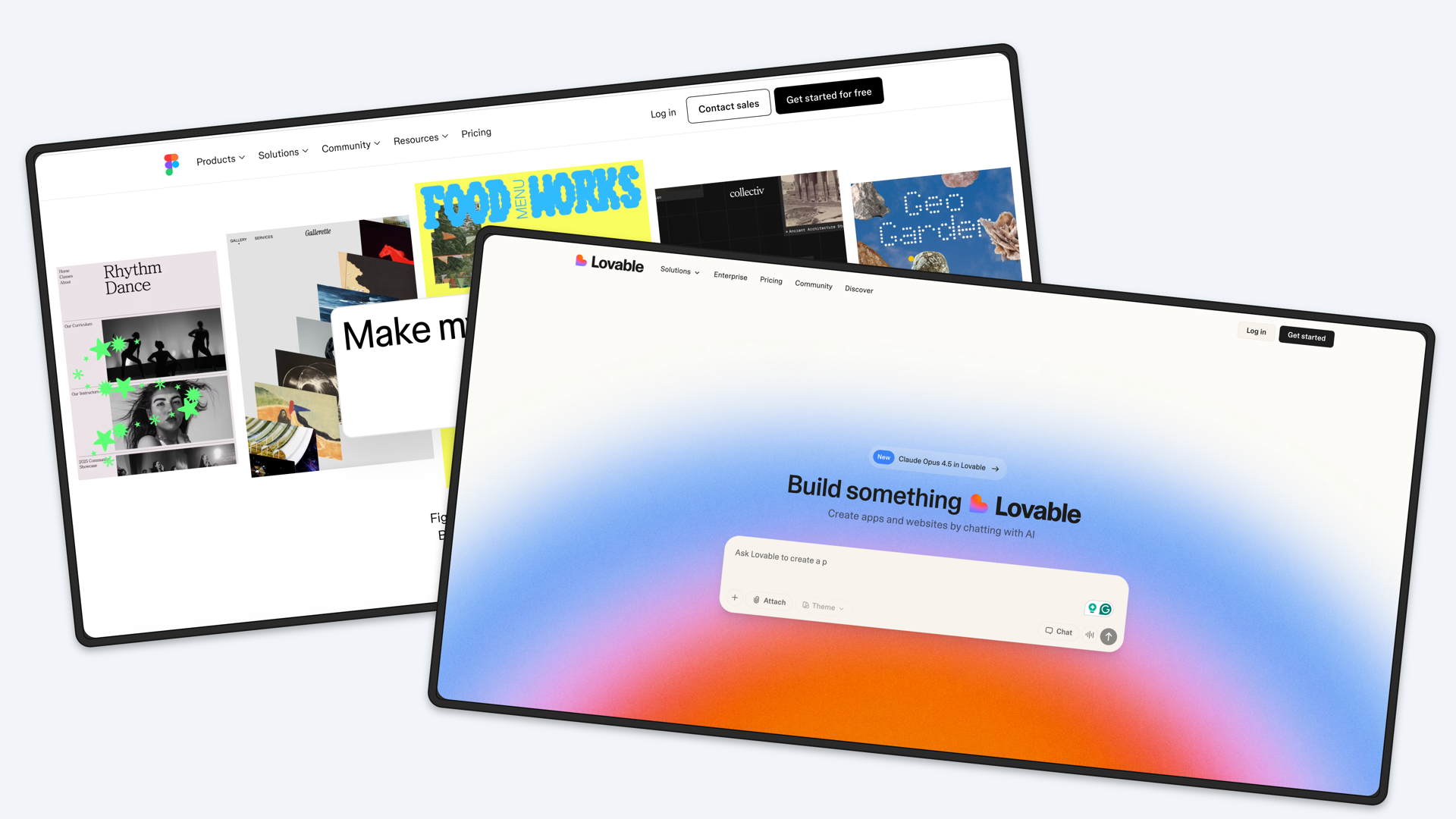
Screenhance Review: Transforming Raw Screenshots into Launch-Ready Visual Assets Instantly
Make product screenshots look launch-ready in minutes
Published: 12/18/2025
Product Overview: The Evolution of Screenshot Marketing
In the competitive world of product launches and digital marketing, first impressions are everything. Screenhance, with its promise to "Make product screenshots look launch-ready in minutes," steps into this critical space promising to bridge the gap between capturing a moment on screen and creating compelling marketing collateral. At its core, Screenhance is a dynamic visual asset creation tool designed specifically for software showcases, documentation, and promotional content. It moves beyond the limitations of static image editors by focusing on templates and native animation capabilities.
This tool targets product managers, SaaS founders, content creators, and marketing teams who need high-quality visual proof of their software without sinking hours into complex design software like Figma or Photoshop. The primary use case is rapid iteration on visual marketing materials—think clean onboarding guides, engaging social media announcements, or professional website mockups. Screenhance’s core value proposition lies in speed and polish, allowing users to produce professional-grade visuals that immediately elevate the perceived value of their product.
Solving the Screenshot Stigma: Static vs. Dynamic Visuals
The problem Screenhance tackles head-on is the ubiquity of dull, poorly framed, or unstyled screenshots in digital marketing. Traditional methods often result in flat, uninspired images that fail to capture the interactivity or polish of modern software. While basic screenshot utilities exist, and advanced design tools offer customization, they both suffer from a steep learning curve or a lack of efficiency for high-volume needs.
Screenhance fills this market gap by being template-first and animation-native. Instead of starting from scratch, users select a professionally designed layout, ensuring visual consistency across all marketing channels. Crucially, its "animation-native" approach means users can easily add subtle, engaging motion (like highlight fades or cursor paths) directly into their exports as MP4 or GIF clips, something that typically requires separate video editing software. This integration of professional framing, styling, and subtle motion is what sets Screenhance apart from standard screencasting or basic image annotation tools.
Key Features and User Experience Highlights
The strength of Screenhance lies in its focus on delivering sophisticated output with minimal user effort. The platform’s design ethos clearly prioritizes speed and aesthetic control.
Key features that stand out include:
- Template-First Workflow: Users begin with a library of pre-designed layouts, drastically cutting down on initial setup time.
- Native Animation Support: The ability to add subtle motion (like hover effects or simulated clicks) directly within the editor, outputting as professional MP4 or GIF files, is a significant differentiator for creating engaging micro-videos.
- Comprehensive Framing Options: Access to integrated device frames (phones, laptops) and browser chrome makes it easy to contextualize the screenshot within a recognizable product environment.
- Granular Styling Controls: Users can easily tweak colors, apply custom shadows, and manage backgrounds (including transparent options for layering) to match their brand identity seamlessly.
The user experience appears highly streamlined. By abstracting away the complexities of layering and design software, Screenhance allows users to focus purely on the content and the marketing message, achieving a "launch-ready" look rapidly.
Potential Drawbacks and Areas for Enhancement
While Screenhance excels at rapid visual polishing, a few areas could be explored for future versions to enhance its appeal to advanced users. The current focus seems heavily weighted toward aesthetic presentation rather than deep annotation functionality.
Constructive feedback for potential improvement includes:
- Advanced Annotation Layering: While basic styling is excellent, dedicated tools for complex, multi-step annotation workflows (e.g., step-by-step guides with sequenced reveals) might require users to revert to external tools. Deeper, timeline-based editing capabilities for the animation sequences could be valuable.
- Asset Management & Branding Kits: For larger teams, a centralized library for saving custom themes, color palettes, and frequently used device mockups would greatly improve team consistency and workflow efficiency.
- Integration Ecosystem: While not essential for the core function, integrations with popular project management tools (like Jira or Asana) or design repositories (like Dropbox/Drive) could further embed Screenhance into existing developer and marketing pipelines.
Overall, the platform seems mature in its core mission, but expanding its feature set slightly toward complex visual storytelling would solidify its position as a market leader in this niche.
Bottom Line & Recommendation
Screenhance is an absolute must-try for anyone whose success hinges on visually presenting software in the best possible light, especially those operating in fast-paced startup environments. If you are tired of generic, static screenshots polluting your website or social media feeds, this tool delivers immediate, professional results without the commitment of learning complex design software.
The tiered pricing structure, including a Free tier and a Week Pass, lowers the barrier to entry significantly. I highly recommend that product marketers and SaaS founders explore Screenhance today; it is an efficient powerhouse for transforming average captures into compelling, launch-ready visuals in minutes.
Featured AI Applications
Discover powerful tools to enhance your productivity
MindMax
New Way to Interact with AI
Beyond AI chat, transforming conversations into an infinite canvas. Combining brainstorming, mind mapping, critical and creative thinking tools to help you visualize ideas, solve problems efficiently, and accelerate learning.
AI Slides
AI Slides with Markdown
Revolutionary slide creation fusing AI intelligence with Markdown flexibility - edit anywhere, optimize anytime, iterate easily. Turn every idea into a professional presentation instantly.
AI Markdown Editor
Write Immediately
Extremely efficient writing experience: AI assistant, slash commands, minimalist interface. Open and write, easy writing. ✍️ Markdown simplicity + 🤖 AI power + ⚡ Slash commands = Perfect writing experience.
Chrome AI Extension
AI Assistant Anywhere
Transform your browsing experience with FunBlocks AI Assistant. Your intelligent companion supporting AI-driven reading, writing, brainstorming, and critical thinking across the web.