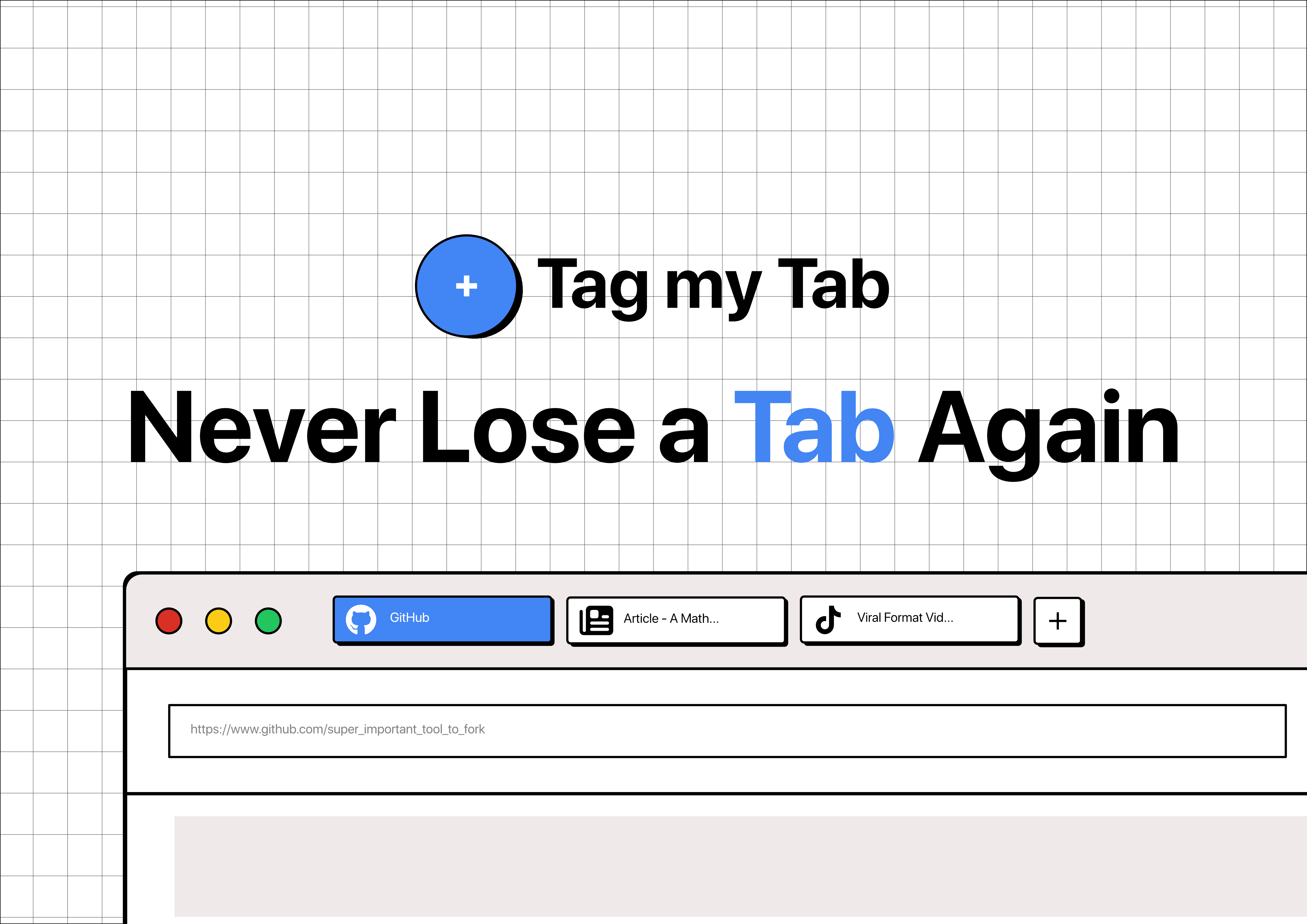
Tag my Tab: Master Your Browser Tab Chaos
Organize your browser tabs with tags and comments
Published: 11/30/2025
Are you one of those people with dozens of browser tabs open, constantly losing track of important pages and feeling your computer slow to a crawl? Tag my Tab is a Chrome browser extension designed to tackle this exact problem, offering a robust solution for organizing, managing, and saving your tabs with unparalleled efficiency. It caters to anyone who juggles multiple online resources for work, research, or personal projects, providing a much-needed alternative to traditional bookmarks and native tab grouping.
Tag my Tab's core value proposition lies in its ability to transform browser tab overload into a streamlined, searchable, and manageable system. By allowing users to categorize, annotate, and retrieve tabs with ease, it aims to reduce digital clutter, improve productivity, and alleviate the stress of losing important information.
The Problem of Tab Proliferation and Tag my Tab's Solution
The modern browsing experience often leads to an overwhelming number of open tabs. This "tab chaos" not only consumes significant system resources (CPU and RAM) but also makes it incredibly difficult to locate specific information when needed. Users frequently find themselves with tabs open for days, weeks, or even months, unsure of their purpose but too afraid to close them. Traditional bookmarking can become unwieldy, and native browser tab groups, while helpful, often lack advanced features like commenting and cross-device synchronization.
Tag my Tab directly addresses these pain points. It provides a flexible and powerful system that goes beyond simple grouping. Instead of relying on rigid folders or visual clusters, it introduces "tags" and "comments" as primary organizational tools. This allows for a more fluid and intuitive way to categorize and contextualize saved tabs, making them easily discoverable later. It acts as a more flexible alternative to native tab groups, offering advanced features and cloud sync.
Key Features & Highlights
Tag my Tab boasts a suite of features designed to make tab management effortless:
- Tag It: With a single click, users can categorize any open tab using custom tags. This instant tagging capability allows for quick organization without interrupting workflow.
- Comment It: Users can add notes or comments to saved tabs, eliminating the "why did I save this?" dilemma. This context-rich annotation is invaluable for long-term reference.
- Find It: The powerful search functionality allows users to instantly find saved tabs by title, URL, tag, or comment. This makes retrieving specific information incredibly efficient, even from a vast collection of saved tabs.
- Close It: Users can confidently close tabs knowing that Tag my Tab has them saved forever. This liberates system resources and reduces browser clutter without the fear of losing valuable information.
- Sync It: All organized tabs, comments, and tags are automatically synced across all devices where the user is logged in with their Tag my Tab account. This cloud synchronization ensures access to your organized tabs anywhere, anytime.
- Independent of Chrome Tab Groups: Tag my Tab functions independently of Chrome's native tab groups, offering a more flexible and feature-rich alternative for tab organization.
- Privacy-Focused: The makers emphasize that Tag my Tab does not sell user data to third parties and only stores explicitly saved information (tab URLs, titles, tags, and comments), which is encrypted and securely stored.
Potential Drawbacks & Areas for Improvement
While Tag my Tab offers a compelling solution, a few areas could be considered for future enhancements:
- Onboarding Experience: While the core functionality seems straightforward, an interactive onboarding tutorial for new users could further highlight best practices for tagging and commenting, ensuring they get the most out of the extension from day one.
- Collaboration Features: For teams or users working on shared projects, a feature to share tagged tab collections could significantly enhance collaborative research and knowledge sharing. Some alternatives in the market offer similar capabilities for sharing tab groups.
- Visual Grouping Options: While Tag my Tab emphasizes a tag-based approach, some users might still appreciate optional visual grouping within the extension's interface, perhaps displaying related tags or tabs together in a more visually distinct manner, similar to how some tab managers offer grouped dashboards.
- Integration with other tools: Exploring integrations with popular note-taking apps or project management tools could further extend its utility, allowing users to seamlessly transfer or link their tagged tabs to other workflows.
Bottom Line & Recommendation
Tag my Tab is an excellent browser extension for anyone struggling with tab overload and seeking a more intelligent way to manage their online resources. Its intuitive tagging, commenting, and powerful search capabilities make it a strong contender for users who prioritize efficient information retrieval and a clutter-free browsing experience. The cross-device sync is a significant advantage for users working across multiple computers.
The free plan, offering unlimited tabs with three tags, full search, and cloud sync, provides ample functionality for many users to get started. For power users who require unlimited tags and comments, the one-time $4.99 Pro plan is a worthwhile investment. If you find yourself constantly losing tabs, re-opening previously visited pages, or simply want to bring order to your digital chaos, Tag my Tab is highly recommended. It’s a solid alternative to traditional bookmarks and a more flexible solution than native tab groups.
Featured AI Applications
Discover powerful tools to enhance your productivity
MindMax
New Way to Interact with AI
Beyond AI chat, transforming conversations into an infinite canvas. Combining brainstorming, mind mapping, critical and creative thinking tools to help you visualize ideas, solve problems efficiently, and accelerate learning.
AI Slides
AI Slides with Markdown
Revolutionary slide creation fusing AI intelligence with Markdown flexibility - edit anywhere, optimize anytime, iterate easily. Turn every idea into a professional presentation instantly.
AI Markdown Editor
Write Immediately
Extremely efficient writing experience: AI assistant, slash commands, minimalist interface. Open and write, easy writing. ✍️ Markdown simplicity + 🤖 AI power + ⚡ Slash commands = Perfect writing experience.
Chrome AI Extension
AI Assistant Anywhere
Transform your browsing experience with FunBlocks AI Assistant. Your intelligent companion supporting AI-driven reading, writing, brainstorming, and critical thinking across the web.