Verdent Review: Reclaiming Deep Focus in the Age of AI Coding
Your AI-native partner for the new way to build software
Published: 1/26/2026
Product Overview: The AI Partner Built for Focus
Verdent arrives on the scene with a bold promise: to bring the "joy back to coding" by reimagining the AI coding assistant experience. In a landscape saturated with general-purpose AI tools tacked onto existing IDEs, Verdent positions itself as an "AI-native partner." It’s not just about generating boilerplate code; it’s about facilitating a more thoughtful, deeply focused development workflow. This tool targets individual developers, small teams, and engineering leaders who feel bogged down by context switching and the sheer noise generated by current AI interactions.
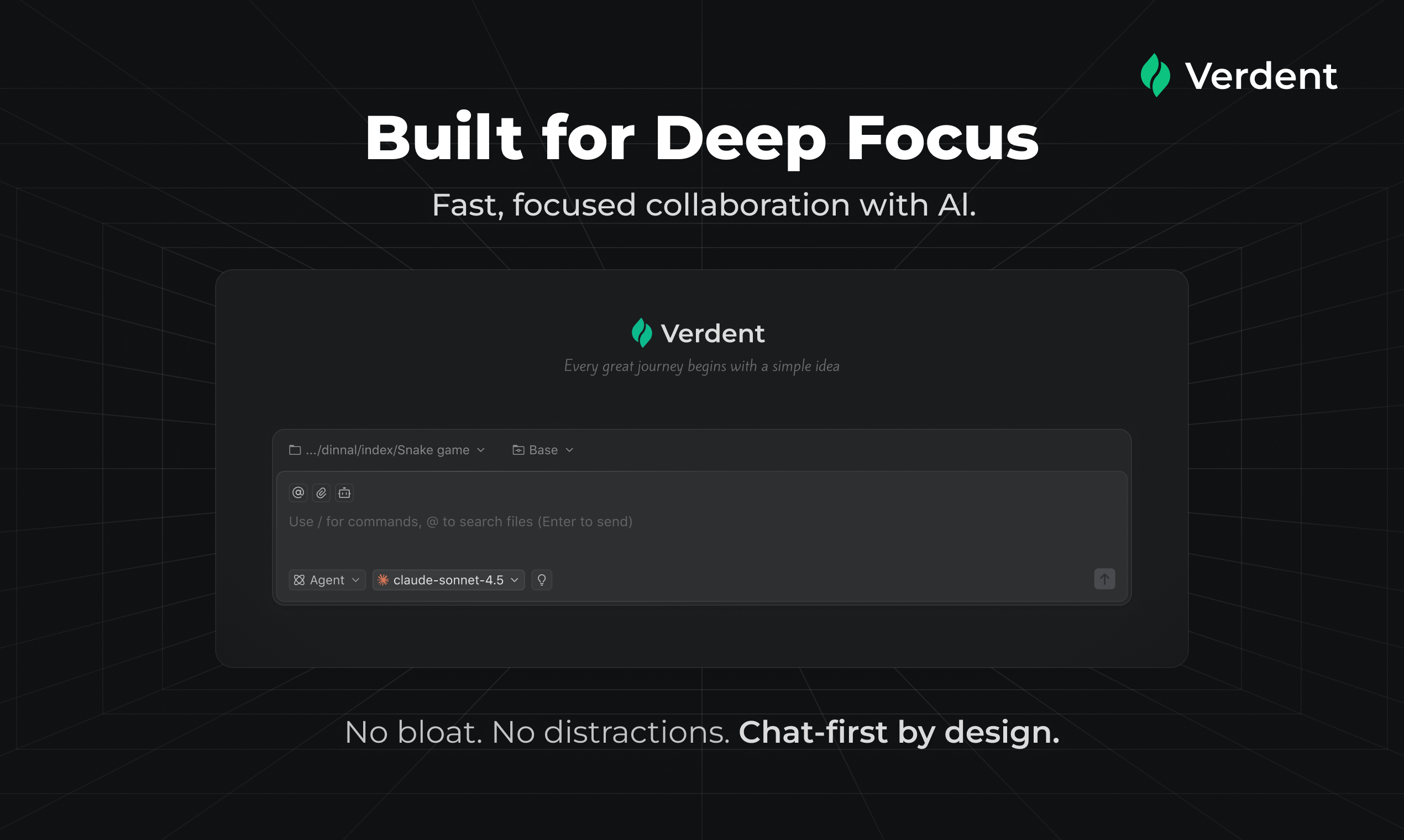
What sets Verdent apart immediately is its chat-first, distraction-free interface. Instead of modal pop-ups or intrusive sidebars, Verdent aims to integrate assistance naturally, ensuring that when you’re in the zone, you stay there. Its core value proposition revolves around deep productivity, early clarity in requirements, and transparent code management—essential elements often missing when developers hastily implement AI suggestions.
Problem & Solution: Tackling Context Switching Overload
The contemporary development process is riddled with friction. Developers frequently waste time clarifying ambiguous requests with AI models, juggling multiple open threads of thought (context switching), and struggling to track exactly what an AI modification has done to their established codebase. This fragmentation destroys flow state.
Verdent directly addresses this context fragmentation problem. By emphasizing early, clarifying questions, the tool ensures that the generated code aligns precisely with intent from the start, minimizing costly revisions later. Furthermore, its commitment to clearly showing code changes provides the necessary transparency that many black-box AI tools lack. Verdent acts as a disciplined partner, guiding the user rather than simply obeying every immediate, potentially flawed, prompt.
Key Features & Highlights: Clarity, Control, and Context
Verdent’s design centers around optimizing the human-AI interaction for quality output rather than speed alone. Several features stand out as critical components of its unique approach to software development tools:
- Chat-First, No Distractions: The interface is purposefully minimalist. This design choice minimizes visual clutter, allowing developers to maintain their focus on the complex logic they are trying to solve.
- Proactive Clarification Engine: A key differentiator is Verdent’s tendency to pause and ask clarifying questions before executing complex changes. This mirrors the best practices of a senior peer reviewer, ensuring architectural coherence early on.
- Multi-Task Handling: The platform appears adept at managing several concurrent development tasks within its interface, preventing the need to open entirely new chat windows or switch context manually for disparate feature requests.
- Transparent Code Diffing: Crucially for maintaining codebase integrity, Verdent clearly visualizes what has changed. This feature builds trust and allows developers to review AI suggestions with the same scrutiny they would apply to human colleagues.
The resulting user experience feels less like using a rapid-fire autocomplete tool and more like engaging with an intelligent, well-trained junior developer who prioritizes understanding requirements over just delivering lines of code.
Potential Drawbacks & Areas for Improvement
While Verdent’s focus on deep work is laudable, this very focus might present initial hurdles. For developers accustomed to rapid, high-volume code generation (even if imperfect), Verdent’s insistence on clarity might feel slightly slower initially. The product needs to balance thoroughness with velocity.
From an integration standpoint, the input information doesn't specify deep IDE integration (e.g., VS Code, IntelliJ). For a tool promising to integrate into the coding workflow, seamless integration with popular Integrated Development Environments (IDEs) is non-negotiable. Future iterations should emphasize robust, context-aware plugins that allow Verdent’s "chat" to live directly alongside the relevant file, rather than requiring a dedicated application switch. Furthermore, advanced capabilities like debugging large existing codebases or migrating between legacy frameworks would significantly boost its appeal to seasoned professionals.
Bottom Line & Recommendation
Verdent is an exciting entry into the AI coding assistant market, specifically carving out a niche for developers who value code quality and flow state over sheer, unverified output volume. If you are a developer constantly frustrated by context switching, poorly defined AI suggestions, or the difficulty of tracking AI-introduced changes, Verdent is highly recommended for an evaluation.
This tool is perfectly positioned for engineers looking to elevate their AI interactions from transactional commands to strategic partnerships. Give Verdent a try if you believe the next evolution of developer productivity hinges on focus, clarity, and disciplined collaboration with artificial intelligence.
Featured AI Applications
Discover powerful tools to enhance your productivity
MindMax
New Way to Interact with AI
Beyond AI chat, transforming conversations into an infinite canvas. Combining brainstorming, mind mapping, critical and creative thinking tools to help you visualize ideas, solve problems efficiently, and accelerate learning.
AI Slides
AI Slides with Markdown
Revolutionary slide creation fusing AI intelligence with Markdown flexibility - edit anywhere, optimize anytime, iterate easily. Turn every idea into a professional presentation instantly.
AI Markdown Editor
Write Immediately
Extremely efficient writing experience: AI assistant, slash commands, minimalist interface. Open and write, easy writing. ✍️ Markdown simplicity + 🤖 AI power + ⚡ Slash commands = Perfect writing experience.
Chrome AI Extension
AI Assistant Anywhere
Transform your browsing experience with FunBlocks AI Assistant. Your intelligent companion supporting AI-driven reading, writing, brainstorming, and critical thinking across the web.