Voquill Review: Typing 4X Faster with Open Source Voice Dictation Power
The open source WisprFlow alternative
Published: 1/13/2026
Product Overview: Reimagining Text Input Speed
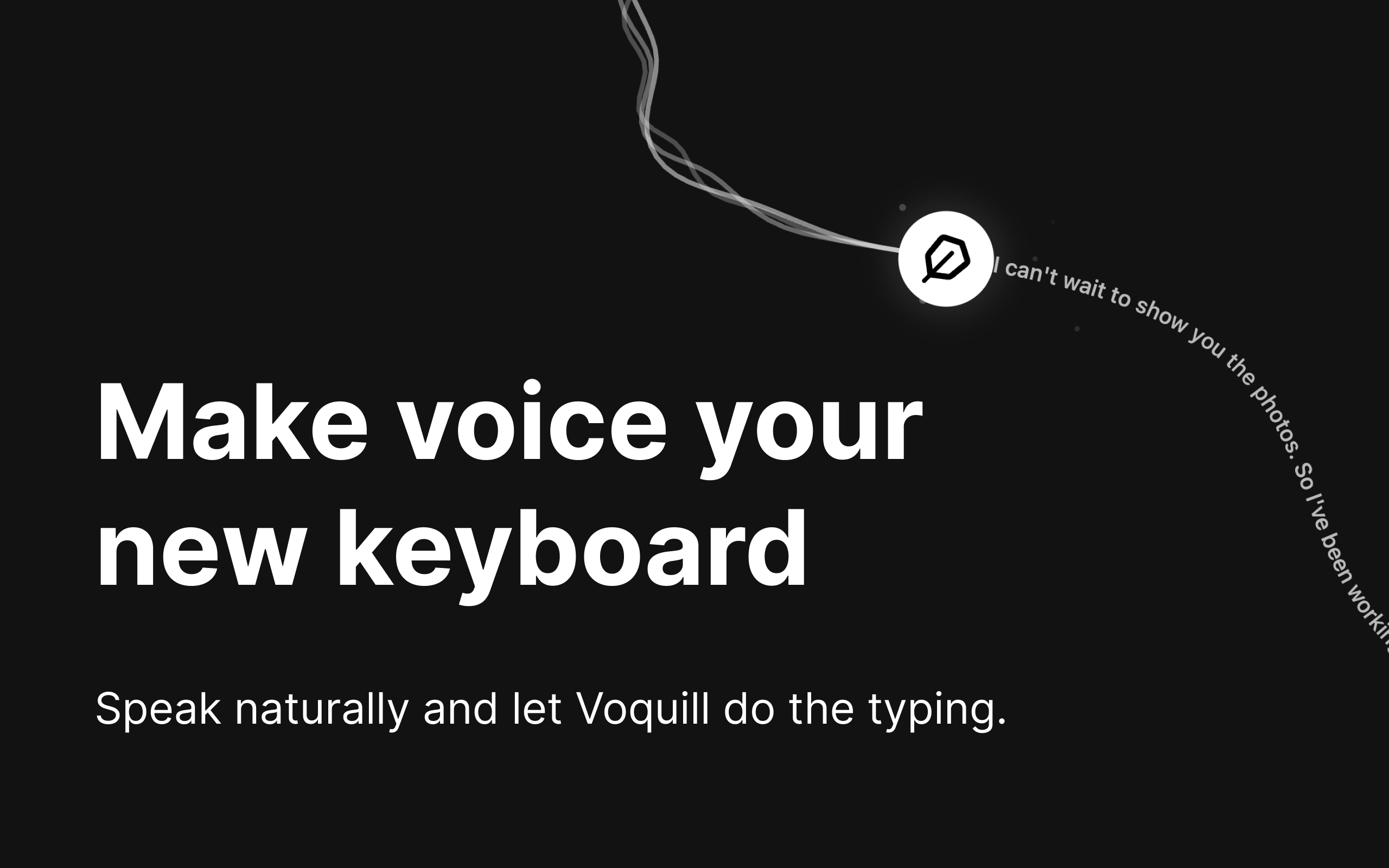
Voquill boldly positions itself as the open-source alternative to existing voice transcription tools, specifically calling out WisprFlow. At its core, Voquill is designed to radically accelerate text input. It’s not just another dictation tool; it’s a system engineered to integrate seamlessly into your existing workflow, allowing users to type at speeds far exceeding traditional keyboard input—up to four times faster, according to the makers. This high-speed transcription capability is housed within a native application that runs identically across all major operating systems: macOS, Windows, and Linux.
The primary goal of Voquill is to bridge the gap between spoken thought and written output efficiently. By running natively, it promises lower latency and potentially better privacy compared to cloud-dependent solutions, catering to users who demand performance and control over their data. It targets anyone whose daily output relies heavily on text creation, from developers and writers to busy professionals fielding constant correspondence.
The core value proposition of Voquill hinges on two central pillars: raw speed and universal compatibility, all wrapped up in an open-source package that appeals directly to the privacy-conscious and community-driven tech enthusiast.
Problem & Solution: Escaping the Keyboard Bottleneck
The fundamental problem Voquill seeks to solve is the inherent bottleneck of manual typing. Even the fastest typist is significantly slower than the pace of natural human speech. For knowledge workers, this translates into hours lost daily, often leading to incomplete thoughts being captured, or a frustrating delay between ideation and documentation. Existing solutions often suffer from poor accuracy, clunky interfaces that break flow, or mandatory cloud dependence that raises security concerns for sensitive work.
Voquill attacks this problem by offering sophisticated intent recognition in two distinct modes: Agent Mode and AI Dictation Mode. Unlike basic speech-to-text that simply transcribes words, Voquill aims to understand intent, enabling it to output "beautifully formatted text." By being open-source, it fills a significant market gap for users who want this level of speed and integration without being locked into a proprietary ecosystem, offering transparent, locally-run performance.
Key Features & Highlights: Speed, Format, and Freedom
The real excitement around Voquill lies in its execution of high-performance voice control. The ability to operate across MacOS, Windows, and Linux natively is a huge differentiator, ensuring a consistent, high-quality experience regardless of the user's preferred platform.
The dual operational modes offer flexibility rarely seen in dictation tools:
- AI Dictation Mode: Focuses on accurate, rapid transcription of spoken words.
- Agent Mode: Suggests a more command-based interaction, where the software anticipates actions or formatting based on context, moving beyond mere transcription into true productivity augmentation.
The emphasis on outputting "beautifully formatted text" is critical. This implies that Voquill handles punctuation, paragraph breaks, and potentially even structural formatting (like Markdown or code blocks) intelligently, minimizing the need for post-dictation clean-up. This feature is key to achieving the promised 4x speed increase.
Potential Drawbacks & Areas for Improvement
As an open-source project featured on Product Hunt, Voquill likely benefits from community contributions, but may face challenges common to newer, specialized tools. Given the focus on speed and native performance, a potential drawback might be the initial setup or the required computational resources, especially for sophisticated AI processing offline. While the product promises native execution, the initial training or language model requirements might be a hurdle for some users compared to lightweight cloud services.
For improvement, the documentation surrounding the transition between Agent Mode and Dictation Mode needs to be crystal clear. Since the maker review was unavailable, understanding the specific commands or triggers that initiate intent recognition versus standard dictation will be vital for user adoption. Furthermore, providing benchmarks comparing the speed and accuracy of Voquill against proprietary giants like Dragon NaturallySpeaking or built-in OS tools would strongly validate the 4x speed claim and help attract power users. Adding robust, documented API hooks for third-party integration would further cement its appeal within the developer community.
Bottom Line & Recommendation
Voquill is a compelling entry into the productivity space, especially for power users, developers, and technical writers who are fatigued by manual input and wary of cloud-based dictation software. If you prioritize cross-platform consistency, native performance, and the philosophical advantages of open-source software, this is a must-try tool. It delivers on the promise of significantly enhanced text creation speed by intelligently understanding voice input. We highly recommend giving Voquill a serious look if your goal is to maximize output efficiency across MacOS, Windows, or Linux environments.
Featured AI Applications
Discover powerful tools to enhance your productivity
MindMax
New Way to Interact with AI
Beyond AI chat, transforming conversations into an infinite canvas. Combining brainstorming, mind mapping, critical and creative thinking tools to help you visualize ideas, solve problems efficiently, and accelerate learning.
AI Slides
AI Slides with Markdown
Revolutionary slide creation fusing AI intelligence with Markdown flexibility - edit anywhere, optimize anytime, iterate easily. Turn every idea into a professional presentation instantly.
AI Markdown Editor
Write Immediately
Extremely efficient writing experience: AI assistant, slash commands, minimalist interface. Open and write, easy writing. ✍️ Markdown simplicity + 🤖 AI power + ⚡ Slash commands = Perfect writing experience.
Chrome AI Extension
AI Assistant Anywhere
Transform your browsing experience with FunBlocks AI Assistant. Your intelligent companion supporting AI-driven reading, writing, brainstorming, and critical thinking across the web.