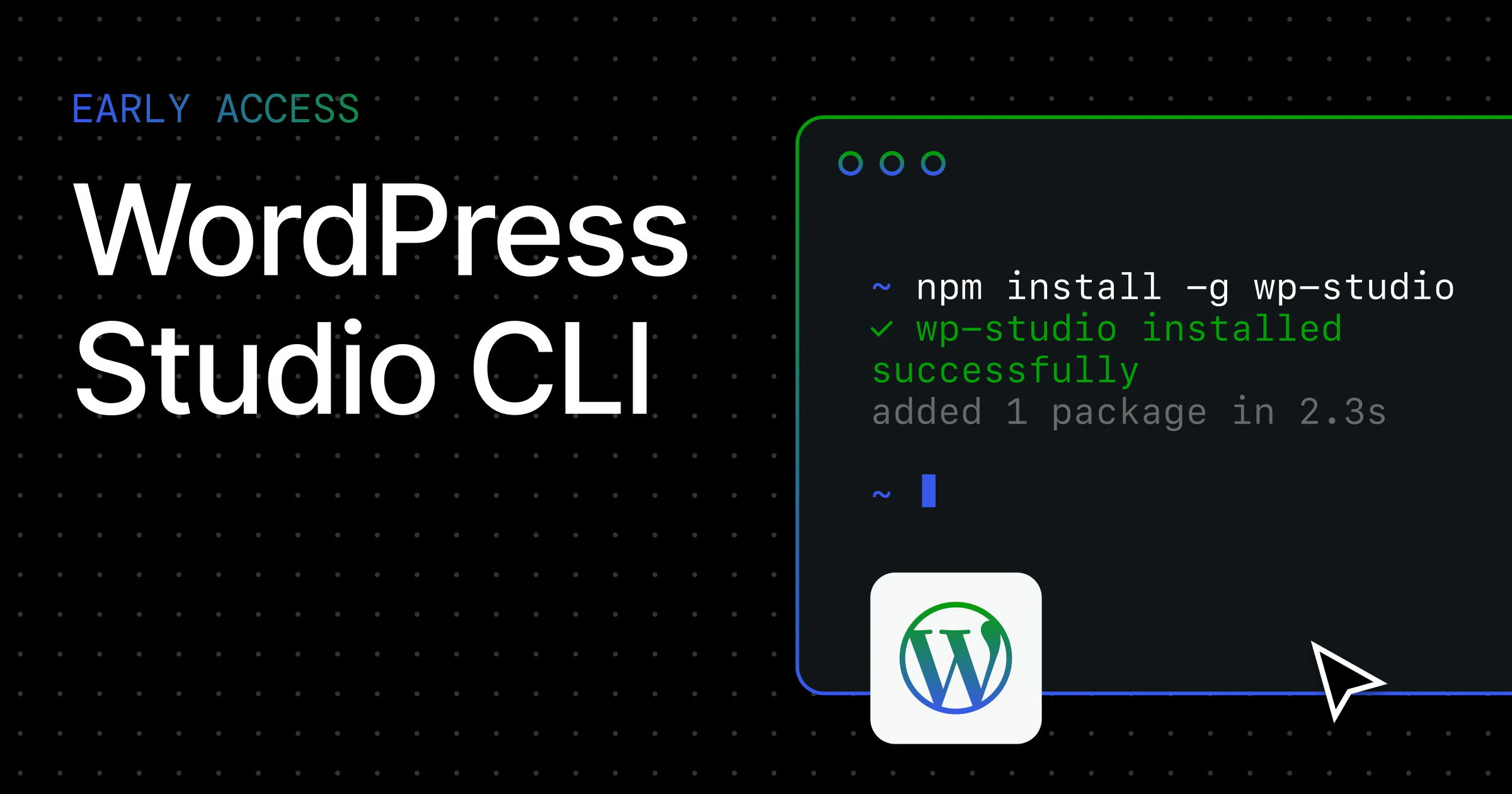
WordPress Studio CLI: Bringing Terminal Power to Local WordPress Development
WordPress Studio now has an independently installable CLI
Published: 3/28/2026
Product Overview
WordPress Studio CLI is the latest evolution for developers who rely on the WordPress Studio ecosystem for their local development environments. By decoupling the command-line interface from the main application, the makers have provided a powerful, lightweight tool that allows developers to control their WordPress environments directly from the terminal. This tool bridges the gap between a visual interface and automated development workflows, offering a more programmatic way to manage local sites.
The target audience for WordPress Studio CLI includes professional WordPress developers, agency teams, and DevOps engineers who prefer keyboard-centric workflows. Whether you are spinning up multiple test environments, automating plugin testing, or integrating local sites into CI/CD pipelines, this CLI provides the necessary hooks to turn manual tasks into repeatable scripts. Its core value proposition lies in efficiency and granular control, allowing developers to interact with their local WordPress infrastructure without ever needing to click through a GUI.
Problem & Solution
Local WordPress development has historically been plagued by "GUI-fatigue," where developers are forced to manually configure, launch, and inspect sites through cluttered dashboards. While visual tools like WordPress Studio are excellent for initial setup, they often break down when you need to perform repetitive tasks at scale.
WordPress Studio CLI fills this gap by bringing command-line functionality to the forefront. Instead of managing instances manually, developers can now write shell scripts to handle environment lifecycle management. By allowing for programmatic interaction with WordPress Studio, it solves the fragmentation between local testing and deployment automation, making it a critical asset for teams that prioritize high-velocity development cycles.
Key Features & Highlights
The WordPress Studio CLI is built for speed and integration. By moving functionality into the terminal, it becomes a "first-class citizen" in a developer’s standard toolset, alongside familiar tools like WP-CLI or Git.
Key highlights include:
- Terminal-First Control: Manage site state (start, stop, restart) without leaving your IDE or terminal window.
- Workflow Integration: Easily chain commands into existing bash scripts or Makefile routines for automated environment setup.
- Lightweight Distribution: Because it is independently installable, you don't need the overhead of the full Studio application to run maintenance tasks or background scripts.
- Seamless Sync: Maintains parity with your visual WordPress Studio setup, ensuring that changes made via the CLI are immediately reflected in your GUI-based workflows.
The user experience is designed for those who value muscle memory; the commands are intuitive and follow standard CLI patterns, making the learning curve nearly non-existent for anyone already comfortable with terminal-based development tools.
Potential Drawbacks & Areas for Improvement
While the WordPress Studio CLI is a massive step forward, it is currently in its early stages of maturity. As with many new CLI releases, the documentation is foundational and could benefit from more complex, real-world examples. Specifically, power users would likely benefit from more advanced configuration flags or the ability to export environment variables directly into other CLI tools.
Furthermore, the integration could be expanded to include more granular database management commands, such as automated imports or exports of SQL dumps directly via the CLI. Adding these features would further reduce the dependency on third-party tools like Sequel Ace or TablePlus, keeping the entire WordPress development workflow contained within the terminal.
Bottom Line & Recommendation
WordPress Studio CLI is a must-have utility for any developer currently using the WordPress Studio platform. It transforms a standard development tool into a robust, scriptable infrastructure for your local machine. If you are a developer looking to optimize your workflow, reduce manual clicks, and embrace an "automation-first" mindset, this tool is an essential addition to your terminal. It is a powerful, efficient, and logical extension that brings the best of modern DevOps practices to the WordPress community. We highly recommend integrating it into your daily build and deployment cycles.
Featured AI Applications
Discover powerful tools to enhance your productivity
MindMax
New Way to Interact with AI
Beyond AI chat, transforming conversations into an infinite canvas. Combining brainstorming, mind mapping, critical and creative thinking tools to help you visualize ideas, solve problems efficiently, and accelerate learning.
AI Slides
AI Slides with Markdown
Revolutionary slide creation fusing AI intelligence with Markdown flexibility - edit anywhere, optimize anytime, iterate easily. Turn every idea into a professional presentation instantly.
AI Markdown Editor
Write Immediately
Extremely efficient writing experience: AI assistant, slash commands, minimalist interface. Open and write, easy writing. ✍️ Markdown simplicity + 🤖 AI power + ⚡ Slash commands = Perfect writing experience.
Chrome AI Extension
AI Assistant Anywhere
Transform your browsing experience with FunBlocks AI Assistant. Your intelligent companion supporting AI-driven reading, writing, brainstorming, and critical thinking across the web.