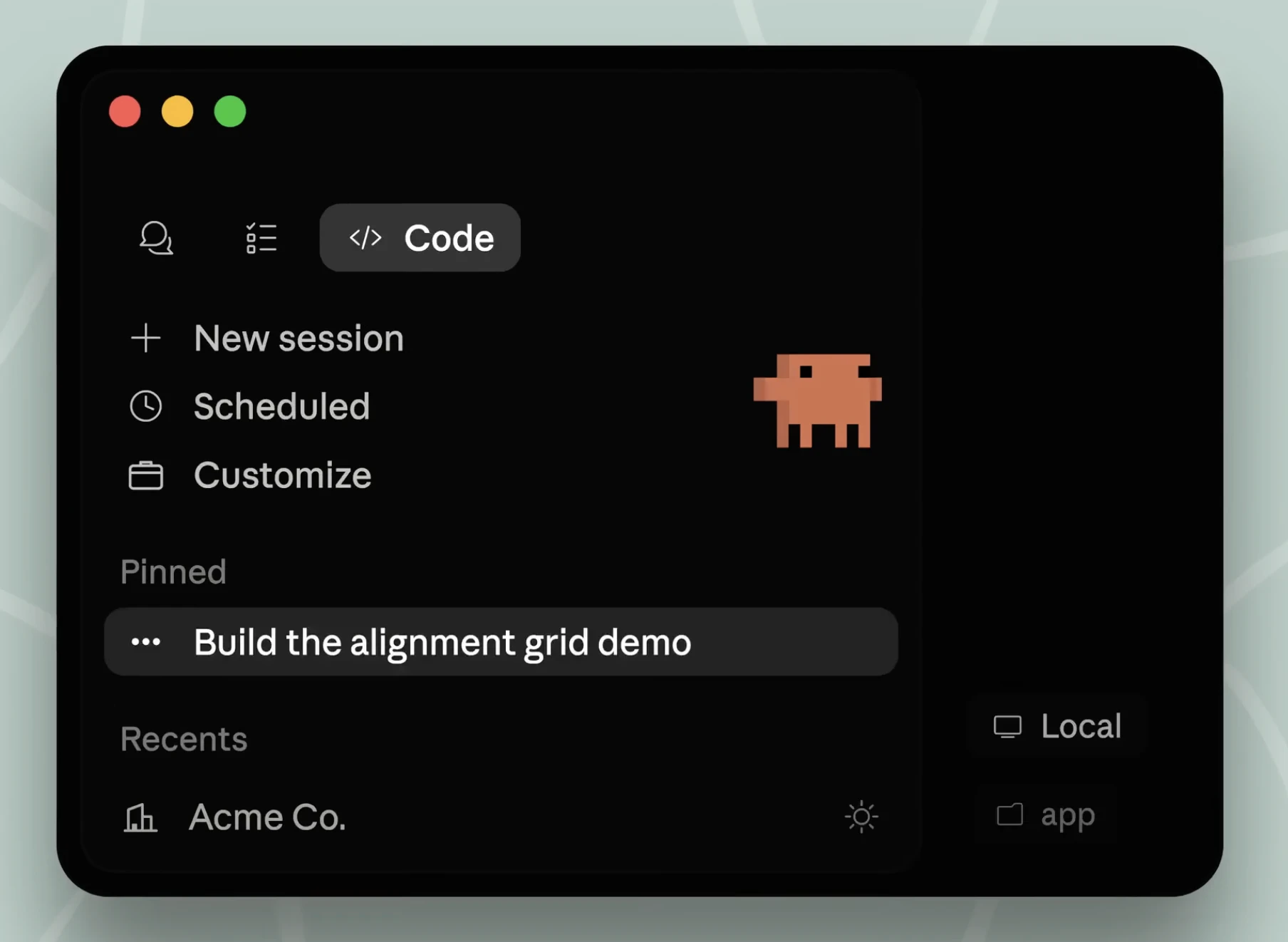
Claude Code Desktop App Redesigned: A Powerhouse for Parallel Agentic Development
Run parallel coding agents from one desktop workspace
发布时间: 4/16/2026
Product Overview
The recently redesigned Claude Code Desktop App is a significant evolution for developers looking to integrate AI agents directly into their local development environment. By shifting from a purely CLI-based experience to a dedicated desktop workspace, the platform allows users to manage multiple coding agents concurrently across various repositories. It is designed to act as a command center for AI-assisted development, allowing you to execute complex tasks, review code changes, and push updates without ever needing to context-switch between your terminal, IDE, and browser.
This tool is specifically built for power users subscribed to Claude Pro, Max, Team, or Enterprise plans. Its core value proposition lies in its ability to centralize agentic workflows, effectively turning your desktop into a robust engine for parallel coding. Whether you are managing multiple microservices or balancing several feature branches, the Claude Code Desktop App aims to eliminate the friction typically associated with managing AI-driven software development.
Problem & Solution
The current landscape of AI coding tools is often fragmented. Developers frequently find themselves juggling multiple terminal windows to run individual agents, leading to cluttered workspaces and inconsistent status tracking. Managing parallel tasks often results in "context fatigue," where the overhead of tracking what each agent is working on outweighs the productivity gains provided by the AI itself.
Claude Code Desktop App solves this by providing a unified UI for agent orchestration. Instead of tracking independent terminal sessions, developers get a bird's-eye view of all active agents. It bridges the gap between raw CLI output and a structured project management interface, filling the market void for an "AI-native" IDE extension that treats agents as first-class citizens rather than mere text-generation utilities.
Key Features & Highlights
The strength of the redesigned Claude Code Desktop App lies in its focus on workflow efficiency. By streamlining the interaction between the LLM and the local file system, it creates a seamless loop of "Plan, Code, Review, Ship." Notable features include:
- Parallel Agent Sessions: Run multiple agents simultaneously across different repositories, allowing for multi-tasking on a scale previously difficult to manage in standard terminals.
- Integrated Diff Review: The app includes a visual diff viewer, making it significantly easier to audit the code changes proposed by the agent before committing them to your codebase.
- Centralized File Management: Edit files directly through the interface with real-time feedback from the agent, reducing the need to jump back and forth between a separate code editor.
- Streamlined "Ship" Capability: The app simplifies the final stages of the development cycle, allowing users to move from code generation to deployment within the same environment.
The user experience is clean and purposeful, stripping away the bloat often found in enterprise developer tools. By focusing on the "agentic" aspect of coding—where the AI is autonomous yet supervised—the app makes complex multi-repo refactoring feel surprisingly manageable.
Potential Drawbacks & Areas for Improvement
While the desktop redesign is a major leap forward, it is not without its limitations. For one, it is deeply tethered to the Anthropic ecosystem; users who rely on other models (like GPT-4 or local open-source models) will find the app’s value proposition significantly diminished. Additionally, while the UI is intuitive, heavy users might find the lack of deep IDE integrations (like VS Code sidebar plugins) a hurdle for their existing muscle memory.
Future iterations would benefit from better terminal integration—perhaps allowing users to "pull" existing terminal processes into the app—as well as more granular control over token usage, which can quickly spiral when running multiple agents in parallel. Adding a collaborative feature where team members can view or "tap into" a colleague's agent session would also be a game-changer for enterprise teams.
Bottom Line & Recommendation
Claude Code Desktop App is a must-try for professional developers who are already heavily invested in Claude’s ecosystem and looking to automate repetitive coding tasks at scale. If you find yourself struggling to manage multiple agentic workflows or feeling overwhelmed by terminal-based AI management, this desktop app offers the structure and visibility you need to reclaim your productivity. It is a bold step toward the future of agentic development, and for power users, it is likely to become an indispensable part of their daily tech stack. Recommended for those ready to move beyond basic chat-based AI and into true agent-driven engineering.
Featured AI Applications
Discover powerful tools to enhance your productivity
MindMax
与AI互动的新方式
超越 AI 聊天,将对话转化为无限画布。结合头脑风暴、思维导图、批判性与创造性思维工具,帮助你可视化想法、高效解决问题、加速学习。
AI Slides
AI 驱动幻灯片,Markdown 魔法加持
革命性幻灯片创作,融合 AI 智能与 Markdown 灵活性 - 随处编辑,随时优化,轻松迭代。让每个想法,都能快速变成专业演示。
AI Markdown Editor
打开即写 - AI驱动的Markdown编辑器
极其高效的写作体验:AI助手、斜杠命令、极简界面。打开即用,轻松写作。✍️ Markdown简洁 + 🤖 AI强大 + ⚡ 斜杠命令 = 完美写作体验
FunBlocks AI Extension
🚀 AI驱动的浏览器扩展
用FunBlocks AI助手改变您的浏览体验。您的智能伴侣,为网络上的AI驱动阅读、写作、头脑风暴和批判性思维提供支持。