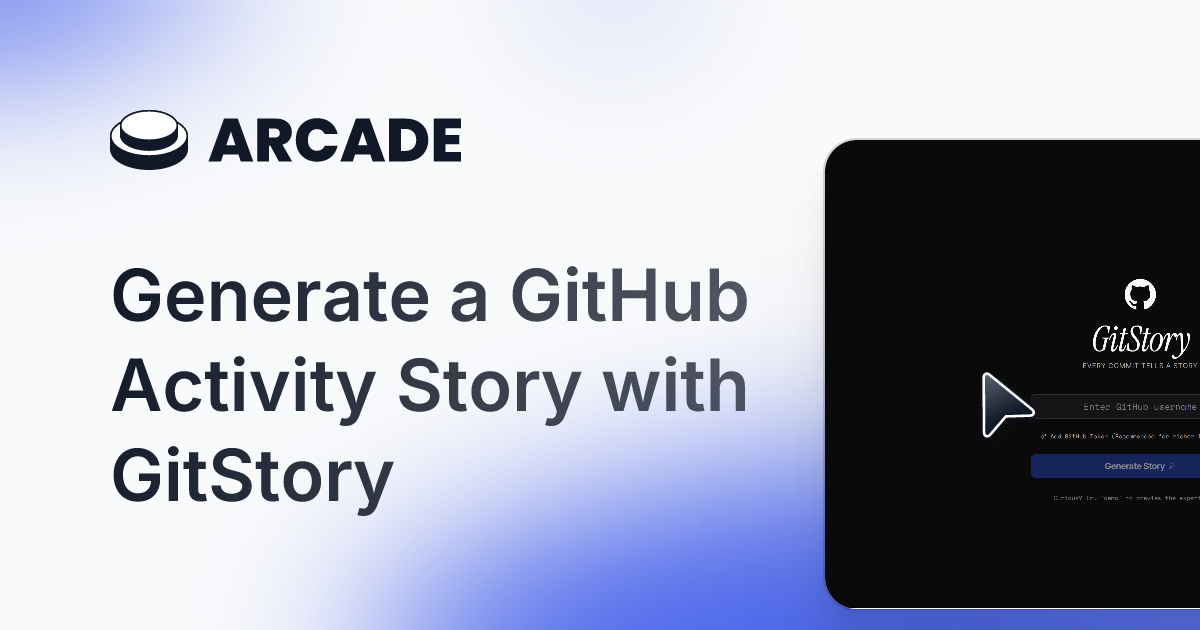
GitStory Review: Turning Your GitHub Commits into a Cinematic Journey
Turn your GitHub commits into a cinematic story
发布时间: 12/19/2025
Product Overview: Visualizing the Developer Narrative
GitStory enters the developer tooling space with a refreshingly creative mission: to transform the often-dry, linear history of Git commits into a visually engaging, shareable narrative. For developers, Git activity is the fundamental proof of work, but standard GitHub dashboards often flatten this journey into mere graphs and statistics. GitStory addresses this by synthesizing repository activity—commits, branches, and merges—into a "cinematic timeline."
This tool targets any developer, freelancer, or engineering manager who values showcasing their contribution history in a compelling way. Whether you are preparing for a performance review, updating a professional portfolio, or simply want to reflect on a complex project's evolution, GitStory offers a unique visual medium. Its core value proposition lies in translating raw data into an understandable, shareable story, moving beyond traditional metrics like velocity charts.
The Problem and the Solution in Developer Storytelling
The common problem GitStory solves is the inaccessibility and monotony of version control history. While Git itself is robust, viewing a long series of commit messages doesn't convey context, struggle, or achievement effectively. How do you quickly show a hiring manager the breadth of your contributions across a quarter without requiring them to dig through thousands of lines of logs?
GitStory solves this by automating the visualization pipeline. Instead of relying on complex scripting or manual aggregation, it hooks directly into your GitHub data and renders milestones—significant commits, major merges, or periods of intense activity—into a structured, aesthetically pleasing timeline. It fills a significant market gap by focusing squarely on narrative presentation rather than pure data analysis, positioning itself as a key tool for developer branding and self-reporting.
Key Features and User Experience Highlights
The standout feature of GitStory is its ability to create that "cinematic" view. This isn't just a glorified Gantt chart; it implies thoughtful design choices intended to make the timeline engaging.
Key highlights likely include:
- Commit Chronology: Mapping development milestones over time, perhaps grouping commits by feature or date range.
- Shareable Timelines: The output is designed to be easily embedded or shared across social platforms, perfect for portfolio updates.
- Visual Emphasis: The accompanying imagery suggests a high level of polish, using strong design elements to highlight key moments in the development lifecycle.
The user experience is implicitly focused on ease of setup. By integrating directly with GitHub, GitStory promises minimal friction. You connect your account, select the repositories you wish to feature, and the system handles the heavy lifting of transforming raw version control data into a digestible, professional-looking artifact of your work.
Potential Drawbacks and Areas for Improvement
While the concept is strong, as a relatively new tool focusing on visualization, GitStory might face limitations in customization and depth of analysis.
One potential drawback is the level of control over the "cinematic" rendering. If the automated story doesn't perfectly capture the nuance of a specific contribution, developers might desire granular control over which commits are emphasized or how the narrative flows. Furthermore, if the tool primarily focuses on public repositories, support for private work—perhaps through manual import or enhanced enterprise connections—would significantly broaden its appeal.
For enhancement, incorporating AI-driven summarization of complex commit threads (perhaps using large language models) to generate more descriptive timeline annotations beyond the raw commit message could add significant next-level value. Expanding beyond simple time-based visualization to include dependency mapping or linking commits to external issue trackers (like Jira or Linear) would make GitStory an invaluable project reflection tool, not just a personal branding one.
Bottom Line and Recommendation
GitStory is a fantastic utility for any developer looking to elevate how they present their contribution history. It expertly bridges the gap between technical output and professional narrative.
Who should try GitStory? Highly recommended for freelancers needing visually compelling proof of past work, job seekers preparing technical interviews, and senior developers crafting detailed self-assessments. If you're tired of showing bland GitHub profiles and want to showcase your journey vividly, GitStory is an essential tool to explore. It successfully injects creativity back into the often-stark world of version control documentation.
Featured AI Applications
Discover powerful tools to enhance your productivity
MindMax
与AI互动的新方式
超越 AI 聊天,将对话转化为无限画布。结合头脑风暴、思维导图、批判性与创造性思维工具,帮助你可视化想法、高效解决问题、加速学习。
AI Slides
AI 驱动幻灯片,Markdown 魔法加持
革命性幻灯片创作,融合 AI 智能与 Markdown 灵活性 - 随处编辑,随时优化,轻松迭代。让每个想法,都能快速变成专业演示。
AI Markdown Editor
打开即写 - AI驱动的Markdown编辑器
极其高效的写作体验:AI助手、斜杠命令、极简界面。打开即用,轻松写作。✍️ Markdown简洁 + 🤖 AI强大 + ⚡ 斜杠命令 = 完美写作体验
FunBlocks AI Extension
🚀 AI驱动的浏览器扩展
用FunBlocks AI助手改变您的浏览体验。您的智能伴侣,为网络上的AI驱动阅读、写作、头脑风暴和批判性思维提供支持。