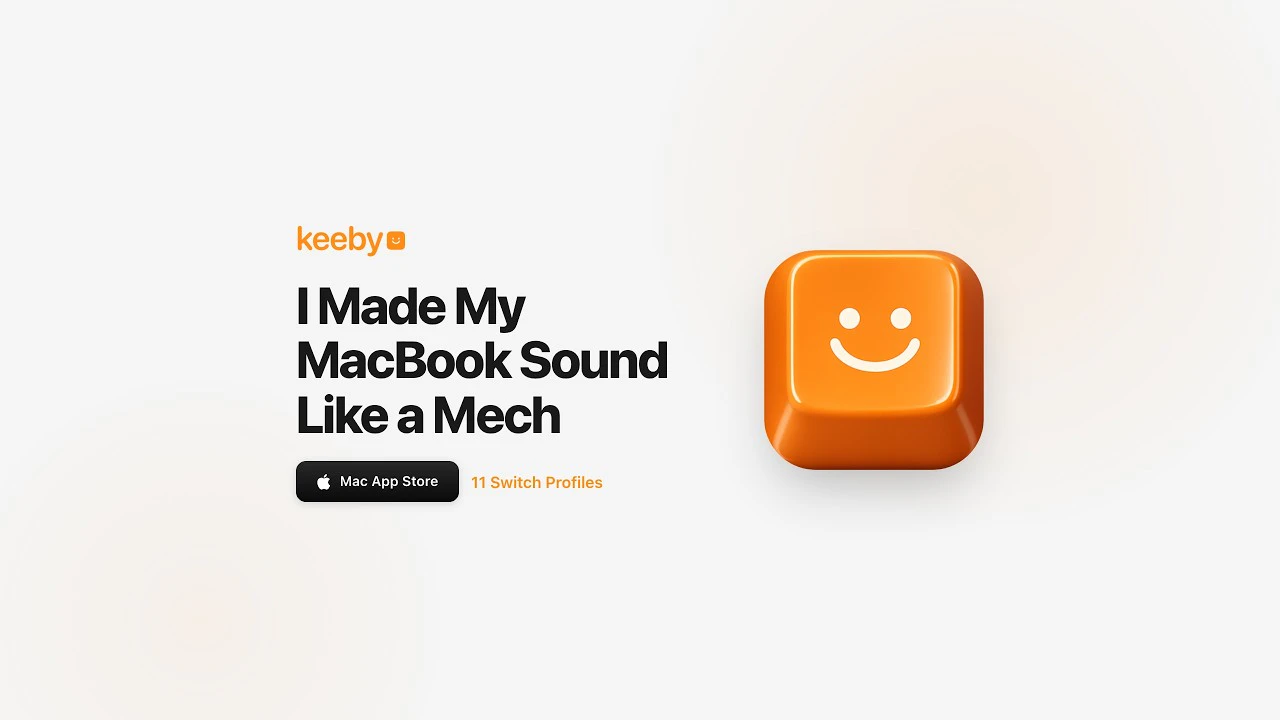
Keeby: Bring the Satisfying Sound of Mechanical Switches to Your Mac
Mechanical keyboard sounds for your Mac
发布时间: 4/8/2026
For many, the tactile and auditory experience of a mechanical keyboard is an essential part of the workflow. However, MacBook users are often confined to the whisper-quiet, low-travel scissor switches of the Magic Keyboard. Keeby changes that dynamic by bringing the premium, resonant sounds of world-class mechanical switches directly to your macOS environment.
Keeby is a lightweight, menu-bar-based utility designed to transform every keystroke into a satisfying auditory experience. By utilizing high-fidelity recordings of real mechanical switches rather than synthesized audio, the app recreates the authentic acoustic signature of custom keyboards. Whether you are typing in a quiet office or working from home, Keeby bridges the gap between the portability of a laptop and the sensory delight of a custom mechanical board.
The Problem: The Missing Sensory Feedback
The transition to ultra-thin laptops has resulted in a "silent" typing experience that many power users find uninspiring. While modern Mac keyboards are reliable, they lack the rhythmic, percussive feedback that helps many typists get into a "flow state."
Existing solutions in the space are often limited to generic "typewriter" sounds that feel artificial or distracting. Keeby addresses this gap by focusing on authenticity. By leveraging spatial audio and actual recordings of enthusiast-grade switches, it creates a feedback loop that feels less like a sound effect and more like a tactile extension of your typing speed and rhythm.
Key Features and Highlights
Keeby isn’t just a simple soundboard; it is a sophisticated audio utility designed for enthusiasts. Its feature set stands out for both its technical execution and its customization options:
- Authentic Switch Profiles: Choose from 11 distinct switch profiles, including community favorites like Gateron Red, Holy Panda, Alps Blue, and Box Navy. Because these are recorded from real physical switches, they retain the nuance of the original hardware.
- Spatial Audio Integration: This is perhaps the app’s most impressive feature. Keeby uses spatial positioning so that keys on the left side of your keyboard sound like they are coming from the left speaker, creating an immersive, realistic soundstage.
- Dynamic Tone Control: Users can adjust the "thock" (deep, resonant sounds) vs. "clack" (crisp, high-pitched sounds) to suit their preference or the specific acoustics of their current workspace.
- Reactive Visualizer: A built-in visualizer reacts to your typing in real-time, providing a fun, engaging way to see your keystrokes in action.
- Privacy-First Design: Keeby runs entirely offline. It does not collect data, nor does it require an internet connection to function, which is a major win for privacy-conscious users.
Areas for Improvement
While Keeby delivers an excellent experience, there is room for expansion to make it a must-have for every Mac user. Currently, the library of 11 switches is impressive, but power users might eventually desire an "import" feature to add their own high-quality recordings of their custom boards.
Additionally, while the menu bar interface is convenient, adding a "global hotkey" to quickly toggle the sound on or off would be a significant quality-of-life improvement for users who frequently jump in and out of video calls or meetings. Implementing a dynamic volume feature—where the audio adjusts based on your typing speed—could also further enhance the realism of the output.
Bottom Line and Recommendation
Keeby is a masterclass in "digital tactile" enhancements. For mechanical keyboard enthusiasts who are forced to use a laptop on the go, or for anyone who feels that their current typing experience is missing a layer of satisfaction, Keeby is a simple yet transformative tool. Its commitment to real audio recordings and spatial realism makes it far superior to other "typewriter" apps on the market. If you want to make your MacBook feel like a premium, custom-built machine, Keeby is an essential download.
Featured AI Applications
Discover powerful tools to enhance your productivity
MindMax
与AI互动的新方式
超越 AI 聊天,将对话转化为无限画布。结合头脑风暴、思维导图、批判性与创造性思维工具,帮助你可视化想法、高效解决问题、加速学习。
AI Slides
AI 驱动幻灯片,Markdown 魔法加持
革命性幻灯片创作,融合 AI 智能与 Markdown 灵活性 - 随处编辑,随时优化,轻松迭代。让每个想法,都能快速变成专业演示。
AI Markdown Editor
打开即写 - AI驱动的Markdown编辑器
极其高效的写作体验:AI助手、斜杠命令、极简界面。打开即用,轻松写作。✍️ Markdown简洁 + 🤖 AI强大 + ⚡ 斜杠命令 = 完美写作体验
FunBlocks AI Extension
🚀 AI驱动的浏览器扩展
用FunBlocks AI助手改变您的浏览体验。您的智能伴侣,为网络上的AI驱动阅读、写作、头脑风暴和批判性思维提供支持。