Kiki for Mac Review: Taming the Digital Distraction Monster
The accountability monster that keeps you focused on a task
发布时间: 1/15/2026
Product Overview: Your New Accountability Partner
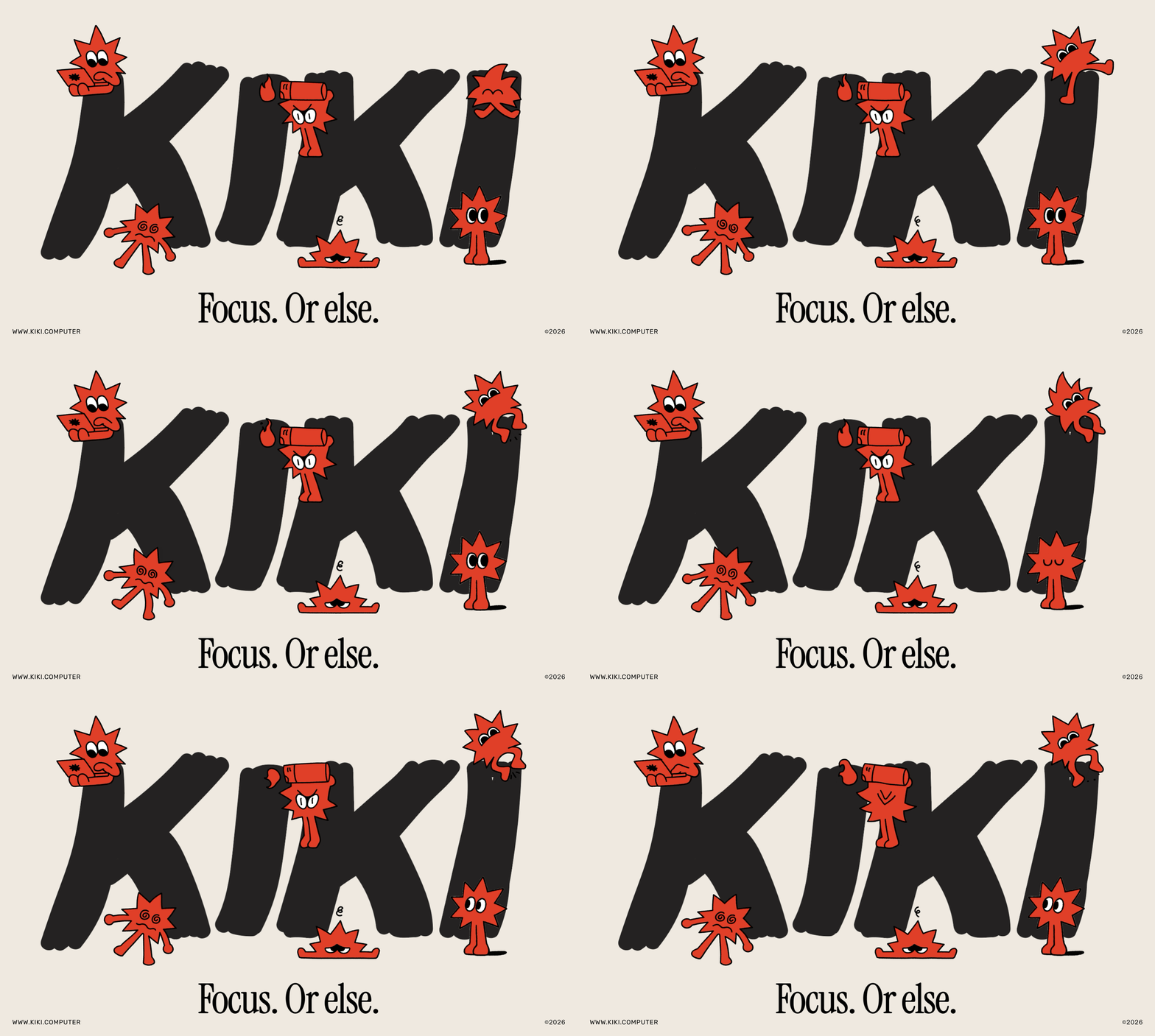
Kiki for Mac is not your typical productivity timer; it's an assertive, almost theatrical accountability application designed to keep digital workers laser-focused on their current task. Pitched as an "accountability monster," Kiki lives directly on your macOS desktop, serving as a constant, interactive reminder of your commitment to deep work. In an age where context switching costs productivity billions, Kiki steps in to bridge the gap between intention and execution.
This utility is specifically targeted at freelancers, remote workers, students, and anyone whose workflow relies heavily on focused computer time but is constantly undermined by the allure of the internet—be it social media, endless news feeds, or, as the description humorously notes, rusty knife restoration videos. Kiki’s core value proposition is turning the passive act of starting a task into an active, monitored commitment, using a blend of gentle nudges and delightfully harsh consequences to enforce focus.
Problem & Solution: Fighting the Pull of the Rabbit Hole
The problem Kiki addresses is ubiquitous: Task initiation paralysis followed by catastrophic distraction drift. Many productivity tools rely solely on self-discipline (timers, to-do lists), which often fails when discipline wanes. The market is saturated with passive time trackers or overly complex project management suites. Kiki carves out a unique niche by introducing active, behavioral reinforcement directly into the work environment.
Kiki solves this by integrating directly with your Mac environment. You define the scope of your session (the focus task and allowed apps), and Kiki monitors your activity. Unlike traditional blockers that simply lock sites, Kiki actively comments and reacts to your slip-ups. This gamified, slightly intimidating approach leverages social pressure and mild fear of consequence, making it a far more engaging solution than standard Pomodoro apps that politely fade into the background.
Key Features & Highlights: Intimidation Meets Innovation
Kiki for Mac truly shines in its unique feature set designed for high-stakes focus. Its approach to accountability is what sets it apart in the crowded productivity software space.
The setup is straightforward: select your objective, designate the essential applications, and hit start. From there, Kiki observes. If you deviate from the agreed-upon plan—say, opening a distracting application—Kiki doesn't just log the time; it reacts.
Key highlights include:
- Interactive Feedback: Kiki types in the corner of your screen, offering opinions or warnings when distraction is detected. This real-time, personalized feedback is highly effective.
- Environmental Consequences: The integration capabilities are compelling. Kiki can reportedly "flip your lights" or "set things on fire" (metaphorically, we hope!) if focus is broken, connecting the digital commitment to the physical workspace for heightened stakes.
- Positive Reinforcement: Conversely, maintaining focus leads to positive reinforcement, encouraging continued adherence to the work schedule.
The user experience feels like having a demanding but ultimately helpful supervisor looking over your shoulder. It transforms focus time from a lonely struggle into an interactive challenge.
Potential Drawbacks & Areas for Improvement
While Kiki for Mac offers a highly innovative approach to digital discipline, there are a few areas where refinement could enhance its appeal and utility.
Firstly, the intensity of the consequences might be too high for some users. While the "accountability monster" persona is fun, users who are easily stressed or who require a softer approach to productivity might find Kiki’s reactions demotivating rather than encouraging. Clearer customization of the penalty severity is needed—perhaps allowing users to select "gentle rebuke" over "setting things on fire."
Secondly, while integration with lighting systems is exciting, broader integration hooks are necessary. For a tool focused on digital discipline, API access or deeper integration with other work tools (like task managers or calendar apps) would maximize its utility, allowing Kiki to trigger workflow changes beyond simple notifications.
Finally, reporting and historical data visualization could be strengthened. Users need robust metrics on when and how often they were distracted to effectively improve long-term habits.
Bottom Line & Recommendation
Kiki for Mac is a breath of fresh, slightly aggressive, air in the productivity landscape. If you are a knowledge worker tired of promising yourself you’ll focus, only to find yourself deep down a YouTube wormhole, Kiki for Mac is highly recommended.
It excels by introducing an element of behavioral consequence that passive timers lack. It’s perfect for those who thrive under mild pressure or who need an external force to enforce their self-imposed work boundaries. Give Kiki a try if you’re ready to tame your digital distractions with an accountability partner that truly means business.
Featured AI Applications
Discover powerful tools to enhance your productivity
MindMax
与AI互动的新方式
超越 AI 聊天,将对话转化为无限画布。结合头脑风暴、思维导图、批判性与创造性思维工具,帮助你可视化想法、高效解决问题、加速学习。
AI Slides
AI 驱动幻灯片,Markdown 魔法加持
革命性幻灯片创作,融合 AI 智能与 Markdown 灵活性 - 随处编辑,随时优化,轻松迭代。让每个想法,都能快速变成专业演示。
AI Markdown Editor
打开即写 - AI驱动的Markdown编辑器
极其高效的写作体验:AI助手、斜杠命令、极简界面。打开即用,轻松写作。✍️ Markdown简洁 + 🤖 AI强大 + ⚡ 斜杠命令 = 完美写作体验
FunBlocks AI Extension
🚀 AI驱动的浏览器扩展
用FunBlocks AI助手改变您的浏览体验。您的智能伴侣,为网络上的AI驱动阅读、写作、头脑风暴和批判性思维提供支持。