Lindy Assistant Review: Reclaiming Your Workday from Administrative Overload
Stop spending your time at work dealing with bullshit.
发布时间: 2/12/2026
Product Overview: Your Proactive AI Executive Assistant
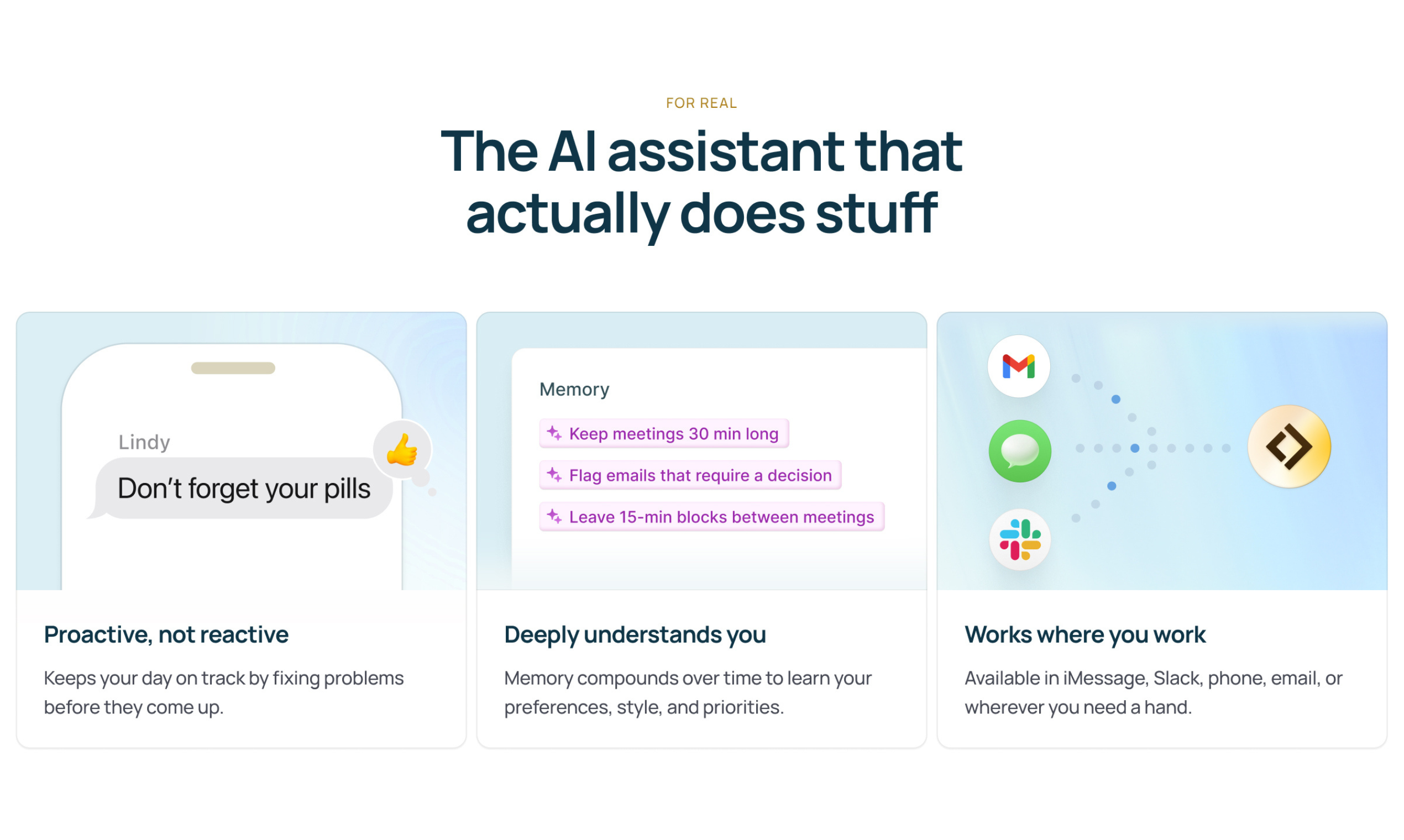
Lindy Assistant bursts onto the productivity scene with a bold promise: "Stop spending your time at work dealing with bullshit." In essence, Lindy is positioned as an AI executive assistant designed to automate the relentless administrative drag that consumes the modern professional’s day. It aims to integrate seamlessly into your workflow, tackling the three major time sinks: email management, meeting preparation, and follow-up coordination.
The core value proposition of Lindy Assistant is immediate time reclamation. By promising to save up to two hours daily with just a two-minute setup, Lindy targets individuals drowning in operational tasks—think busy project managers, overloaded consultants, or founders juggling multiple responsibilities. This isn't just another notification blocker; Lindy actively works for you, learning your priorities to proactively manage communications and scheduling infrastructure before you even realize a task is needed.
Solving the Administrative Crisis: A Hands-Off Approach
The problem Lindy Assistant tackles is pervasive: context switching and administrative overhead crush deep work. Professionals spend inordinate amounts of time triaging inboxes, searching for relevant documents before a meeting, and ensuring action items are documented and assigned post-call. Current solutions often require constant configuration, prompting, or manual intervention, which defeats the purpose of automation.
Lindy addresses this by leaning into true proactivity. Instead of waiting for a command or a rule set by the user, Lindy aims to anticipate needs. For instance, it doesn't just flag an email; it triages it, perhaps drafting a summary or suggesting a response. For meetings, it automatically gathers necessary context, eliminating the painful "wait, what was that last email about?" moment. This shift from reactive tooling to proactive management is the key differentiator in a crowded productivity software market.
Key Features and User Experience Highlights
Lindy Assistant focuses its functionality where it can deliver the most immediate relief. The advertised features target high-leverage activities that eat away at billable or creative hours:
- Intelligent Email Triage: Automatically sorting and summarizing the inbox, allowing users to focus only on high-priority communications.
- Automated Meeting Preparation: Gathering relevant documents, previous meeting notes, and related correspondence so the user is instantly briefed before joining a call.
- Note-Taking and Follow-Up Generation: During or immediately after meetings, Lindy takes notes and automatically drafts follow-up communications, assigning action items where necessary.
- Zero-Friction Setup: The promise of a two-minute setup suggests an onboarding process focused more on secure connection than complex configuration, appealing strongly to busy users.
The user experience, as implied by the tagline, is centered around invisibility and efficacy. If Lindy is truly saving two hours a day, the interface should be minimal, perhaps focused only on dashboards showing what it has handled rather than endless configuration menus. This hands-off automation is the core highlight, turning Lindy into a true digital "chief of staff."
Potential Drawbacks and Areas for Improvement
While the vision for Lindy Assistant is compelling, several potential drawbacks arise, especially concerning trust and customization, which are critical for an AI assistant handling sensitive data:
- Trust and Oversight: Managing core communications (email, calendar) requires immense trust. Users will need strong assurances regarding data privacy, security protocols, and AI accuracy before fully delegating these tasks. Early users might experience anxiety over missed nuances or miscategorized critical emails.
- Handling Exceptions and Nuance: AI excels at patterns but often falters with subtle organizational politics or highly subjective prioritization. Lindy needs robust, easy-to-access override mechanisms. If the AI drafts a follow-up, the ability to quickly edit and approve—rather than re-write—is crucial.
- Integration Depth: The current description is broad. For maximum utility, Lindy Assistant needs deep, seamless integration not just with major email/calendar providers (Google Workspace, Microsoft 365) but also with common project management tools (like Asana, Jira) where action items often live.
For future iterations, integrating a learning loop where users explicitly teach the AI why a triage decision was wrong could rapidly accelerate its effectiveness beyond the initial setup phase.
Bottom Line & Recommendation
Lindy Assistant has the potential to be a genuine time machine for the modern knowledge worker. If its core promise of proactive, automated administrative management holds true, it addresses a massive pain point for anyone whose job involves constant communication management.
Who should try Lindy Assistant? Highly busy professionals, small business owners, and executives who feel their productivity is throttled by daily inbox management and meeting coordination. If you believe you are losing 1-2 hours daily to operational "bullshit," Lindy Assistant is absolutely worth testing to see if it delivers on its bold commitment to reclaiming that time. It represents the next necessary evolution in personal productivity technology.
Featured AI Applications
Discover powerful tools to enhance your productivity
MindMax
与AI互动的新方式
超越 AI 聊天,将对话转化为无限画布。结合头脑风暴、思维导图、批判性与创造性思维工具,帮助你可视化想法、高效解决问题、加速学习。
AI Slides
AI 驱动幻灯片,Markdown 魔法加持
革命性幻灯片创作,融合 AI 智能与 Markdown 灵活性 - 随处编辑,随时优化,轻松迭代。让每个想法,都能快速变成专业演示。
AI Markdown Editor
打开即写 - AI驱动的Markdown编辑器
极其高效的写作体验:AI助手、斜杠命令、极简界面。打开即用,轻松写作。✍️ Markdown简洁 + 🤖 AI强大 + ⚡ 斜杠命令 = 完美写作体验
FunBlocks AI Extension
🚀 AI驱动的浏览器扩展
用FunBlocks AI助手改变您的浏览体验。您的智能伴侣,为网络上的AI驱动阅读、写作、头脑风暴和批判性思维提供支持。