Monologue for iOS: The Future of Mobile Voice-to-Text Productivity
Turn your voice into polished writing—wherever you go.
发布时间: 2/19/2026
Monologue for iOS has landed on Product Hunt promising to bridge the frustrating gap between speaking your thoughts and having them appear as genuinely polished, context-aware text. In an era where mobile productivity often demands speed but sacrifices quality, this app introduces a significant paradigm shift for users who rely on voice input for everything from professional correspondence to quick personal updates.
Product Overview: Speech Meets Polish
Monologue for iOS is positioned not as a simple dictation tool, but as an intelligent mobile writing assistant driven entirely by your voice. Its core function is to capture spoken input and instantly transform it into formatted, natural-sounding written output, seamlessly integrating into your existing mobile workflow. This is a productivity tool designed for the mobile-first professional, student, or anyone fatigued by the cumbersome process of correcting speech-to-text transcripts manually.
The target audience is broad, spanning developers needing to dictate code snippets, marketers drafting social media updates on the go, or busy executives sending nuanced emails during commutes. The central value proposition of Monologue for iOS is efficiency: delivering high-quality, context-appropriate writing instantly, removing the friction that typically plagues voice-based communication.
Solving the Problem of "Clunky Dictation"
The fundamental problem Monologue for iOS addresses is the inherent awkwardness of standard mobile dictation. Traditional tools often transcribe exactly what you say, including stutters, "ums," "ahs," and grammatical errors, forcing users to stop, edit, and re-record. This destroys the flow state that voice input is supposed to enable.
Monologue solves this by acting as a real-time editor layered atop the transcription engine. It actively rewrites, cleans up filler words, applies intelligent punctuation, and adapts tone based on the perceived context (e.g., making sure technical terms or informal slang are handled correctly). This unique approach moves beyond mere accuracy; it focuses on usability of the resulting text, effectively filling a major market gap for sophisticated, intelligent voice-driven content creation on mobile devices.
Key Features and User Experience Highlights
The power of Monologue for iOS lies in its contextual intelligence. It understands that a quick Slack message requires a different output style than a formal email draft.
The most notable capabilities include:
- Contextual Rewriting: Ensuring your dictated emails sound human and your notes become clean, structured lists.
- Filler Word Removal: Eliminating hesitations and false starts instantly, preserving your momentum.
- Intelligent Punctuation: Applying appropriate commas, periods, and paragraph breaks without manual intervention.
- App Integration Focus: The promise of working "inside the apps you already use" suggests a deeply integrated iOS experience, perhaps leveraging system-level APIs for universal text input replacement.
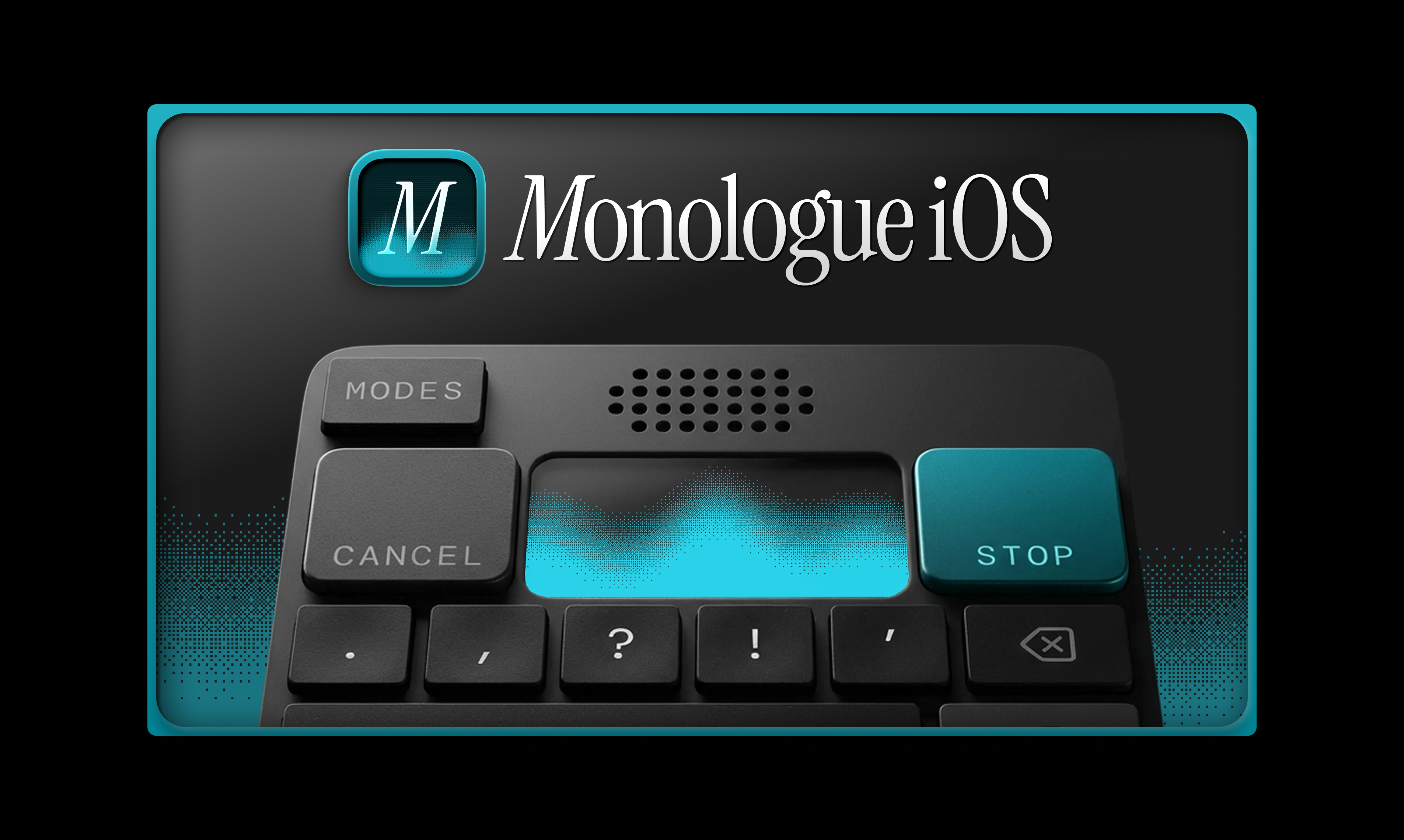
User experience seems focused on minimizing taps and maximizing speed. By delivering "the shortest distance between speech and writing," Monologue aims to make on-the-go text creation feel as effortless as having a conversation. The visual output, as suggested by the accompanying image, appears clean and focused, emphasizing readability immediately after speaking.
Potential Drawbacks and Areas for Improvement
While the concept of Monologue for iOS is compelling, there are inherent challenges in advanced contextual rewriting that could present limitations.
The primary potential drawback lies in the complexity of context switching. If a user dictates a highly technical paragraph followed immediately by an informal sign-off, the AI must be robust enough to recognize these shifts without "over-correcting" jargon or misinterpreting highly niche terminology.
For future iterations, I would suggest exploring:
- Tone Presets: Allowing users to explicitly select a tone (e.g., Formal, Casual, Technical) before speaking, offering more control when context is ambiguous.
- Multi-Language Support: Expanding beyond core languages, especially for global professionals whose communication often switches between tongues.
- Snippet Saving/Templates: The ability to save complex, cleaned-up structures (like weekly reports or standard email intros) spoken once for rapid reuse.
Bottom Line & Recommendation
Monologue for iOS is a must-try product for any power user frustrated by the low quality of standard mobile dictation. If your workflow requires frequent text creation on your iPhone or iPad—whether drafting professional communication or organizing complex thoughts on the move—this tool promises to save significant editing time. It effectively transforms voice input from a transcription utility into a genuine composition tool. For mobile productivity enthusiasts and early adopters seeking the next evolution in iOS efficiency, Monologue for iOS represents a significant step forward in how we translate speech into polished digital content.
Featured AI Applications
Discover powerful tools to enhance your productivity
MindMax
与AI互动的新方式
超越 AI 聊天,将对话转化为无限画布。结合头脑风暴、思维导图、批判性与创造性思维工具,帮助你可视化想法、高效解决问题、加速学习。
AI Slides
AI 驱动幻灯片,Markdown 魔法加持
革命性幻灯片创作,融合 AI 智能与 Markdown 灵活性 - 随处编辑,随时优化,轻松迭代。让每个想法,都能快速变成专业演示。
AI Markdown Editor
打开即写 - AI驱动的Markdown编辑器
极其高效的写作体验:AI助手、斜杠命令、极简界面。打开即用,轻松写作。✍️ Markdown简洁 + 🤖 AI强大 + ⚡ 斜杠命令 = 完美写作体验
FunBlocks AI Extension
🚀 AI驱动的浏览器扩展
用FunBlocks AI助手改变您的浏览体验。您的智能伴侣,为网络上的AI驱动阅读、写作、头脑风暴和批判性思维提供支持。