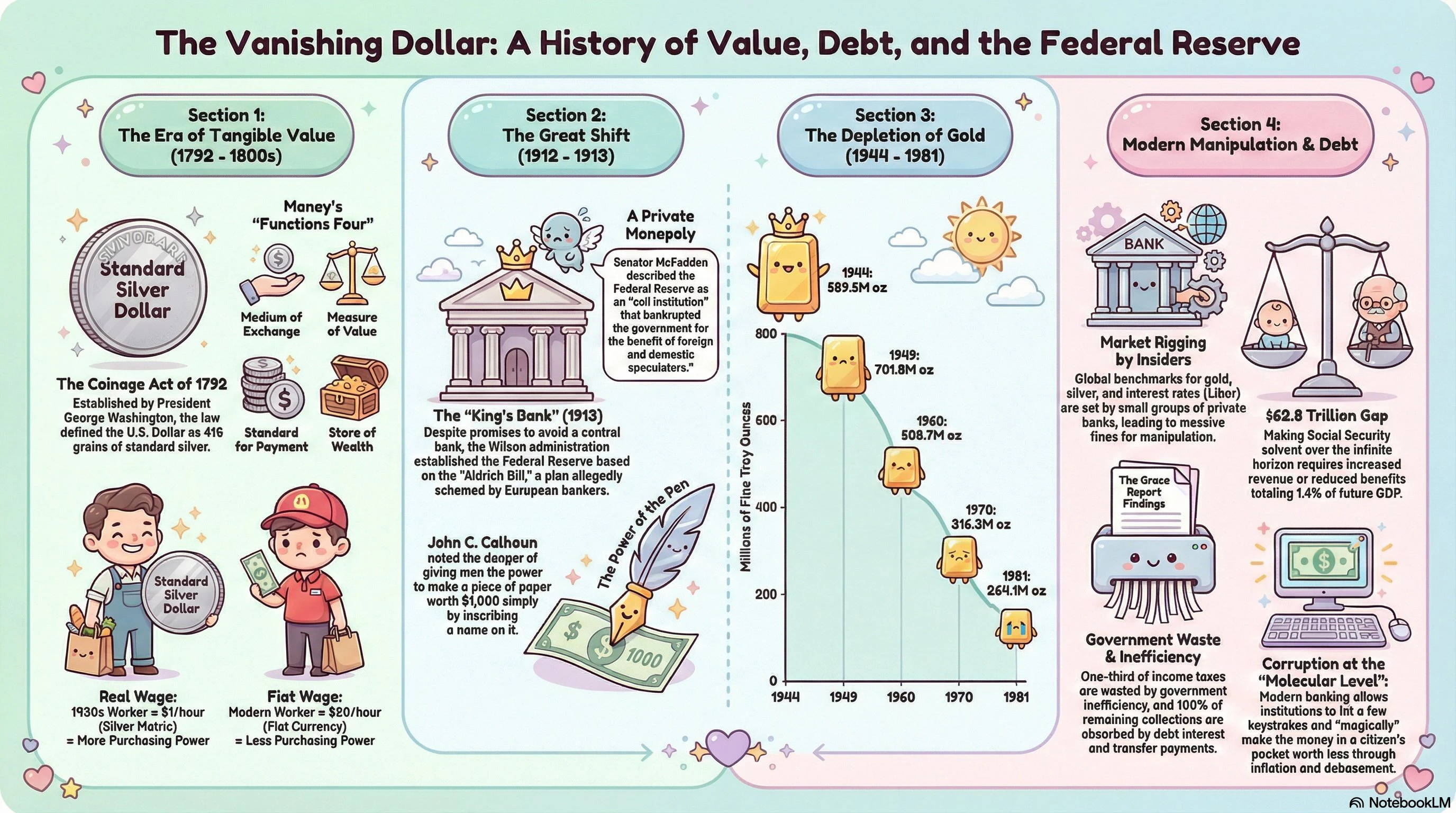
NotebookLM Custom Infographic Styles: Transforming Research into Visual Storytelling
Turn any source into a styled infographic
发布时间: 4/3/2026
Product Overview
NotebookLM Custom Infographic Styles is a game-changing utility designed for researchers, content creators, students, and professionals who frequently synthesize large volumes of information. By integrating directly with your AI-generated research, it eliminates the tedious "copy-paste-design" cycle that usually plagues the documentation process. Instead of manually translating complex summaries into static slides or documents, this tool automatically renders your source material into professional-grade infographics.
The core value proposition lies in its ability to bridge the gap between "information ingestion" and "information presentation." Whether you are a consultant building a client pitch deck, a student summarizing a complex lecture, or a marketer turning whitepapers into social media visuals, NotebookLM Custom Infographic Styles ensures that your data is not only understood but visually compelling. It effectively treats the AI's output as the blueprint, turning raw text into a polished graphic asset in mere seconds.
The Problem & The Solution
The primary problem addressed by this tool is "Design Friction." Traditionally, if you use a tool like NotebookLM to summarize complex documents, you are left with blocks of text. If you want to share that knowledge, you are forced to jump into external design software like Canva or Adobe Express, spending hours formatting, choosing layouts, and trying to represent data accurately.
NotebookLM Custom Infographic Styles solves this by automating the transformation phase. It fills a critical market gap by shifting the focus from manual graphic design to automated information architecture. By allowing users to remain within the flow of their research while generating visuals, it significantly reduces the cognitive load associated with creating presentations, making visual communication accessible to those without a design background.
Key Features & Highlights
The strength of the platform lies in its versatility and ease of use. It moves beyond the "one-size-fits-all" approach by offering a suite of visual presets that cater to different tones and use cases. Notable highlights include:
- Diverse Visual Presets: With 10 distinct built-in styles, users can choose the aesthetic that best fits their content. Whether you need the clean lines of an "Editorial" look for a formal report or the creative flair of "Anime" or "Sketch" styles for engaging social content, the variety ensures your visuals remain fresh and intentional.
- Custom Mode: For power users or corporate branding requirements, the "Custom Mode" allows for personalized visual parameters, ensuring that the infographics align with specific brand guidelines or project needs.
- Research-to-Visual Workflow: The speed of the output is the standout feature. By minimizing the time between "source analysis" and "finished graphic," it empowers users to iterate faster and disseminate information before it becomes stale.
Potential Drawbacks & Areas for Improvement
While the efficiency of NotebookLM Custom Infographic Styles is impressive, it is not without its limitations. Currently, the tool is heavily dependent on the quality of the underlying AI summary. If the source material is disorganized, the resulting infographic may lack a cohesive narrative flow.
Furthermore, while the 10 presets are high-quality, power users may quickly crave more granular control over individual elements, such as adjusting specific chart types or moving individual text blocks post-generation. Adding a "manual override" feature—where a user can drag and drop elements after the AI renders them—would be a major step forward in making this a comprehensive design tool rather than just a generator.
Bottom Line & Recommendation
NotebookLM Custom Infographic Styles is an essential tool for anyone who lives in the world of research, data synthesis, and information sharing. If you find yourself repeatedly moving summaries from AI chatbots to design software, this tool will save you hours of work every single week.
It is highly recommended for content marketers, knowledge managers, and students who need to turn complex documents into digestible visuals quickly. While it may not replace a dedicated graphic designer for high-stakes corporate branding, its speed, ease of use, and visual quality make it an unbeatable companion for day-to-day productivity. For those tired of the manual design grind, this is a must-try integration.
Featured AI Applications
Discover powerful tools to enhance your productivity
MindMax
与AI互动的新方式
超越 AI 聊天,将对话转化为无限画布。结合头脑风暴、思维导图、批判性与创造性思维工具,帮助你可视化想法、高效解决问题、加速学习。
AI Slides
AI 驱动幻灯片,Markdown 魔法加持
革命性幻灯片创作,融合 AI 智能与 Markdown 灵活性 - 随处编辑,随时优化,轻松迭代。让每个想法,都能快速变成专业演示。
AI Markdown Editor
打开即写 - AI驱动的Markdown编辑器
极其高效的写作体验:AI助手、斜杠命令、极简界面。打开即用,轻松写作。✍️ Markdown简洁 + 🤖 AI强大 + ⚡ 斜杠命令 = 完美写作体验
FunBlocks AI Extension
🚀 AI驱动的浏览器扩展
用FunBlocks AI助手改变您的浏览体验。您的智能伴侣,为网络上的AI驱动阅读、写作、头脑风暴和批判性思维提供支持。