NothingHere Review: The Ultimate macOS Panic Button for Instant Focus and Privacy
A MacOS panic button where one key press cleans your screen
发布时间: 3/2/2026
Product Overview: Mastering the Art of the Instant Reset
In the fast-paced, multi-tasking world of modern work, maintaining focus and safeguarding privacy during unexpected interruptions is a genuine challenge. Enter NothingHere, a clever and deceptively simple utility positioned as a "macOS panic button." This application provides an immediate, one-key solution to transform a chaotic, distracting screen into one that appears completely dedicated to "real work."
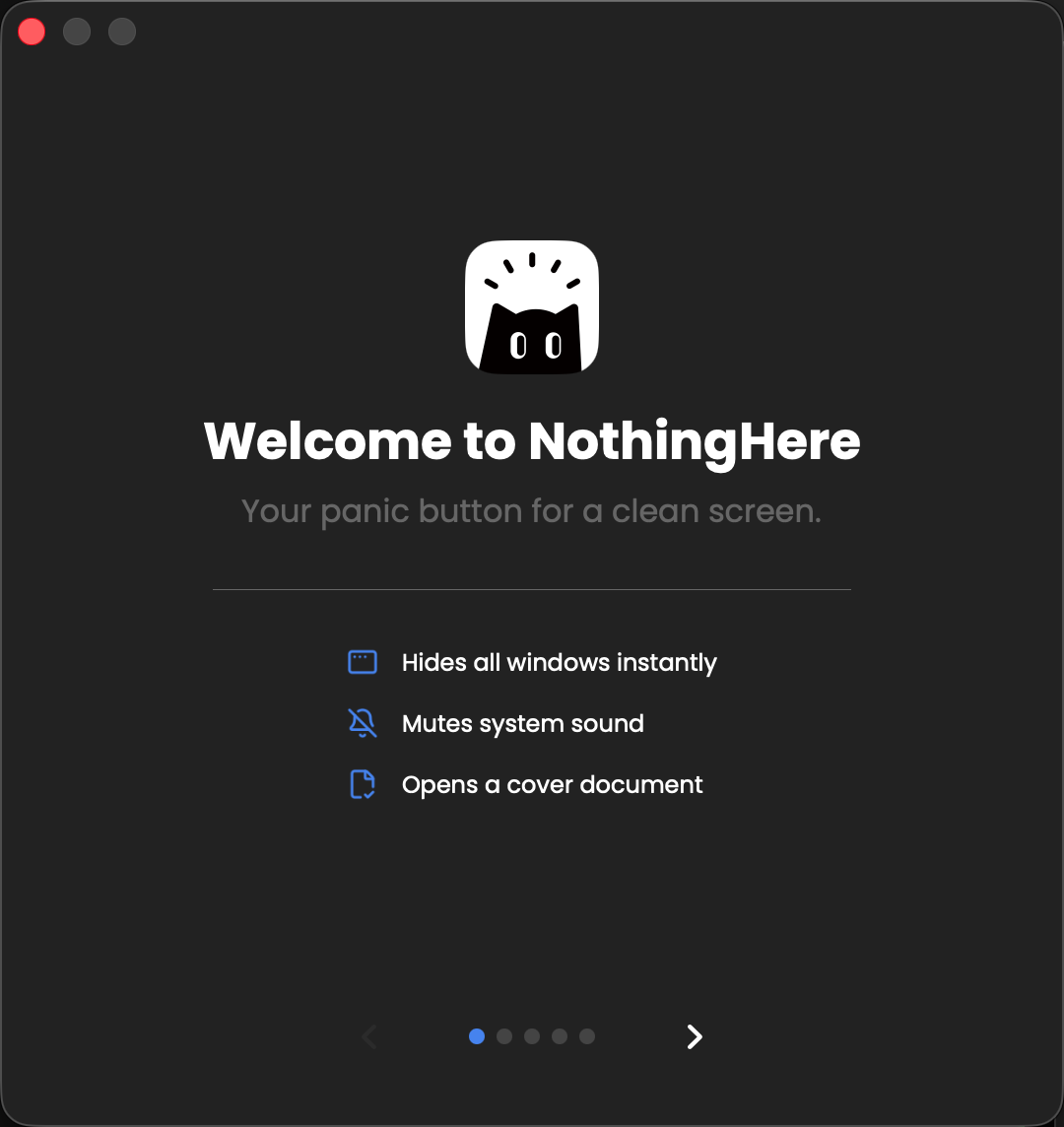
NothingHere is engineered for any Mac user who frequently juggles sensitive information, private conversations, or distracting entertainment alongside their primary tasks. Its core functionality revolves around a single, user-defined hotkey that triggers a three-pronged defense mechanism: instantly hiding all open application windows, silencing all system sound, and simultaneously opening a pre-configured "cover document." It’s an essential tool for developers, designers, remote workers, or anyone who needs to pivot from "definitely not working" to "hard at work" in milliseconds.
The value proposition is crystal clear: reclaim control over your digital environment instantly. For a tool that requires virtually no setup—it’s free, open-source, and a tiny 5.9 MB download—NothingHere offers an outsized return on investment in terms of peace of mind and professional composure.
Problem & Solution: Bridging the Gap Between Distraction and Productivity
The problem NothingHere tackles is deeply relatable: the sudden, often embarrassing interruption. Whether it's a boss walking by, an unexpected video call, or a partner walking into the room while you have 30 browser tabs open, the transition to looking productive is often slow and clumsy. Standard macOS features require multiple clicks—minimizing apps, muting sound, finding and opening a specific document—which is simply too slow in a high-pressure moment.
NothingHere solves this by collapsing these three critical actions into a single, instantaneous hotkey press. Unlike simple window-hiding utilities, NothingHere includes the crucial audio mute and the contextual cover document opener. This comprehensive approach means your digital environment doesn't just look clean; it sounds quiet and presents the right visual cue, filling the market gap for a true, all-in-one digital "emergency exit."
Key Features & Highlights: Milliseconds to Focus
The strength of NothingHere lies in its elegant simplicity and the powerful, synchronized execution of its core functions. It's not about adding features; it's about perfecting the core trigger.
The most notable highlights include:
- Instant Window Concealment: Every active application window is hidden simultaneously, offering immediate visual privacy.
- Total Audio Silence: All system sound, from background music to video playback, is muted instantly.
- Contextual Cover Document: Users can pre-configure a specific file (like a PDF, code file, or spreadsheet) to open immediately, providing an instant, plausible "work" screen.
- Guard Mode: The application sits quietly in the menu bar, ready to spring into action with its hotkey, ensuring you are always prepared.
The user experience is focused entirely on speed and reliability. The small footprint and open-source nature build trust, allowing users to focus solely on the utility without worrying about heavy background processes or invasive tracking.
Potential Drawbacks & Areas for Improvement
While NothingHere excels at its stated purpose—the panic button function—there are a few areas where future enhancements could expand its utility without sacrificing its core simplicity.
Constructively, the current implementation relies on a single hotkey for the action. An area for improvement could be offering optional customization for the trigger itself, perhaps allowing a secondary hotkey for disarming Guard Mode without triggering the full panic sequence, or a dedicated "undo" hotkey to reverse the action. Furthermore, while it opens a pre-configured document, more advanced users might benefit from a small setting to temporarily pause specific apps (like Slack or Discord) rather than just hiding their windows, depending on how strictly one defines "panic." Finally, for users dealing with multiple external displays, confirming seamless, simultaneous hiding across all connected monitors would be a key reassurance.
Bottom Line & Recommendation
NothingHere is a must-have utility for any professional using macOS who values focus, privacy, and seamless transitions in their workday. If you've ever scrambled to close a YouTube tab or silence a notification while someone looked over your shoulder, this tool is designed for you.
Overall, NothingHere delivers exactly what its tagline promises: a true panic button that cleans your screen and silences the noise with a single keypress. It’s free, lightweight, and addresses a universal pain point for digital workers. We highly recommend trying NothingHere if you need an instant, reliable defense against digital chaos and unplanned scrutiny.
Featured AI Applications
Discover powerful tools to enhance your productivity
MindMax
与AI互动的新方式
超越 AI 聊天,将对话转化为无限画布。结合头脑风暴、思维导图、批判性与创造性思维工具,帮助你可视化想法、高效解决问题、加速学习。
AI Slides
AI 驱动幻灯片,Markdown 魔法加持
革命性幻灯片创作,融合 AI 智能与 Markdown 灵活性 - 随处编辑,随时优化,轻松迭代。让每个想法,都能快速变成专业演示。
AI Markdown Editor
打开即写 - AI驱动的Markdown编辑器
极其高效的写作体验:AI助手、斜杠命令、极简界面。打开即用,轻松写作。✍️ Markdown简洁 + 🤖 AI强大 + ⚡ 斜杠命令 = 完美写作体验
FunBlocks AI Extension
🚀 AI驱动的浏览器扩展
用FunBlocks AI助手改变您的浏览体验。您的智能伴侣,为网络上的AI驱动阅读、写作、头脑风暴和批判性思维提供支持。