Unite Pro for macOS Review: Turning Your Essential Websites into True Native Applications
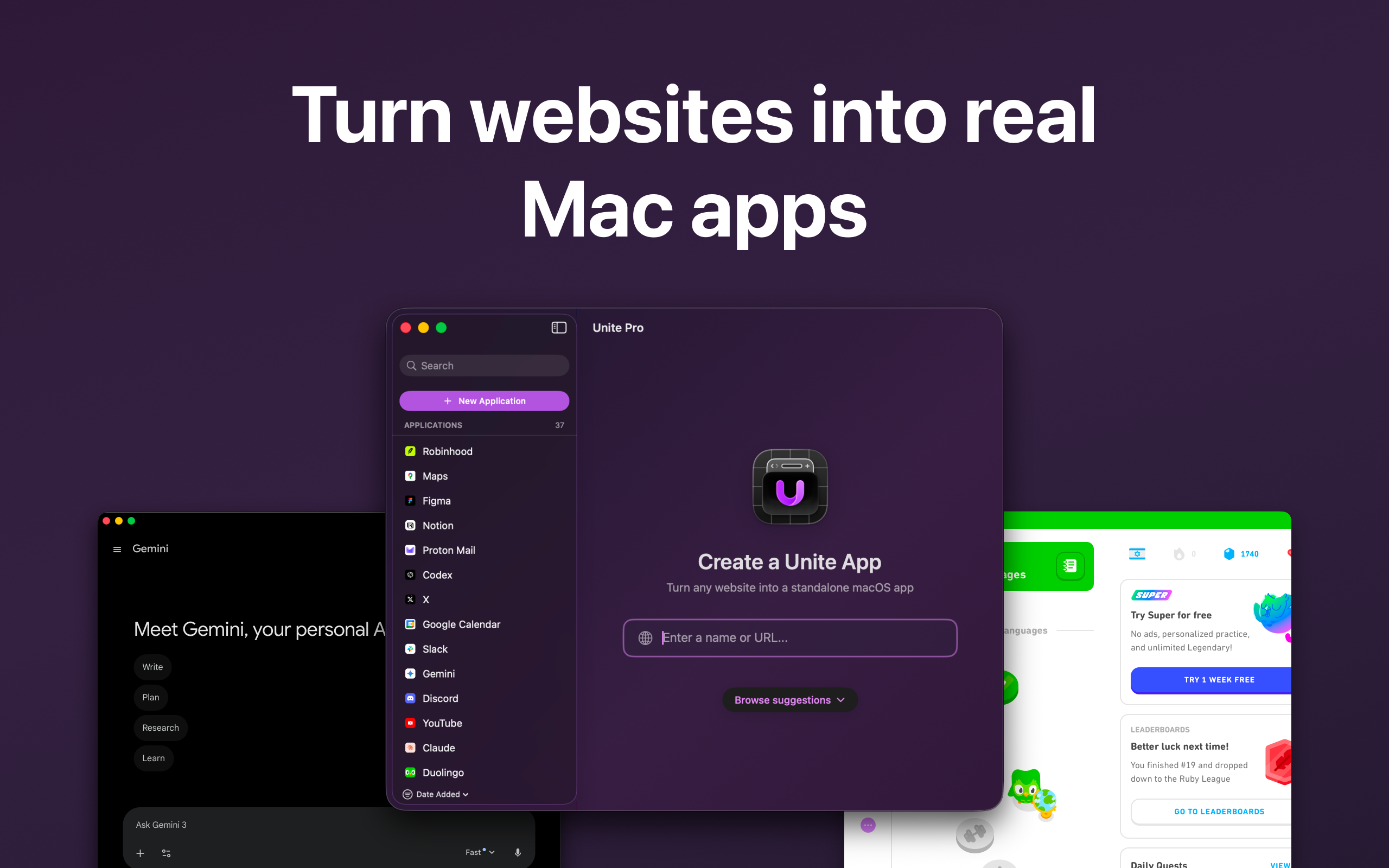
Turn websites into Mac apps
发布时间: 3/9/2026
Product Overview
Unite Pro for macOS isn't just another wrapper for web content; it’s a sophisticated utility designed to bridge the gap between the modern web and the native macOS experience. This application fundamentally transforms your most frequently visited, mission-critical websites—be it a project management board, a favorite communication tool, or a specific SaaS dashboard—into dedicated, standalone desktop applications. The core premise of Unite Pro is to deliver the focus and performance of a native Mac app while leveraging the constant updates and accessibility of the web.
This tool is squarely aimed at power users, remote workers, and developers who rely heavily on browser-based tools but are constantly battling tab overload and context switching fatigue. By isolating web services into their own dedicated apps, Unite Pro promises a more streamlined, distraction-free workflow, allowing users to anchor essential services directly to their desktop environment, accessible via the Dock, Menu Bar, or even as a quick-access Sidebar.
The central value proposition of Unite Pro rests on delivering unparalleled customization and deep integration with the macOS operating system. It moves beyond simple web embedding to offer true application-like behaviors, elevating a simple URL into a persistent, functional piece of your desktop toolkit.
Problem & Solution: Taming Tab Overload
The modern digital professional faces an endemic problem: browser bloat. We often have dozens of tabs open, constantly cycling between complex project dashboards, communication platforms, and administrative tools, all vying for our attention within a single browser window. Traditional browser apps (like Chrome Apps or simple PWA installs) often lack the native polish and control required for true professional use.
Unite Pro solves this by creating highly customized, isolated containers for each vital website. Instead of fighting Chrome or Safari, you gain granular control over how that website behaves on your Mac. It addresses the lack of true native integration common in web wrappers. For instance, if you need your company’s Jira instance to always be available, Unite Pro lets you turn it into a dedicated app that can display the number of pending tickets right on the Dock icon, something a standard browser tab simply cannot do without complex extensions.
Key Features & Highlights
The feature set within Unite Pro for macOS is clearly aimed at the discerning user who demands deep control over their digital environment. The application shines in its versatility regarding how and where the "app" lives on your system:
- Flexible Viewing Modes: Users can select between a standard Window mode, a compact Sidebar view perfect for reference tools, or a powerful Menu Bar mode for quick access utilities.
- Deep Customization & Isolation: Each created app is completely isolated, ensuring security and preventing cookies or session data from bleeding across different web tools. The powerful Website Controls allow users to strip away distracting elements like advertisements or unnecessary UI chrome from the embedded website.
- Native macOS Integration: This is where Unite Pro truly differentiates itself. Features like Dock Badges (displaying notifications), Meeting Alerts, and the ability to route specific internal links to your actual preferred browser (like opening a Google Doc in Safari instead of the Unite app) elevate the experience far beyond a standard web view.
- Live Dock Monitor Previews: For apps running in the Menu Bar, the ability to see a live, small preview of the application window directly in the Dock icon is a brilliant touch for monitoring background tasks or status updates.
The user experience, once the initial setup is complete, feels snappy and remarkably fast, as the underlying web engine is dedicated solely to that single task without the overhead of the full browser interface.
Potential Drawbacks & Areas for Improvement
While Unite Pro offers a powerful suite of tools, there are a few areas where potential users should manage expectations or where future development could enhance the offering.
Firstly, the initial setup, while quick, requires a degree of understanding of what you want to achieve. Users looking for a purely "one-click" solution without any configuration might find the customization options slightly overwhelming initially. Deeper documentation or guided templates for common platforms (like Slack, Notion, or Trello) could lower the barrier to entry.
Secondly, as these are essentially heavily customized web views, performance will always be tied to the underlying website's demands and the efficiency of the rendering engine used by Unite Pro. While generally fast, very resource-intensive web applications might still tax the system, particularly if a user creates numerous highly active Unite apps running simultaneously. Expanding support for more platform-specific APIs in future updates—perhaps tighter integration with macOS Shortcuts or more robust background processing capabilities—would further solidify its status as a truly "native-feeling" utility.
Bottom Line & Recommendation
Unite Pro for macOS is an exceptional productivity tool for anyone whose workflow is heavily reliant on specific, frequently accessed web services. If you find yourself drowning in browser tabs and crave a cleaner, more focused desktop environment where your essential tools live unobtrusively and integrate deeply with macOS features like the Dock and Menu Bar, this application is an essential download.
It successfully addresses the modern dilemma of web dependency versus desktop efficiency. We highly recommend Unite Pro to power users, SaaS enthusiasts, and remote workers looking to reclaim focus and seriously upgrade how they interact with their core digital tools on their Mac. It’s a premium solution for a premium workflow problem.
Featured AI Applications
Discover powerful tools to enhance your productivity
MindMax
与AI互动的新方式
超越 AI 聊天,将对话转化为无限画布。结合头脑风暴、思维导图、批判性与创造性思维工具,帮助你可视化想法、高效解决问题、加速学习。
AI Slides
AI 驱动幻灯片,Markdown 魔法加持
革命性幻灯片创作,融合 AI 智能与 Markdown 灵活性 - 随处编辑,随时优化,轻松迭代。让每个想法,都能快速变成专业演示。
AI Markdown Editor
打开即写 - AI驱动的Markdown编辑器
极其高效的写作体验:AI助手、斜杠命令、极简界面。打开即用,轻松写作。✍️ Markdown简洁 + 🤖 AI强大 + ⚡ 斜杠命令 = 完美写作体验
FunBlocks AI Extension
🚀 AI驱动的浏览器扩展
用FunBlocks AI助手改变您的浏览体验。您的智能伴侣,为网络上的AI驱动阅读、写作、头脑风暴和批判性思维提供支持。