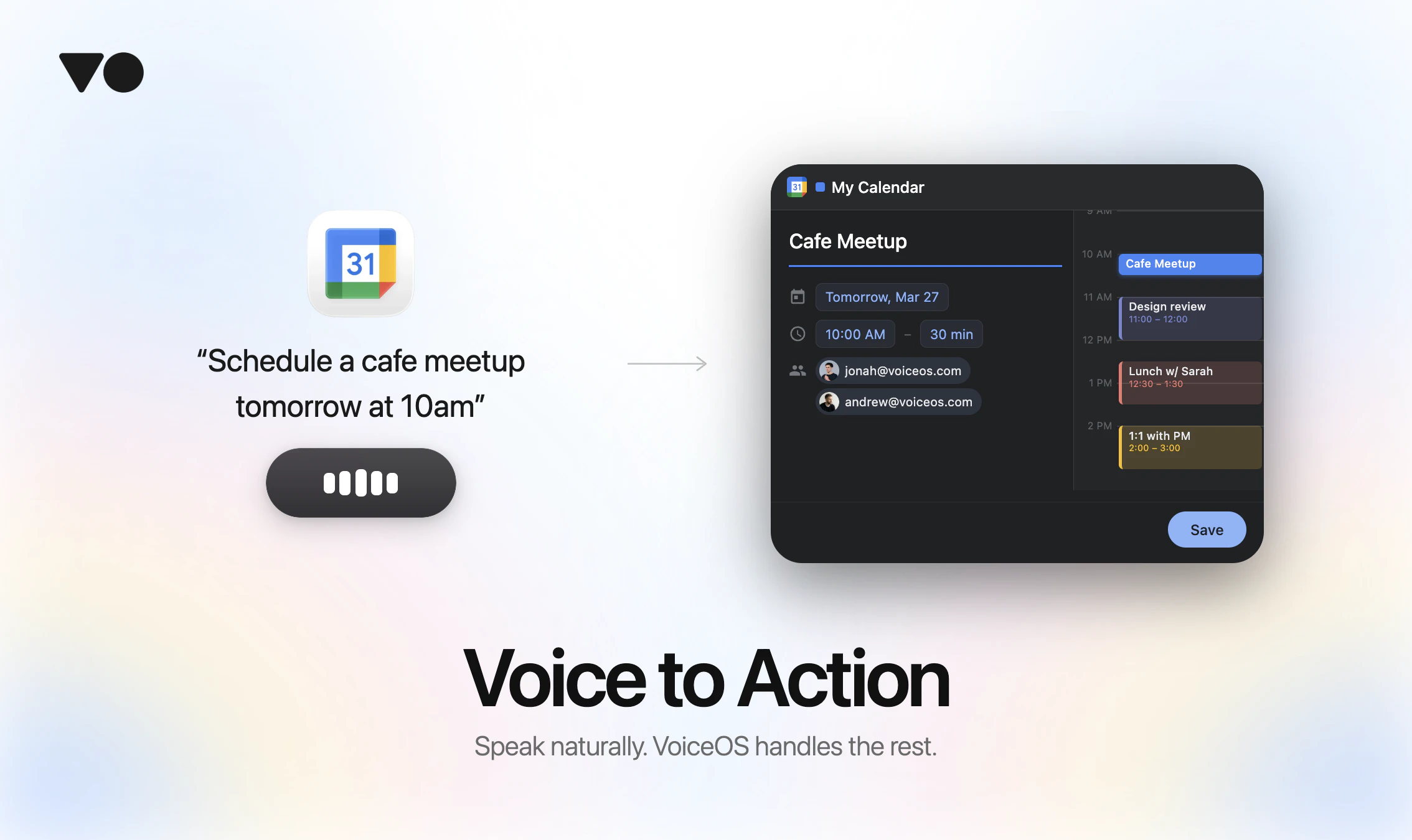
VoiceOS Review: Supercharge Your Productivity with Universal Voice-to-Action
Say it and it's done. Work 10x faster with your voice.
发布时间: 4/3/2026
Product Overview
VoiceOS is a revolutionary productivity tool designed to bridge the gap between human intent and digital execution. Positioned as a universal "voice-to-action" layer for your computer, it aims to eliminate the friction of manual navigation. By allowing users to control their desktop environment through natural language, VoiceOS effectively turns your voice into a high-speed interface that works seamlessly across both Mac and Windows operating systems.
The target audience for VoiceOS includes power users, developers, creative professionals, and anyone suffering from "app-hopping" fatigue. Whether you are managing complex project workflows, drafting documentation, or simply trying to navigate between disparate applications, the core value proposition of VoiceOS is to keep you in a "flow state." By enabling system-wide commands, it removes the need to hunt through menus or switch windows, fundamentally changing how we interact with our software stack.
Problem & Solution
In the modern digital workspace, we spend an inordinate amount of time manually clicking, dragging, and searching for specific tools within various applications. This "app-hopping" is not just tedious; it is a major productivity killer that fragments our focus. While traditional voice assistants have existed for years, they often feel clunky, limited, or purely conversational rather than task-oriented.
VoiceOS addresses this by moving beyond simple dictation or basic web searches. It acts as an orchestrator that translates natural language commands into actual system-level actions. By executing workflows instantly, it fills a massive market gap for a truly cross-platform, intent-driven automation layer. Unlike macro-recorders or standard system settings, VoiceOS understands the context of your request, allowing you to bypass UI complexity entirely.
Key Features & Highlights
The strength of VoiceOS lies in its ability to integrate with your existing workflow without requiring a steep learning curve. Its most notable features include:
- Universal Workflow Execution: Speak natural commands to trigger complex multi-step processes across different applications.
- System-Wide Integration: Whether you are on macOS or Windows, VoiceOS remains consistent, providing a unified experience regardless of your hardware.
- Safety Confirmation Layer: To ensure accuracy, the tool features a quick confirmation step, preventing accidental deletions or unwanted executions.
- Focus-First Design: By reducing physical interactions with the mouse and keyboard, it minimizes distractions and helps maintain deep work intervals.
The user experience is surprisingly intuitive. Instead of memorizing obscure keyboard shortcuts, you simply describe what you need to achieve—such as "Organize my downloads folder" or "Open these three project files"—and VoiceOS handles the heavy lifting.
Potential Drawbacks & Areas for Improvement
Despite its potential, VoiceOS is still an evolving platform. One limitation users might encounter is the "training" period, where the software needs to learn your specific phrasing or preferred workflow labels to maximize efficiency. Additionally, while the system is robust, power users might eventually request more granular control or the ability to script their own custom voice-triggers through a dedicated developer dashboard.
Furthermore, integration depth will always be a challenge. While it works across the OS, its effectiveness is inherently tied to how well the third-party apps on your machine handle external commands. Future updates would benefit from deeper API integrations with popular enterprise SaaS tools like Slack, Notion, or Jira to make it a true powerhouse for office automation.
Bottom Line & Recommendation
VoiceOS is a compelling step forward in the evolution of human-computer interaction. If you are someone who feels hindered by the repetitive nature of clicking through menus or switching between dozens of open tabs, this tool is a must-try. It provides a tangible boost to productivity by allowing you to work at the speed of thought. While it is still maturing, the core promise of "say it and it’s done" is largely realized. We highly recommend VoiceOS for digital professionals looking to reclaim their time and streamline their daily desktop routines.
Featured AI Applications
Discover powerful tools to enhance your productivity
MindMax
与AI互动的新方式
超越 AI 聊天,将对话转化为无限画布。结合头脑风暴、思维导图、批判性与创造性思维工具,帮助你可视化想法、高效解决问题、加速学习。
AI Slides
AI 驱动幻灯片,Markdown 魔法加持
革命性幻灯片创作,融合 AI 智能与 Markdown 灵活性 - 随处编辑,随时优化,轻松迭代。让每个想法,都能快速变成专业演示。
AI Markdown Editor
打开即写 - AI驱动的Markdown编辑器
极其高效的写作体验:AI助手、斜杠命令、极简界面。打开即用,轻松写作。✍️ Markdown简洁 + 🤖 AI强大 + ⚡ 斜杠命令 = 完美写作体验
FunBlocks AI Extension
🚀 AI驱动的浏览器扩展
用FunBlocks AI助手改变您的浏览体验。您的智能伴侣,为网络上的AI驱动阅读、写作、头脑风暴和批判性思维提供支持。