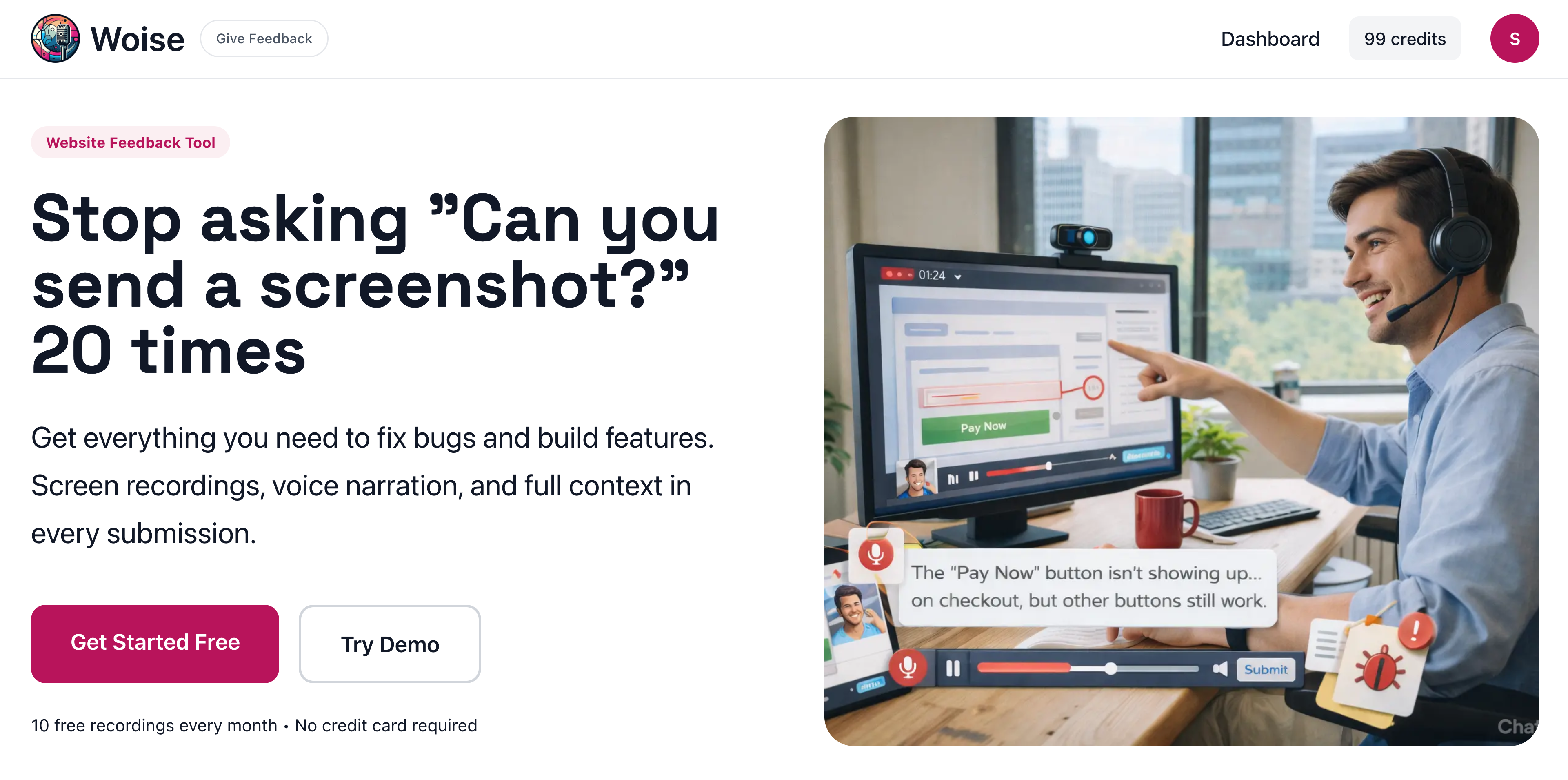
Woise Review: Transforming Vague Feedback into Actionable Insights with AI Voice & Screen Recording
AI Voice & Screen Recording Tool for Websites
发布时间: 2/21/2026
Product Overview: Bridging the Feedback Gap
Woise steps into a universally frustrating corner of product development and customer support: the chasm between vague user feedback and actionable developer insights. This innovative tool positions itself as the essential bridge, leveraging modern AI to capture exactly what the user means, not just what they type. At its core, Woise is an AI Voice & Screen Recording Tool for Websites, designed to eliminate the tedious back-and-forth communication that plagues teams when dealing with bug reports or feature requests.
The primary audience for Woise includes product managers, software developers, QA testers, and customer success teams who frequently receive unstructured feedback via emails, tickets, or informal chats. By allowing end-users to simply record their screen while simultaneously voicing their issues—whether it's a glitch they encountered or a suggestion for improvement—Woise ensures the context is never lost. The core value proposition is clear: stop wasting days deciphering vague text reports and start fixing or building based on crystal-clear visual and auditory evidence.
The Problem and Woise's Elegant Solution
The persistent problem Woise targets is the inefficiency of text-only feedback. Users, especially non-technical ones, are often unwilling or unable to articulate complex software issues or detailed feature ideas through writing. Phrases like "it's broken" or "add x feature" force support teams into a time-sucking cycle of requests for screenshots, detailed steps, and use cases, which users often forget or fail to provide accurately. This leads to significant time wastage and delays in the development lifecycle.
Woise solves this by changing the input method entirely. Instead of requiring complex written documentation, it empowers users to simply show and tell. The magic happens post-recording: the AI converts the user's voice narration into clean, easily scannable text. This hybrid approach fills a crucial market gap. While screen recording tools exist, and transcription services exist, Woise integrates them specifically around the feedback loop—capturing the action (screen) synchronized with the intent (voice) and making the intent quickly digestible via the transcription.
Key Features and User Experience Highlights
The feature set of Woise is sharply focused on maximizing feedback utility while minimizing user friction. The dual capture mechanism is the star of the show, ensuring that every report is rich with context.
Key highlights that make Woise stand out include:
- Integrated Screen and Voice Recording: Capture precisely what happened on screen while the user explains the issue in real-time.
- AI Voice-to-Text Transcription: The crucial element that turns a potentially lengthy audio file into a quick, searchable, and understandable text summary for developers.
- Contextual Feedback Loop: Eliminates the need to ask "Can you show me?" because the initial submission already contains the visual context.
From a user experience standpoint, the promise is simplicity for the reporter. If a user can talk and click, they can provide high-quality bug reports or feature suggestions. For the receiving team, the UX shift is from detective work to triage, as the AI-generated text summary allows them to grasp the core issue instantly before diving into the full recording if necessary.
Potential Drawbacks and Areas for Improvement
While Woise addresses a significant pain point effectively, there are a few areas where the tool could mature to enhance its value proposition further. Currently, the description focuses heavily on bug reporting and feature requests; expanding its utility for other contexts could broaden its appeal.
Constructive suggestions for enhancement include:
- Integration Depth: To truly embed into workflows, Woise would benefit from deeper native integrations beyond simple sharing, such as direct ticketing into platforms like Jira, GitHub Issues, or popular CRM systems.
- Annotation Tools: While the recording is happening, giving the reporter the ability to quickly draw a circle or place a marker on the screen via a simple in-app tool could further enrich the initial submission, perhaps even auto-generating a static screenshot summary.
- Advanced AI Summarization: Beyond just transcription, an advanced AI feature could attempt to categorize the issue (e.g., "UI Glitch," "Workflow Error," "Feature Request: Export") or even suggest potential steps for reproduction based on the recording patterns.
Bottom Line and Recommendation
Woise is a must-try for any product, development, or customer support team serious about accelerating their feedback iteration cycle. If your team currently spends more time chasing down context for user reports than actually implementing solutions, this tool offers immediate relief. The synergy of screen capture and AI-powered voice transcription is a powerful combination that respects both the user's time and the developer's need for clarity. For teams looking to professionalize and speed up their user feedback pipeline, Woise is a highly recommended addition to your product stack.
Featured AI Applications
Discover powerful tools to enhance your productivity
MindMax
与AI互动的新方式
超越 AI 聊天,将对话转化为无限画布。结合头脑风暴、思维导图、批判性与创造性思维工具,帮助你可视化想法、高效解决问题、加速学习。
AI Slides
AI 驱动幻灯片,Markdown 魔法加持
革命性幻灯片创作,融合 AI 智能与 Markdown 灵活性 - 随处编辑,随时优化,轻松迭代。让每个想法,都能快速变成专业演示。
AI Markdown Editor
打开即写 - AI驱动的Markdown编辑器
极其高效的写作体验:AI助手、斜杠命令、极简界面。打开即用,轻松写作。✍️ Markdown简洁 + 🤖 AI强大 + ⚡ 斜杠命令 = 完美写作体验
FunBlocks AI Extension
🚀 AI驱动的浏览器扩展
用FunBlocks AI助手改变您的浏览体验。您的智能伴侣,为网络上的AI驱动阅读、写作、头脑风暴和批判性思维提供支持。